Setting Up DSL/IP Tests
336 MAX-635G
Test Configuration
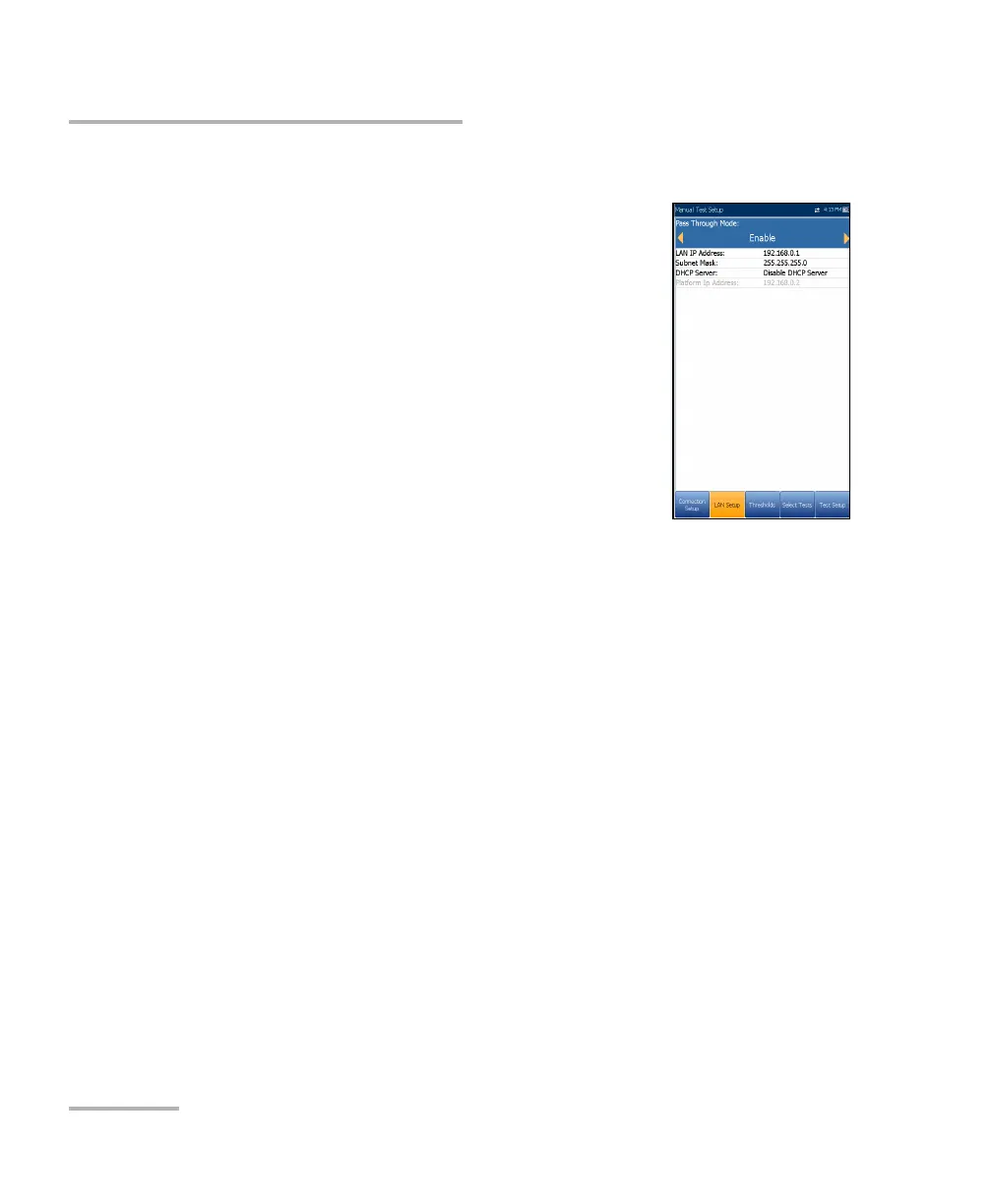
LAN Setup
The LAN Setup tab is available in Ethernet Test Setup
and Manual Test Setup when the Access Mode set in
Connection Setup is not Sync Only. LAN Setup
allows you to configure the parameters required when
working in Pass Through Mode, and the LAN (local
area network) is connected to the external device
which supports 10/100 and 1000 (GVXAA and GVXAB
models only) Ethernet.
Note: This tab is not available in Auto Test Setup.
Pass Through Mode - Enable or Disable. When
the Access Mode is Bridged, Pass Through Mode
is set to Enable.
LAN IP Address is the local network IP address of the unit.
Note: If the DSL WAN has an IP address on a specific subnet (for example
192.168.x.y) and the Ethernet LAN port is enabled, configure the default
LAN IP address to a different subnet (for example 10.0.x.y) to avoid IP
communication problems.
Subnet Mask is the network address mask used to identify if the IP
address is within the same local area network.
DHCP Server enables the dynamic host configuration protocol (DHCP)
mode for the LAN side of the connection.
Platform Ip Address is displayed when the DHCP Server is disabled.













 To Next Page