Setting Up DSL/IP Tests
Copper and G.fast/VDSL2/ADSL2+ Multi-play Test Set 337
Test Configuration
To configure LAN setup values:
1. Press the up/down arrows to select the desired parameter.
2. Press the left/right arrow keys to view and select the options.
OR
3. Press on a value to open a list box of options or the alphanumeric
editor screen and use the navigation keys to scroll through.
4. Press to confirm the value.
5. If you make any changes to the parameter values, press the on-screen
function keys to save or cancel your input.
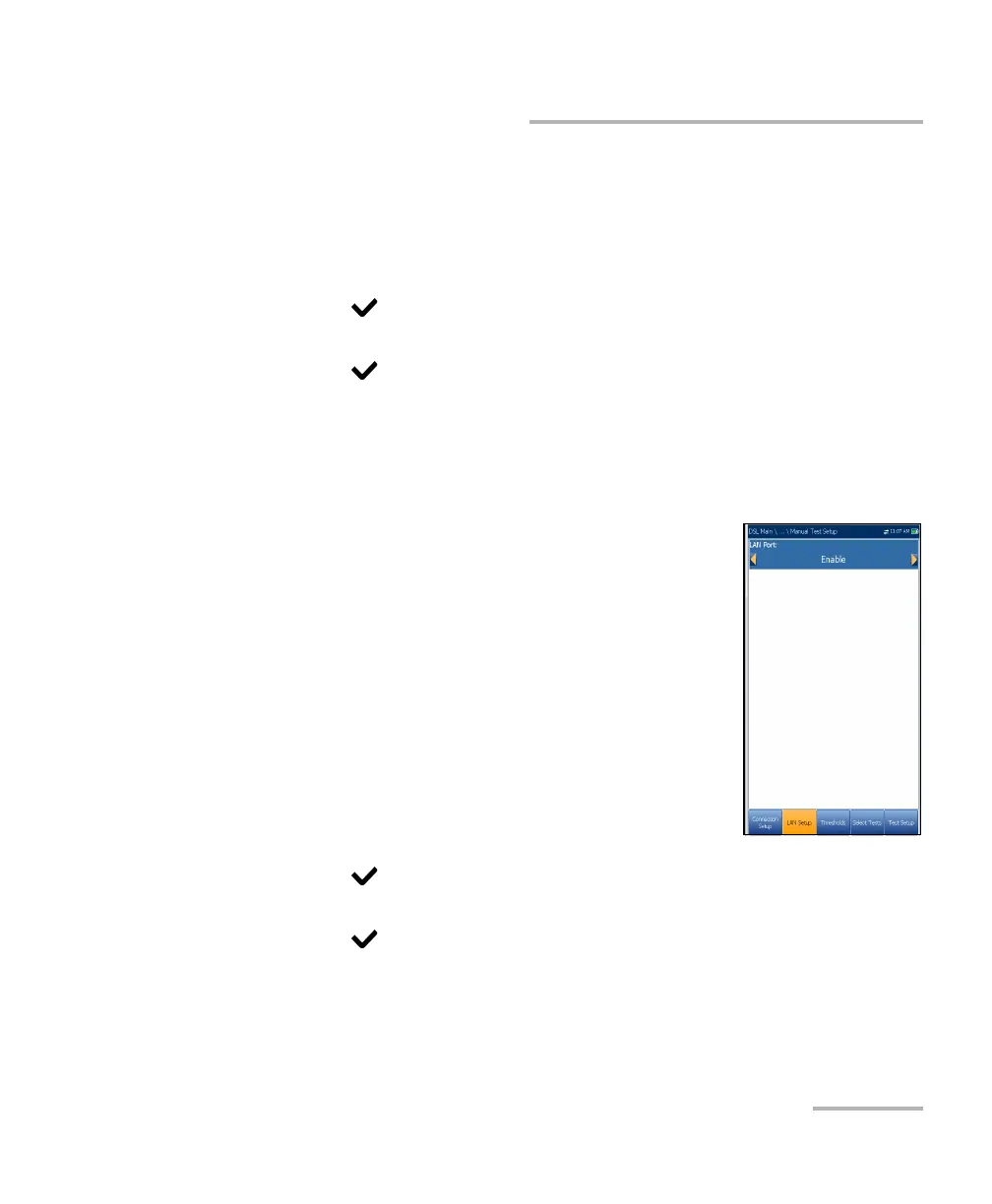
IPv6 LAN Setup
The IPv6 LAN Setup tab is available only in Manual
Test Setup and when the Access Mode set in
Connection Setup is set to IPv6 (DHCP). This page
allows you to Enable/Disable Pass Through Mode
when the LAN (local area network) is connected to
the external device which supports
10/100/1000 Ethernet. Pass Through Mode is renamed
LAN Port.
To set the parameter:
1. Press the left/right arrow keys to toggle between
Enable/Disable.
OR
2. Press on any value to open the list box to toggle between
Enable/Disable by pressing the up/down arrow keys.
3. Press to confirm your selection.













 To Next Page