Setting Up DSL/IP Tests
Copper and G.fast/VDSL2/ADSL2+ Multi-play Test Set 341
Test Configuration
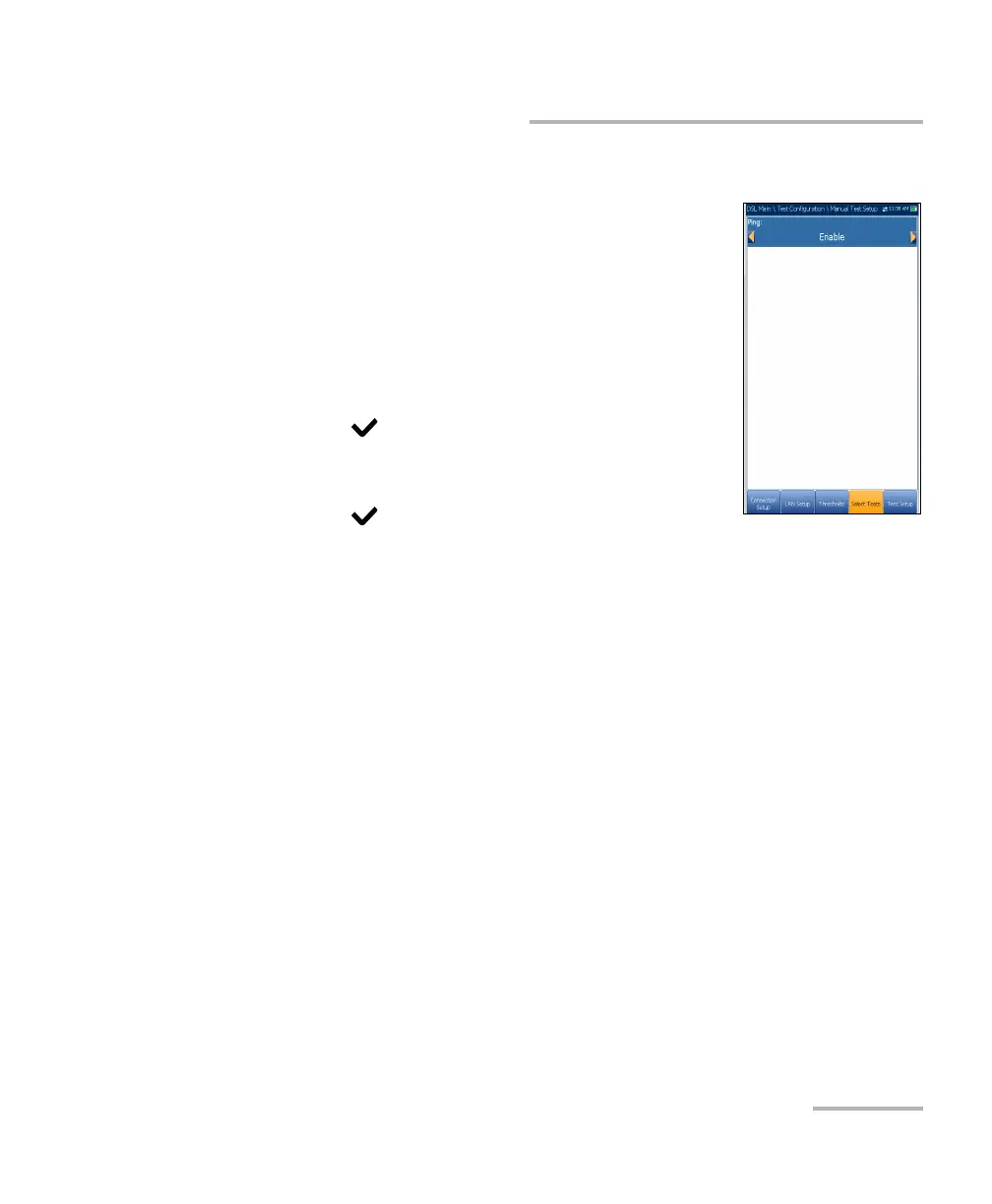
IPv6 Select Tests
When IPv6 (DHCP) is set as the Access Mode, the
Select Tests tab allows you to Enable/Disable only
the Ping parameter.
To set the parameter:
1. Press the left/right arrow keys to toggle between
Enable/Disable.
OR
2. Press on any value to open the list box to
toggle between Enable/Disable by pressing the
up/down arrow keys.
3. Press to confirm your selection.













 To Next Page