Setting Up DSL/IP Tests
Copper and G.fast/VDSL2/ADSL2+ Multi-play Test Set 349
Test Setup
To setup the channel list:
1. Press the up/down, right/left keys to select the desired channel
parameter.
2. Use the on-screen function buttons to create or edit the channel list.
OR
3. Use the navigation keys to select the Previous/Next Entry button(s)
and press to select the entry to be highlighted and edited.
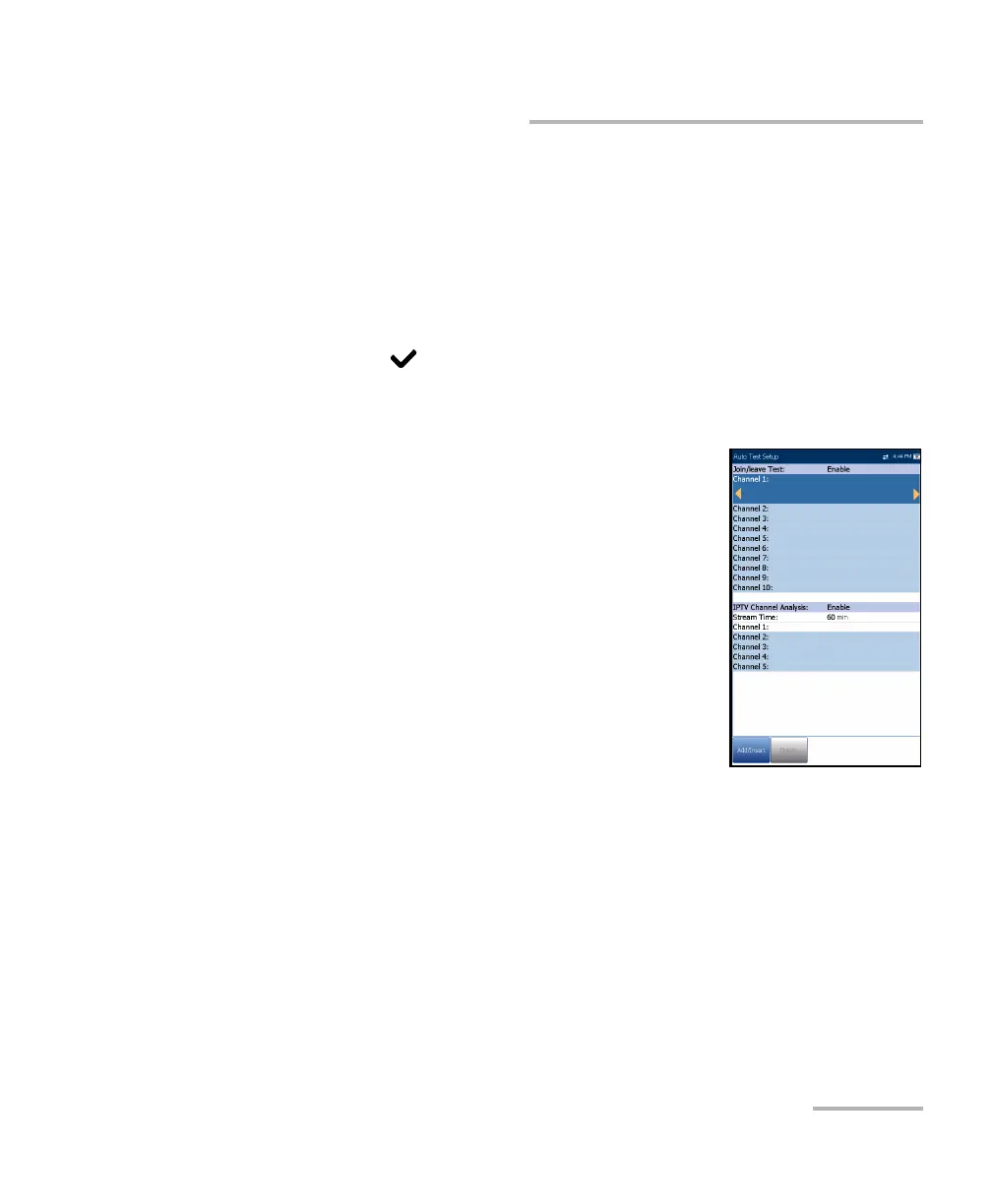
Auto IPTV Test Setup
The Auto IPTV Test Setup page in the IPTV test
setup allows you to define 2 types of IPTV tests to run
automatically:
Join/leave Test - Enable to define a list of
channels to sequentially join and leave. If
disabled, no test is performed.
Channel 1-10 allows you to define a list of up to
10 channels.
IPTV Channel Analysis - Enable to add
channels for analysis. If disabled, channel
analysis in auto test is not performed.
Stream Time defines the length of time, from 1 to 60 s, to keep the
channel stream(s) for analysis.
Channel 1-5 allows you to define up to 5 IPTV channels for
concurrent analysis.













 To Next Page