Setting Up DSL/IP Tests
352 MAX-635G
Test Setup
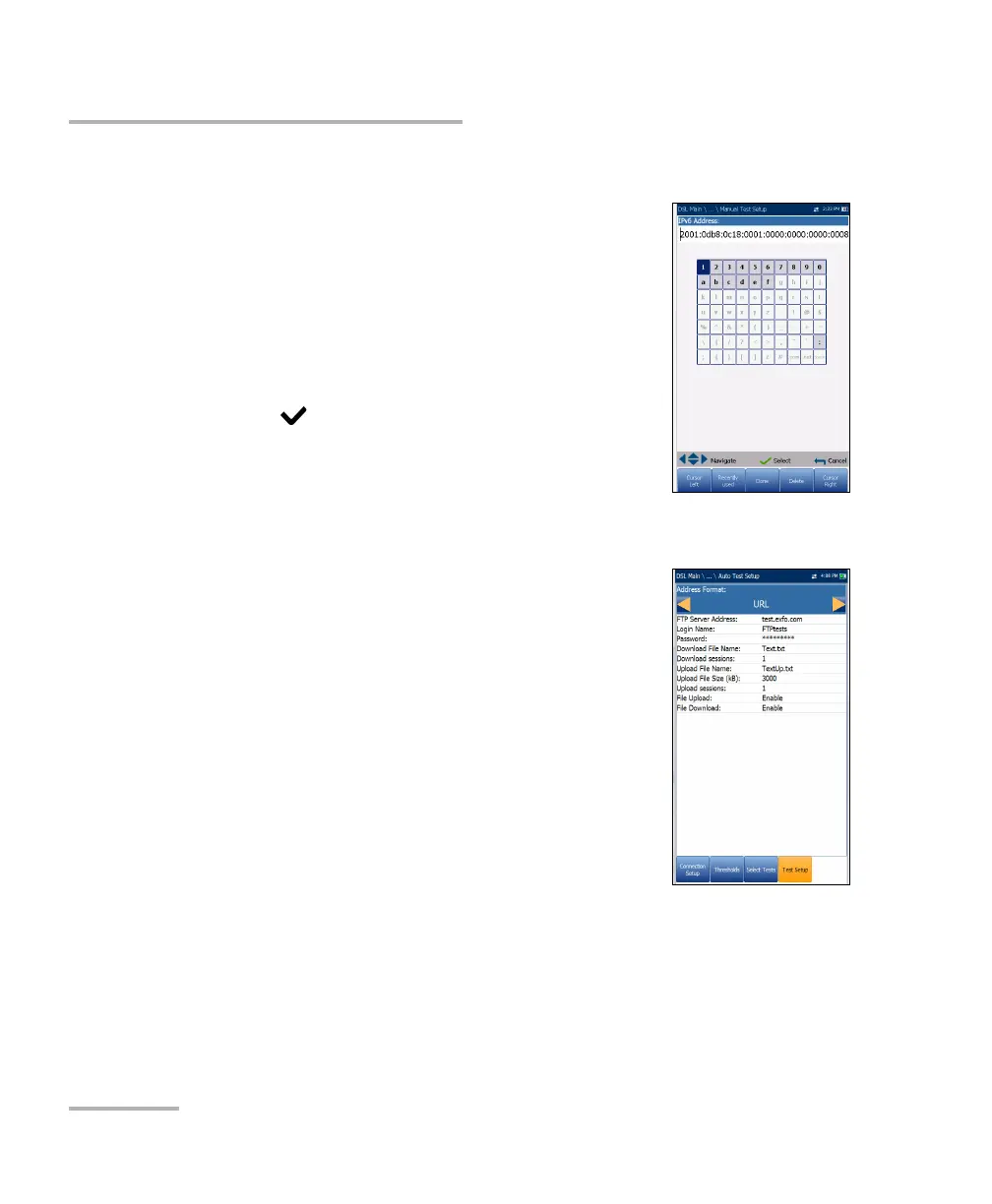
Enter IPv6 Address
The alphanumeric editor screen allows you to add
and change parameter values, and save changes to an
IPv6 Address. You must enter a value for each of the
8 IPv6 octets for example, 2001:db8:0:0:0:0:2:1.
To use the editor screen:
1. Press the up/down left/right arrows to navigate the
highlighted keys in the on-screen keyboard.
2. Press
to confirm each selection.
3. Use the on-screen function buttons to create or
edit the address.
FTP Test Setup
The FTP test verifies the file transfer speed of the file
download and upload. The FTP Test Setup tab allows
you to configure the following parameters:
Address Format is URL or IP Address.
FTP Server Address lists either the URL or IP
Address.
Login Name/Password is your user ID and
password.
Download File Name is the filename requested
for downloading, maximum 128 characters.
Sim. Dn Sessions (GVXAA and GVXAB models
only) is the number of simultaneous sessions required to download the
file, from 1 to 4.
Upload File Name is the filename used for uploading, maximum
128 characters.













 To Next Page