Setting Up DSL/IP Tests
Copper and G.fast/VDSL2/ADSL2+ Multi-play Test Set 351
Test Setup
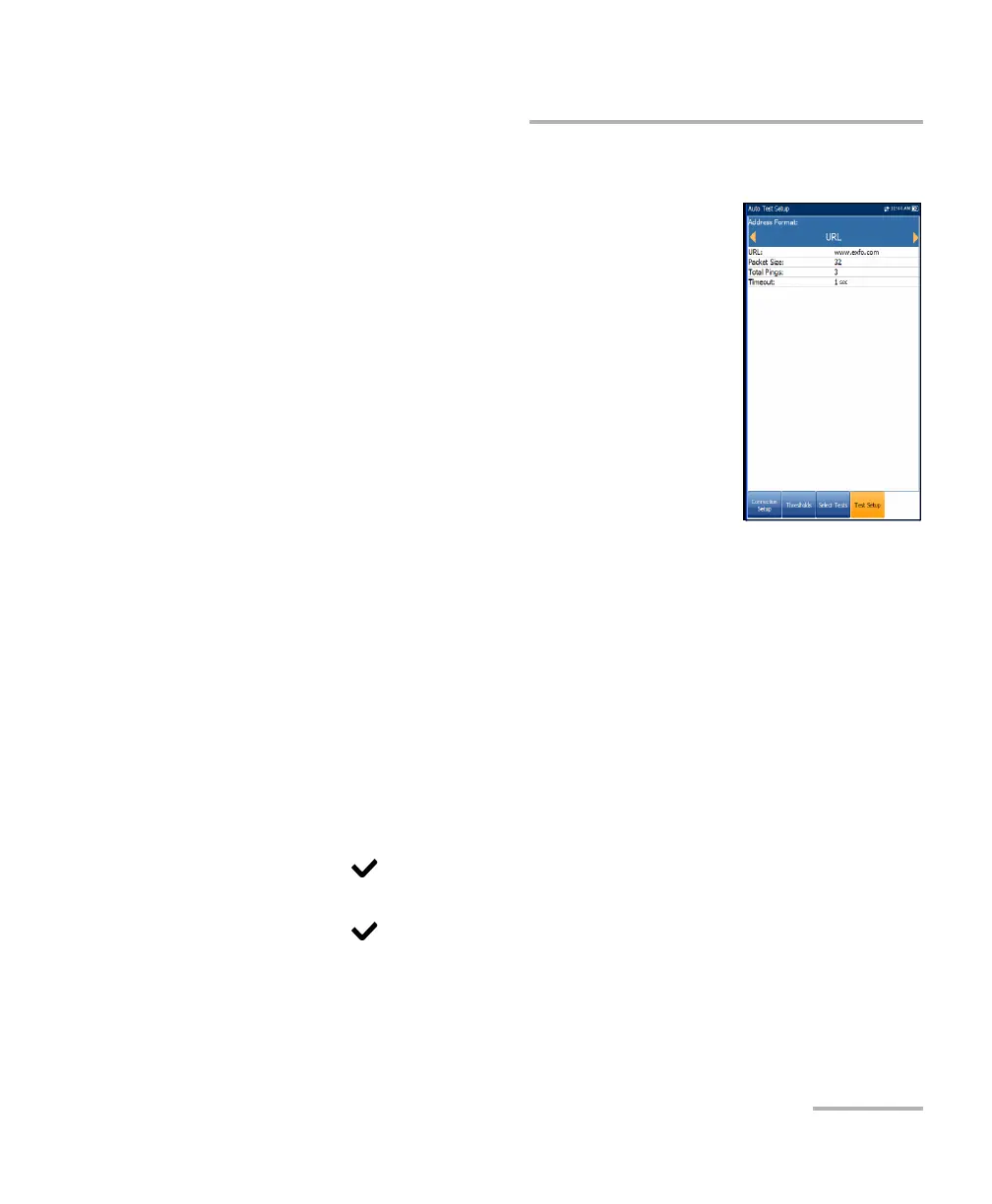
Ping Test Setup
The Test Setup tab is available only if Access Mode is
not Sync Only.
Address Format is URL, IP Address, or Gateway.
When IPv6 (DHCP) is set as the Access Mode in
Connection Setup, IP Address is changed to
IPv6 Address.
URL/IP Address lists either the URL or IP Address
where the unit pings.
IPv6 Address parameter replaces the URL/IP
Address when IPv6 (DHCP) is set as the Access
Mode.
Packet Size is a value from 32 through 1200 of the number of bytes sent
in one packet. The default value is 32.
Total Pings is the total number of Ping packets to send out from
1 through 99. The default value is 3.
Timeout is the time in seconds from 1 through 10, that the unit will wait
for a response back from the destination device.
To configure test setup values:
1. Press the up/down arrow keys to select the desired parameter.
2. Press the left/right arrow keys to view and select the options.
OR
3. Press on a value to open a list box of options or the alphanumeric
editor screen and use the navigation keys to scroll through.
4. Press to confirm the value.
5. If you make any changes to the parameter values, press the on-screen
function keys to save or cancel your input.













 To Next Page