Setting Up Copper Tests
70 MAX-635G
Dialer Function
To dial a number:
1. Use the up/down arrow keys to highlight an entry or button and
press .
2. Enter a new phone number using the on-screen keypad or select an
existing one from the lists.
3. Press the Dial function key to start the call.
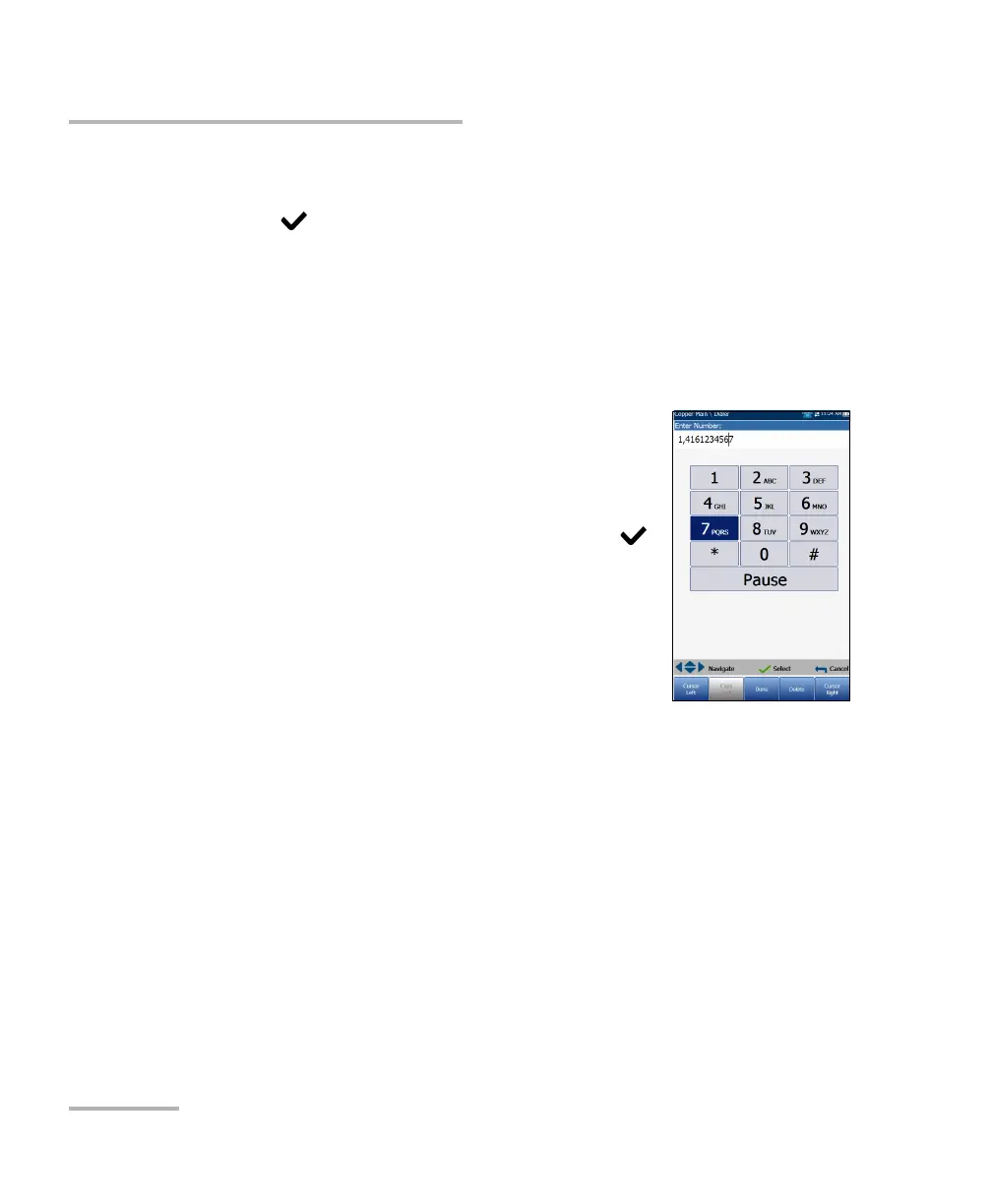
Enter Number
The Enter Number box is where you enter the phone
number you wish to dial.
To enter a phone number:
1. Press any of the buttons on the keypad by using
the navigation keys on the unit and pressing .
The selected numbers are entered in the text box.
2. Press Pause to enter a 1-second pause while
dialing. For example, pressing Pause
consecutively 3 times, creates a 3-second pause.
3. Move left or right in the text box by using
Cursor Left/Right function keys.
4. Delete a character by moving the cursor to the left of the character and
pressing the Delete function key.
5. Press Done function key when you have completed entering a phone
number.
Note: Alphabets on the keypad are for reference only. Pressing any of the buttons
will not show the alpha-character in the text box.













 To Next Page