Setting Up Copper Tests
Copper and G.fast/VDSL2/ADSL2+ Multi-play Test Set 87
Application Settings
Test List Setup
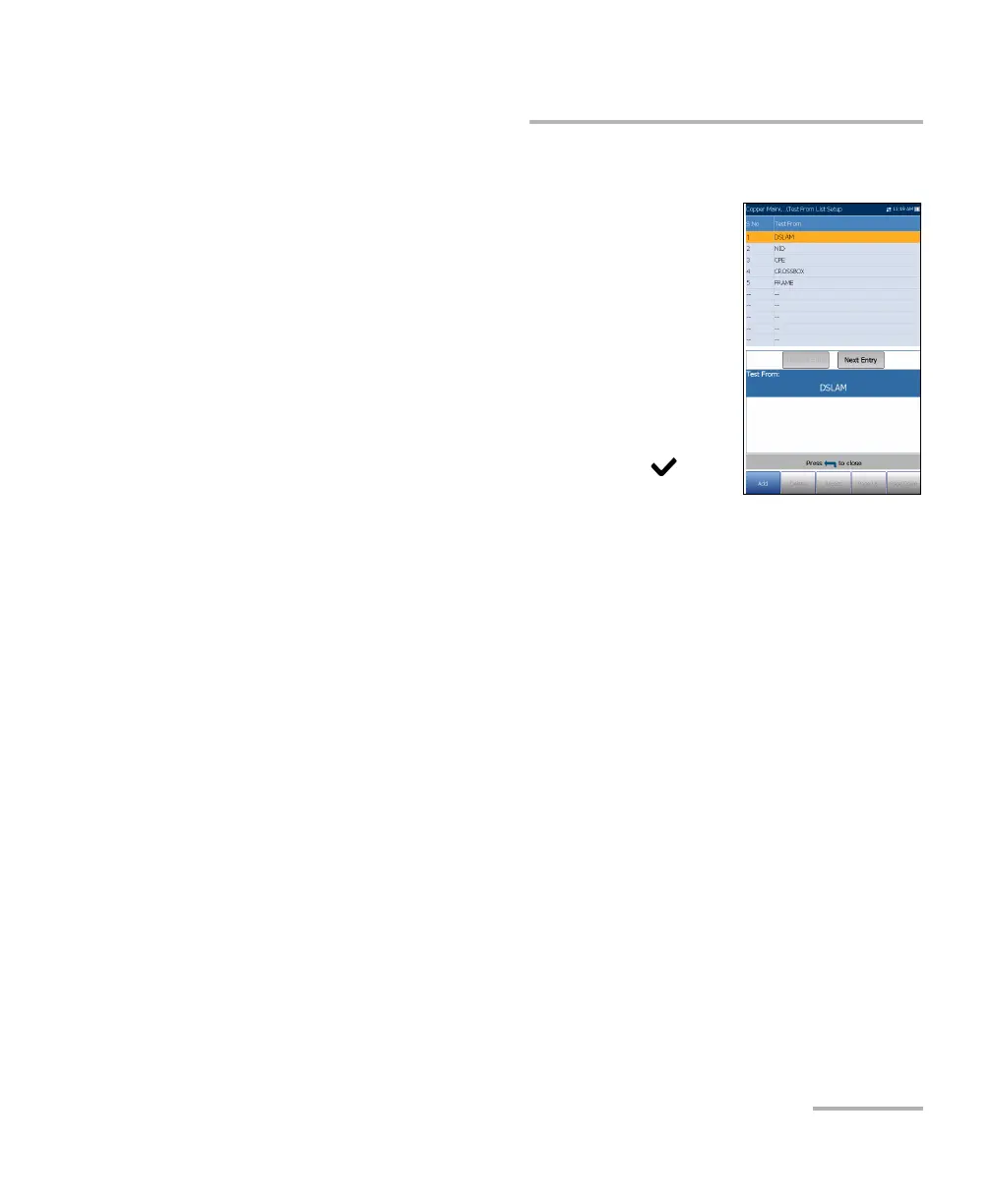
The Test From List Setup and Test To List Setup
pages allow you to manage the entries of the list.
However, there are 5 entries by default which cannot
be edited or deleted. These are DSLAM, NID, CPE,
CROSSBOX, FRAME. When any of these are selected,
the Delete and Accept buttons are disabled.
A maximum of 20 different entries can be added.
To manage the list:
1. Press the left/right arrow keys to select the
Previous/Next Entry buttons and press to
select the previous/next entry.
2. Press Page Up/Down function keys to see entries on the previous or
next pages. These keys are disabled if no other pages exist.
3. Press Add function key to add an entry just below the selected entry in
the list.
4. To edit an entry, press the up/down arrow keys to highlight the selected
test. Press Accept function key to confirm the changes. If you press
Previous/Next Entry buttons before the Accept function key, the
edited value will be lost.
5. Press Delete function key to delete any entry you have added.













 To Next Page