Setting Up Copper Tests
86 MAX-635G
Application Settings
Identification
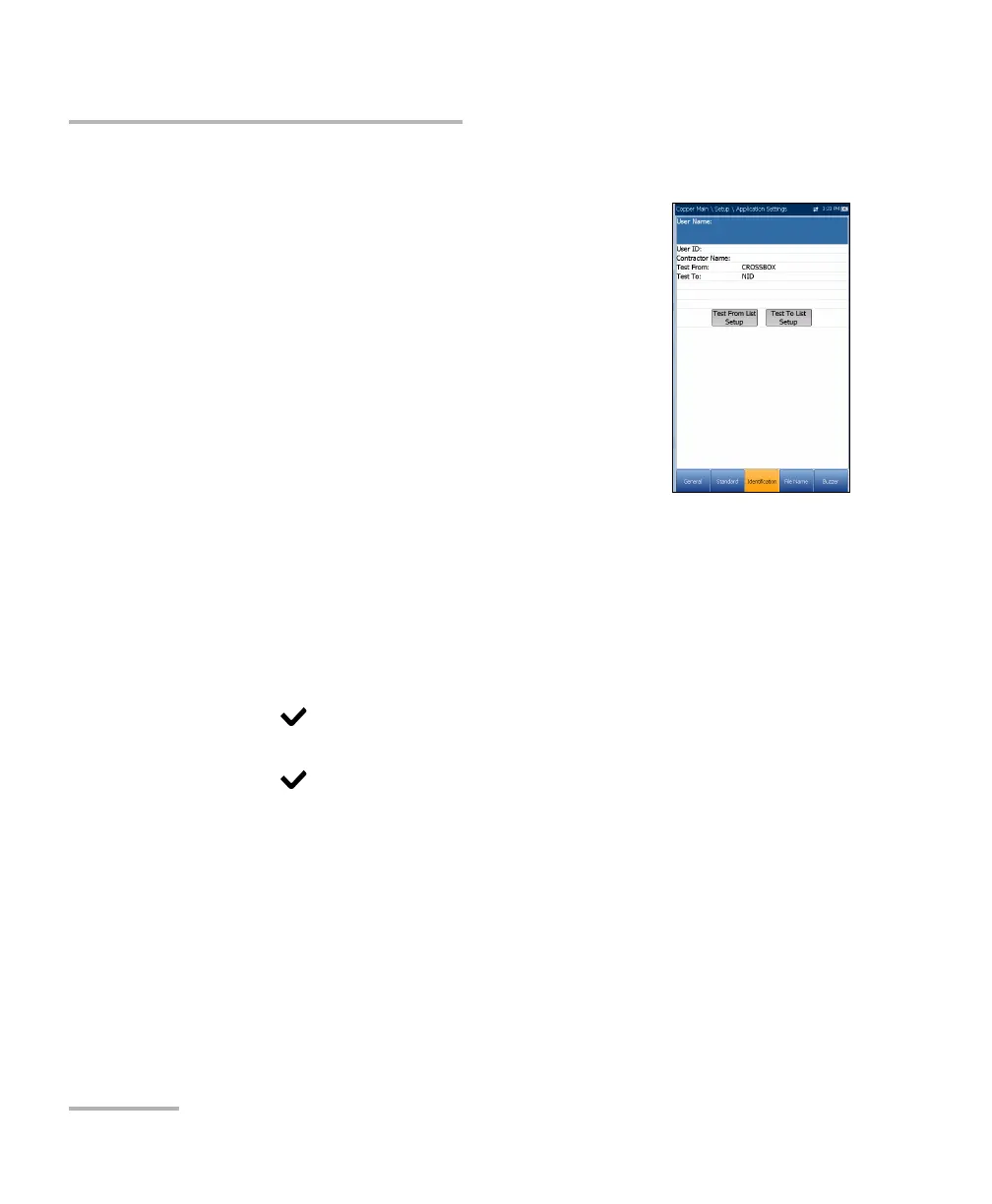
The Identification tab allows you to preset values to
identify each single and auto test result file when
saving them. The parameters are as follows:
User Name/User ID allow you to enter up to 25
alphanumeric characters, in each field.
Contractor Name allows you to enter the name of
a contractor used to perform the tests.
Test From/To allows you to select from a list of
entries - up to 20 each, including user defined
values.
Test From/To List Setup buttons open separate list management
pages.
To select the parameter values:
1. Press the up/down arrow keys to highlight the desired parameter.
2. Press the left/right arrow keys to view and select the options.
OR
3. Press on a value to open a list box of options or the alphanumeric
editor screen and use the navigation keys to scroll through.
4. Press to confirm the value.













 To Next Page