6. Diagnostics and optimization
6−31
Festo P.BE−SPC200−WIN−PISA−CD−EN en 0901d
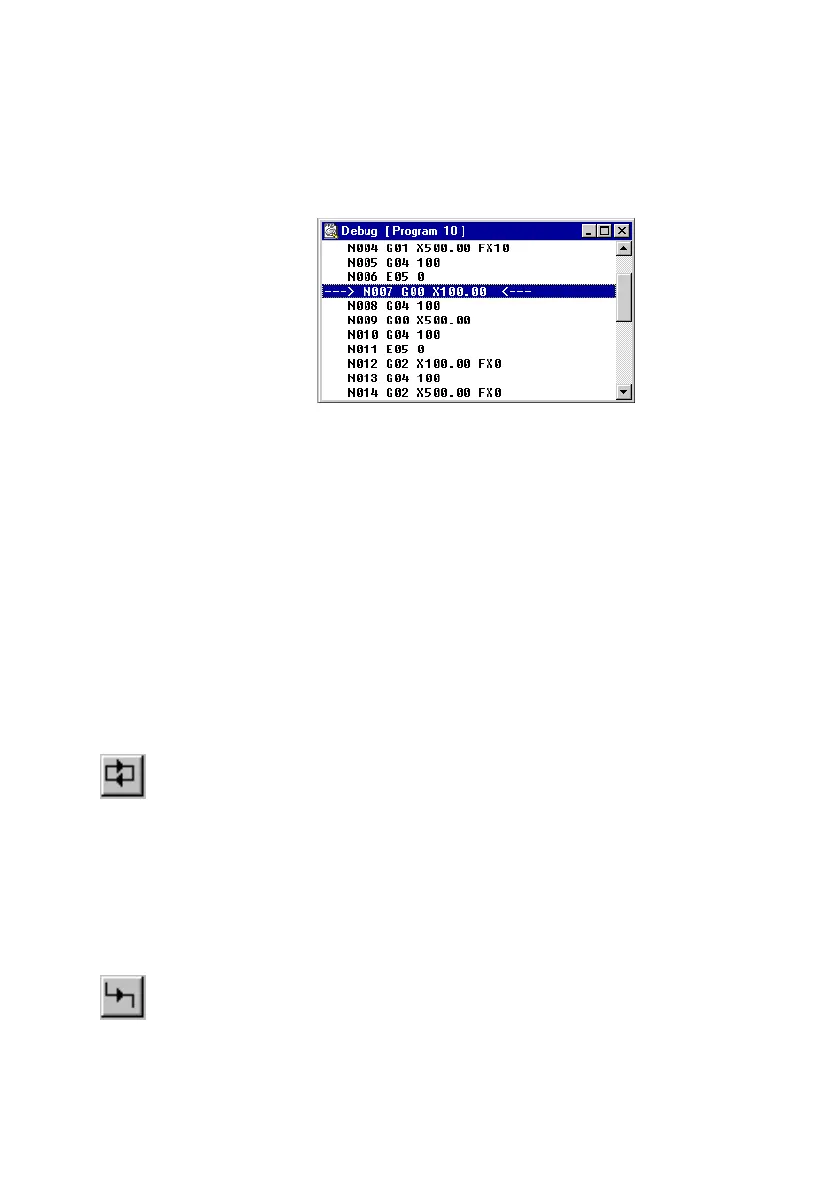
Fig.6/16: Debug window program 10
Testing programs
Continuous operation The function Continuous operation" is only possible in the
Start/Stop mode. The individual NC records of the program
are executed one after the other as programs are tested in
continuous operation. Programmed jumps are taken into
consideration and executed.
To start a program in continuous operation:
1. Select the
NC record with which you wish to start
continuous operation in the Debug window.
2. Select [Startcontinuous run] from the [Online] [Control
commands] menu or click on the Start continuous run"
button in the toolbar to start continuous operation.
Single record Single NC records in an NC program can be executed in single
steps for
testing purposes.
To execute a single NC record:
1. Select the desired NC record from the Debug window.
2. Start execution of the selected NC record step with
[Executestep] from the [Online] [Control commands]
menu or by clicking on the Executestep" button in the
toolbar.











 To Next Page