1. Installation and general user information
1−33
Festo P.BE−SPC200−WIN−PISA−CD−EN en 0901d
You can tell whether Online mode is activated by:
the tick in the menu [Online] on the command [Online
mode]
the depressed button (Online mode off") in the toolbar.
When switching to Online mode:
the interface is reserved for communications with the
SPC200,
a check is made to see if an SPC200 responds to
the data
transmission settings.
Modified hardware configuration
In the switch−on phase the SPC200 checks the connected
hardware. If there are deviations from the saved nominal
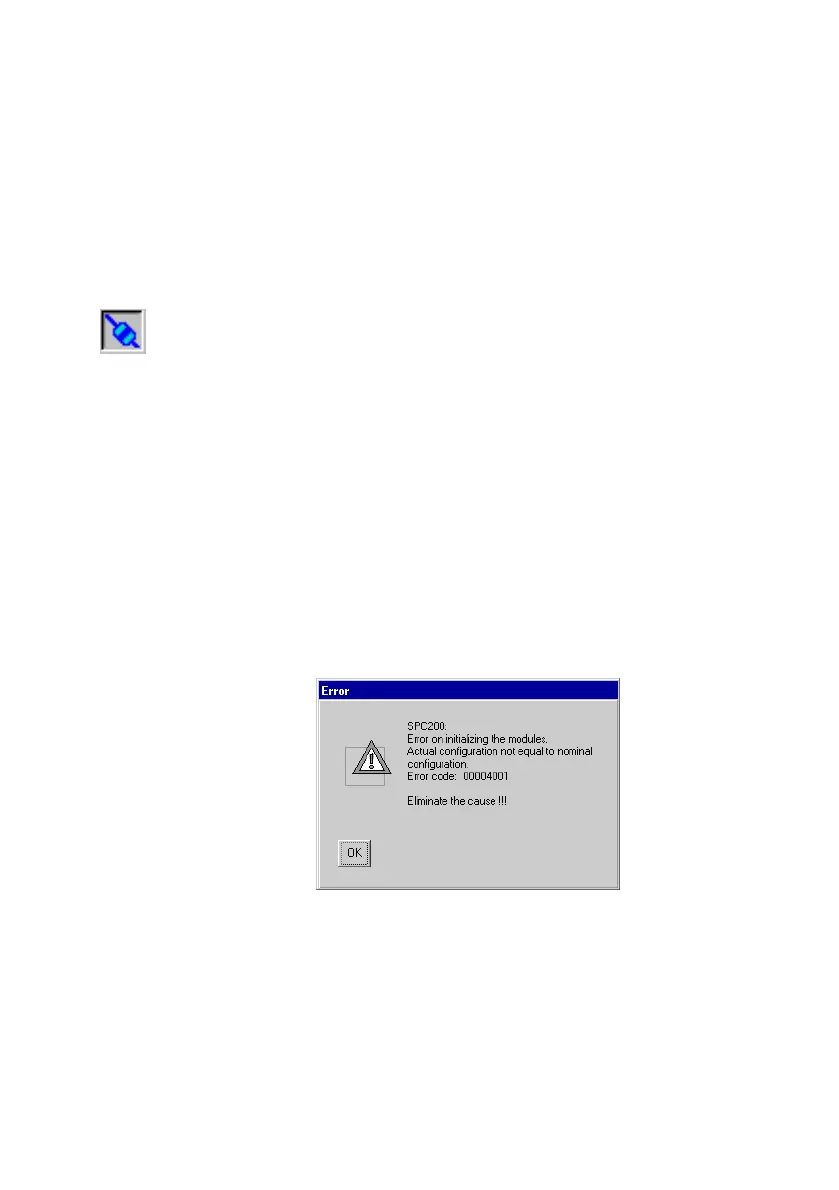
status, the following Message will be displayed when the
Online mode is activated:
Fig.1/17: Actual and nominal configurations not the same
Proceed as follows:
1. Confirm the selection with OK".
2. The actual and the nominal configurations are displayed
in the dialogue window Save actual as nominal configu
ration?".











 To Next Page