190-01115-01 G3X™/G3X Touch™ Avionics Installation Manual
Rev. AV Page 30-5
30.4 Configuration Pages
In configuration mode (Section 30.2), use the Touch Panel or a Move Selector Knob to select and view the
various configuration pages. Selection of individual items on each configuration page are also made using
the Touch Panel or a Move Selector Knob.
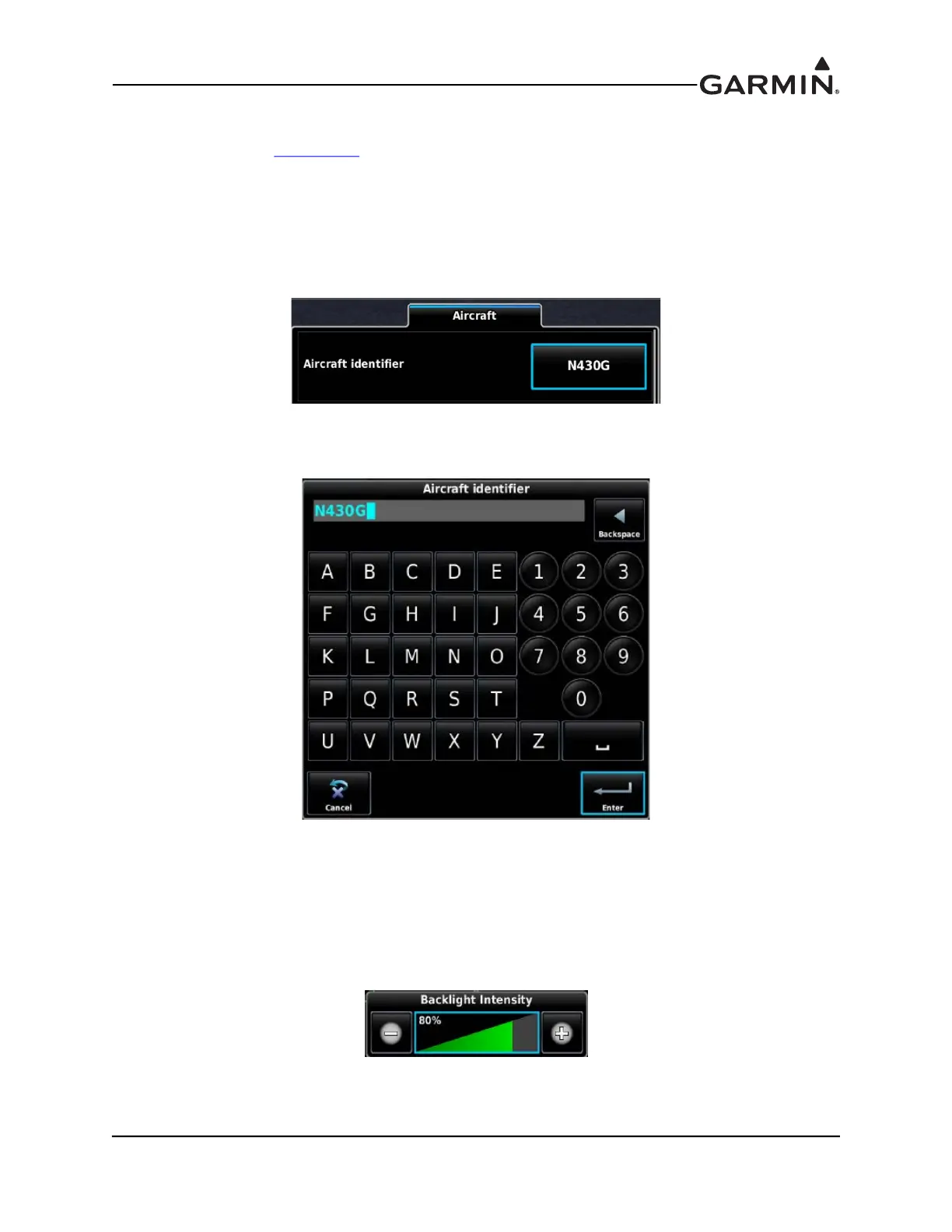
30.4.1 Data Entry Keyboard
To enter data into a data field:
1. Press the data field button on the Touch Panel (or select the data field with a Move Selector Knob).
2. Enter data using the pop-up keyboard using the Touch Panel or a Move Selector Knob (if needed,
use the Backspace button to clear data).
3. When finished, press OK to enter data, or Cancel to retain previous data.
30.4.2 Data Entry Slider Bar
To change data in a field:
1. Press the data field button on the Touch Panel (or select the data field with a Move Selector Knob).
2. Press the “-” or “+” buttons to increase or decrease the setting.
3. Press anywhere on the Touch Panel other than the slider bar (or the Back key) to return to the
Configuration Page.



 To Next Page