190-01115-01 G3X™/G3X Touch™ Avionics Installation Manual
Rev. AV Page 30-141
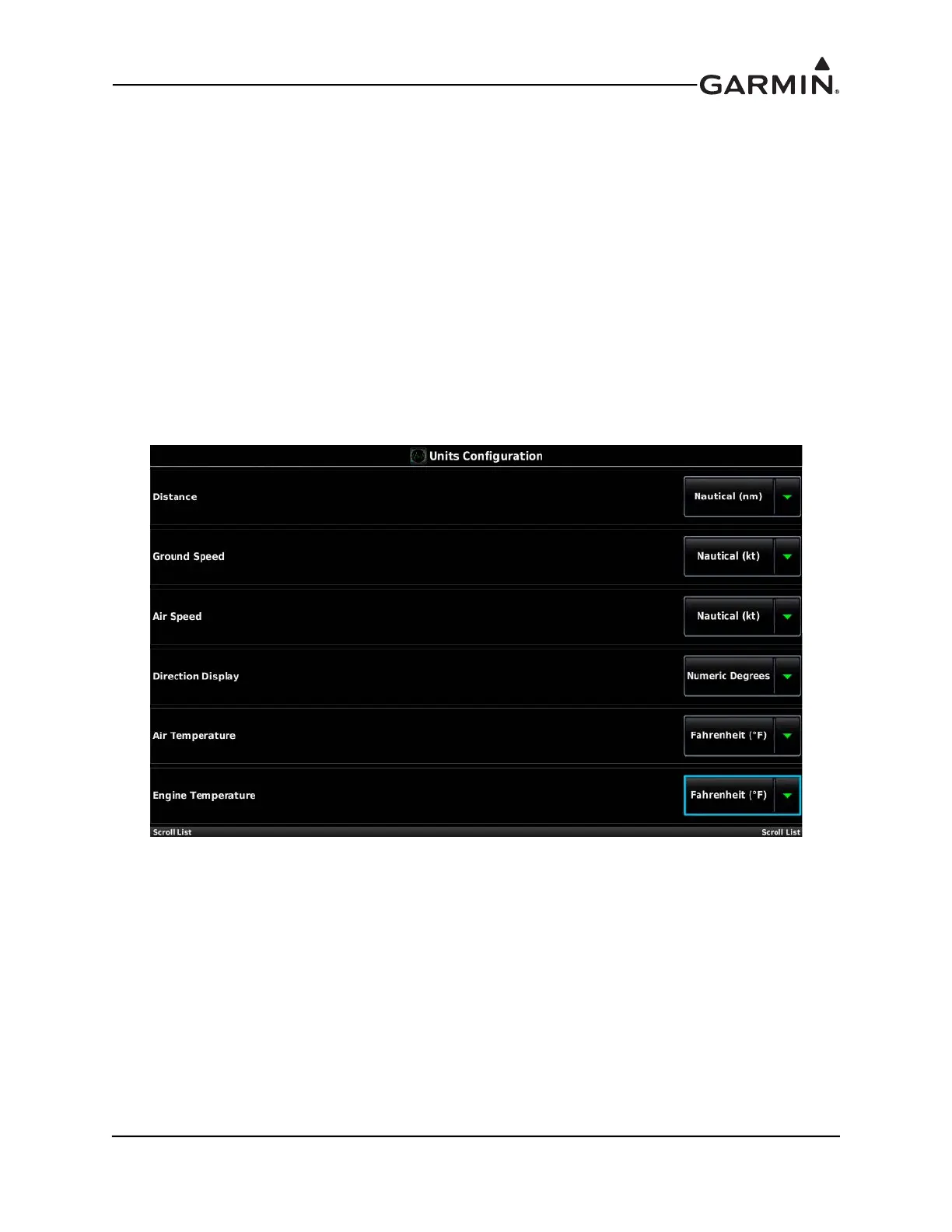
30.4.17 Units Configuration Page
The Units Configuration Page allows selection of the desired displayed units for the listed items in the
Units Configuration window. The settings accessed on this page include:
1. In configuration mode, use Touch Panel or a Move Selector Knob to select the Units Configuration
Page.
2. Use the Touch Panel or a Move Selector Knob to select the desired configurable item and make the
desired change.
3. Press the Back key to return to the Configuration Mode page when finished (if desired).
Distance Ground Speed Air Speed
Direction display Air Temperature Engine Temperature
Altitude Vertical Speed Baro Pressure
Fluid Pressure Fluid Volume Weight
Power Fuel Economy Fuel Flow
Fuel Calculator



 To Next Page