190-01115-01 G3X™/G3X Touch™ Avionics Installation Manual
Rev. AV Page H-12
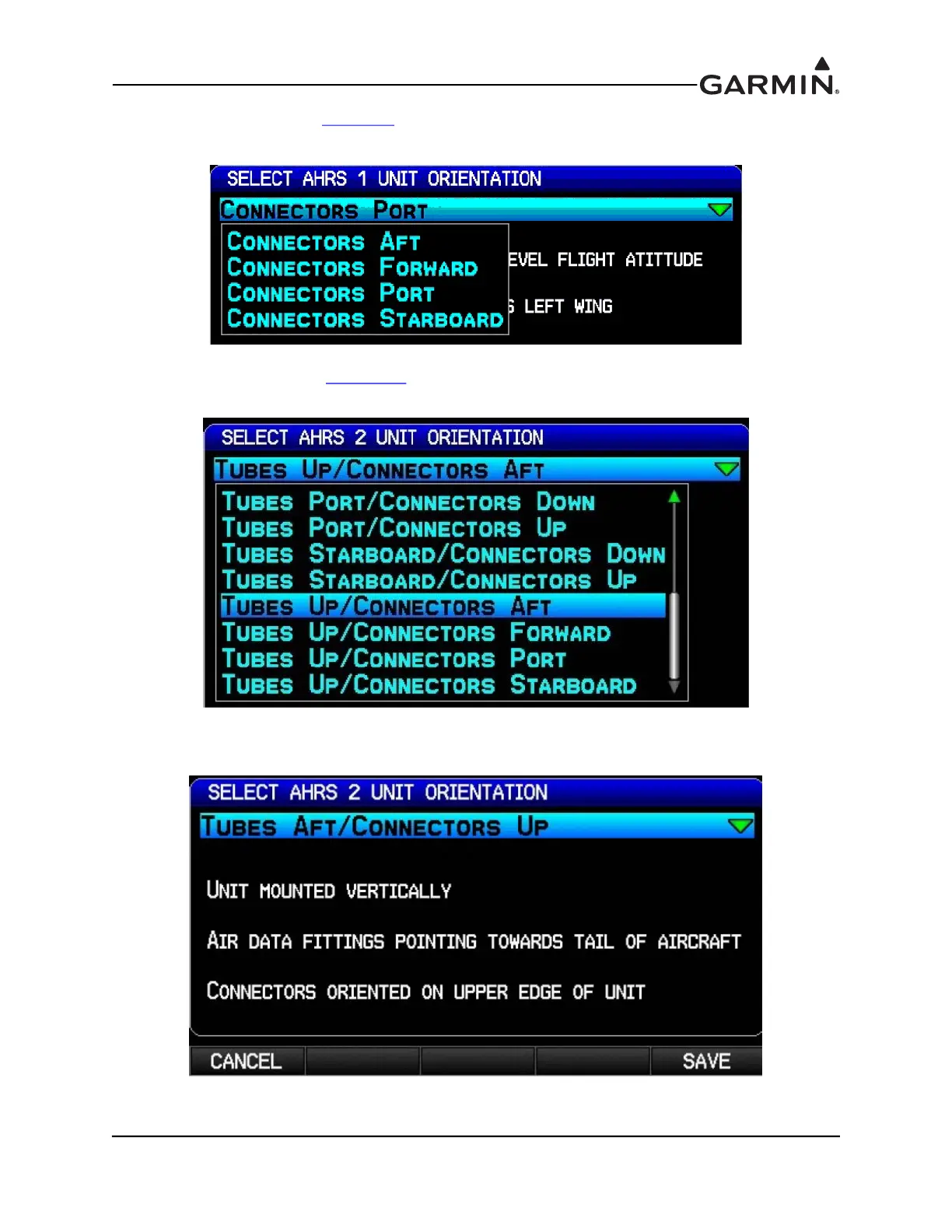
5. For a GSU 73, refer to Figure F-8 to find the correct LRU orientation. Select the correct orientation
from the pull-down list, then press the ENT key. For a GSU 25, proceed to the next step (6).
6. For a GSU 25, refer to Figure 17-6
pages 1-3 to find the correct LRU orientation, then select that
orientation from the pull-down list.
7. Read the description of the selected orientation to make sure the proper orientation has been
selected, then press the Save softkey to store the orientation.
H.4.3.2 Pitch/Roll Offset Compensation by Aircraft Leveling



 To Next Page