190-01115-01 G3X™/G3X Touch™ Avionics Installation Manual
Rev. AV Page 30-13
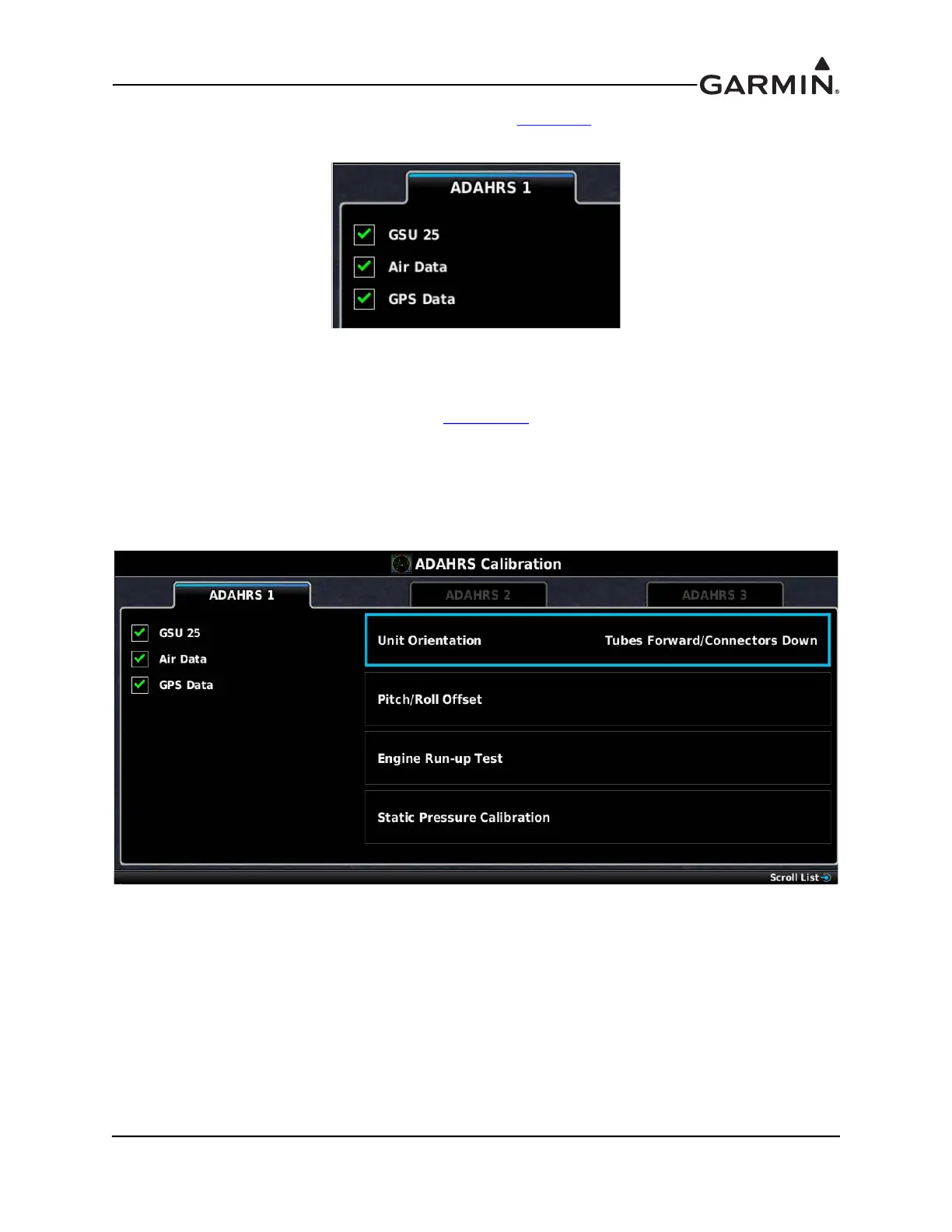
The ADAHRS Calibration Page status boxes referred to in Table 30-2 and Table 30-3 are shown in
Figure 30-3.
Figure 30-3 ADAHRS Status Boxes
30.4.7.1 ADAHRS UNIT ORIENTATION
1. Power on PFD1 in configuration mode (Section 30.2
), this step can be skipped if PFD1 is already
in configuration mode.
2. Use the Touch Panel or a Move Selector Knob to select the ADAHRS Calibration Page.
3. Use the Touch Panel or a Move Selector Knob to select the ADAHRS (1, 2, or 3) that is being
configured.
4. Use the Touch Panel or a Move Selector Knob to select Unit Orientation.



 To Next Page