190-01115-01 G3X™/G3X Touch™ Avionics Installation Manual
Rev. AV Page 30-173
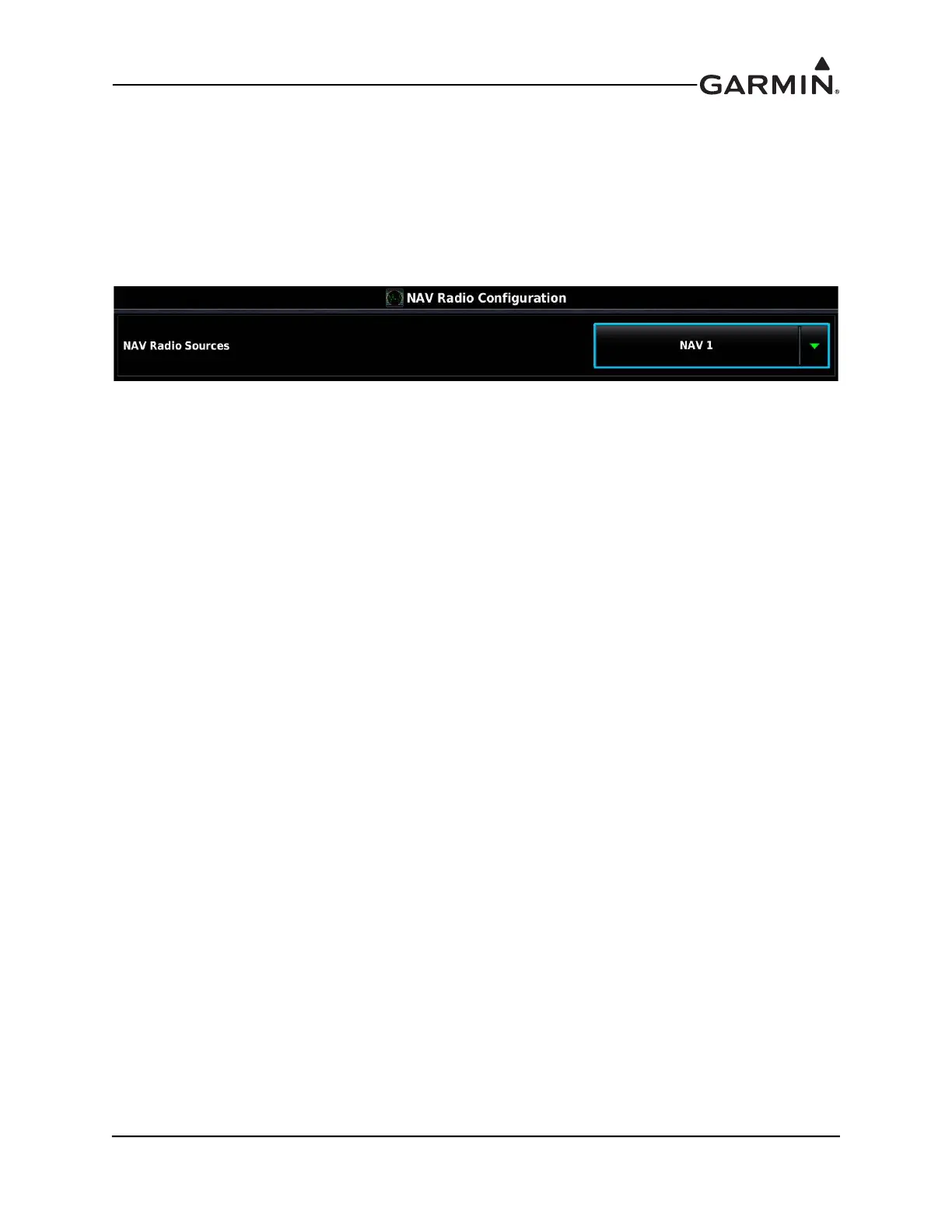
30.4.28 NAV Radio Configuration Page
For installations using a NAV radio, the available options are described in the following text.
None - (Default setting) Select this setting if installation includes no NAV radios.
NAV 1 - Used to configure the installed NAV radio as NAV 1.
NAV 2 - Used to configure the installed NAV radio as NAV 2.
NAV 1 +2 - Used to configure the installed NAV radios as NAV 1 and NAV 2.
To enable NAV Tuning on a GDU 4XX (PFD1), in Configuration mode:
1. On the RS-232 Configuration Page, configure an RS-232 port to "Garmin VHF Nav/Comm" or
"MapMX" format for a supported radio.
2. On the ARINC 429 Configuration Page, configure an ARINC 429 input to "Garmin VOR/ILS"
format for a supported NAV radio.
3. On the NAV Radio Configuration Page, configure which NAV Radio Sources are expected in
Normal mode (NAV1, NAV2, or NAV1 + 2) as explained above.



 To Next Page