190-01115-01 G3X™/G3X Touch™ Avionics Installation Manual
Rev. AV Page 30-242
30.7.2 GNX™ 375 IFR Navigator
Perform all configurations, calibrations, and test procedures in configuration mode.
Dots display above the page name when more than one page is in a group. A cyan dot indicates the active
page. Swipe left or right to change pages.
To Enter Configuration Mode:
1. Push and hold the inner knob.
2. Push the power key.
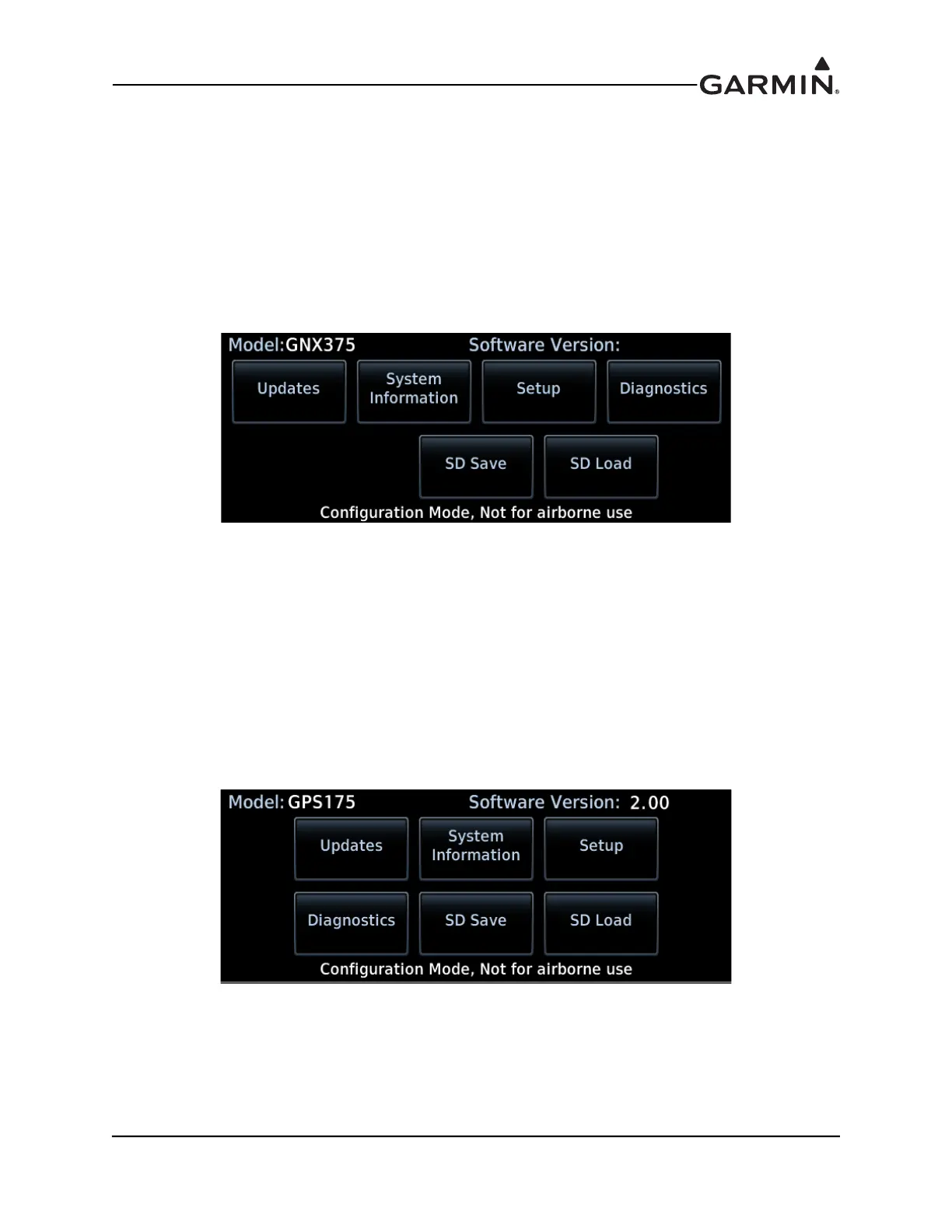
3. When the configuration mode home page displays, release the knob.
GNX 375 Configuration Mode Home Page
30.7.3 GPS 175
Perform all configurations, calibrations, and test procedures in configuration mode.
Dots display above the page name when more than one page is in a group. A cyan dot indicates the active
page. Swipe left or right to change pages.
To Enter Configuration Mode:
1. Push and hold the inner knob.
2. Push the power key.
3. When the configuration mode home page displays, release the knob.
GPS 175 Configuration Mode Home Page



 To Next Page