190-01115-01 G3X™/G3X Touch™ Avionics Installation Manual
Rev. AV Page 30-14
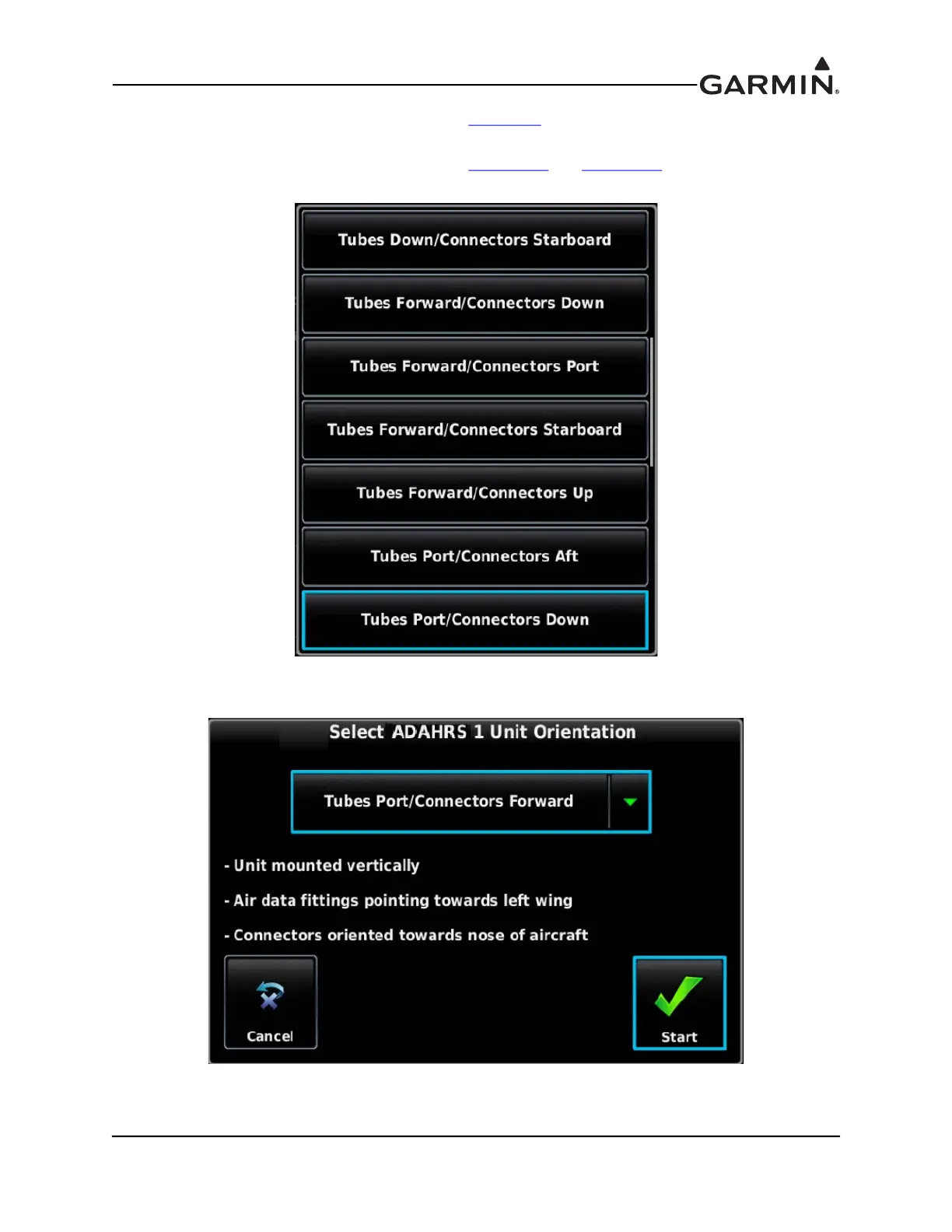
5. For a G3X system using a GSU 73, refer to Figure F-8 to find the correct LRU orientation. Select
the correct orientation from the pull-down list. For a GSU 25, proceed to the next step (6).
6. For a G3X system using a GSU 25, refer to Figure 17-6
and Figure 17-6 to find the correct LRU
orientation, then select that orientation from the pull-down list.
7. Read the description of the selected orientation to make sure the proper orientation has been
selected, then press the Start button to store the orientation.



 To Next Page