190-01115-01 G3X™/G3X Touch™ Avionics Installation Manual
Rev. AV Page 30-38
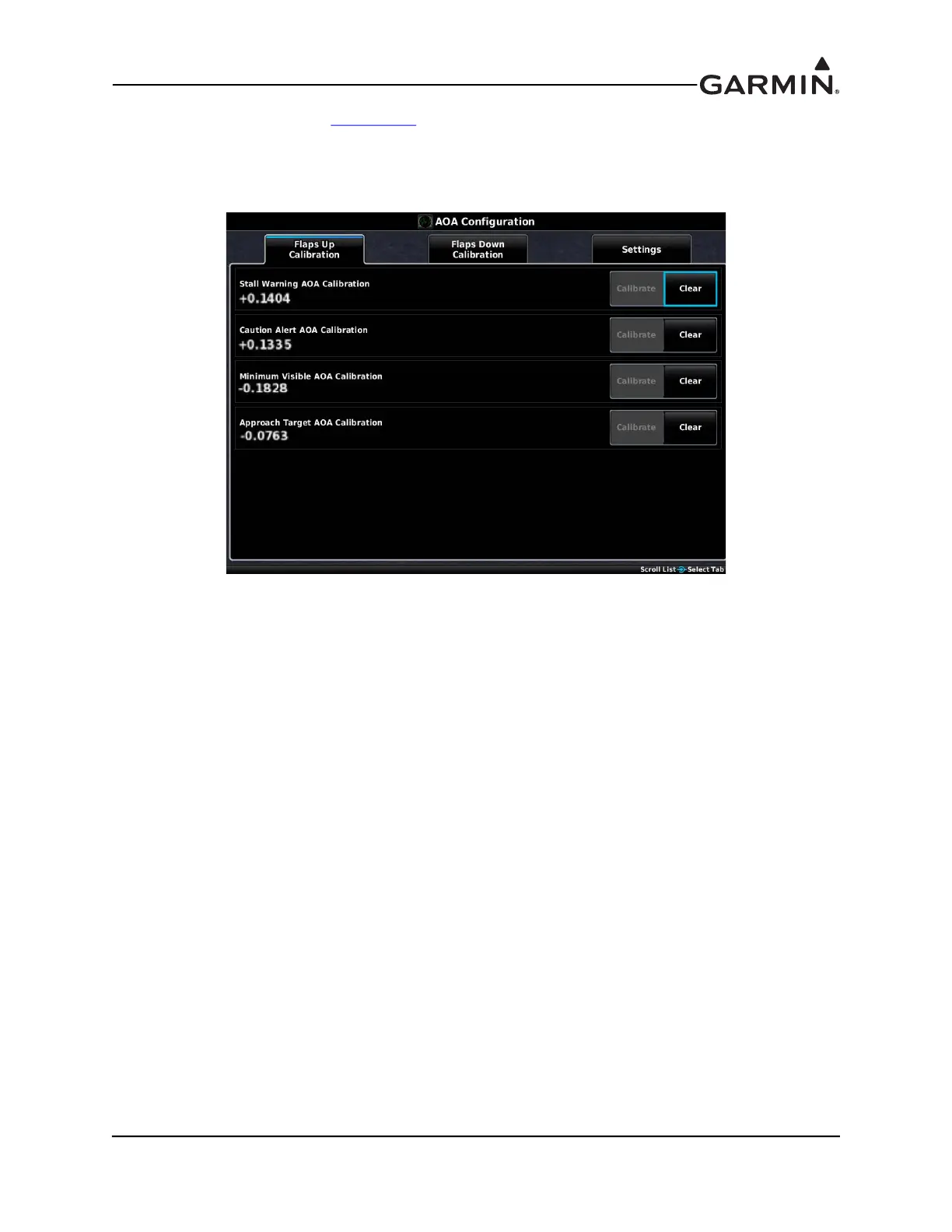
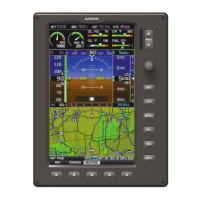
1. In configuration mode (Section 30.2), use the Touch Panel or a Move Selector Knob to select and
view the AOA Configuration Page.
2. Use the Touch Panel or a Move Selector Knob to make the desired changes.
3. Press the Back key to return to the Configuration Mode page when finished (if desired).
Figure 30-6 AOA Configuration Page


 To Next Page