190-01115-01 G3X™/G3X Touch™ Avionics Installation Manual
Rev. AV Page 30-184
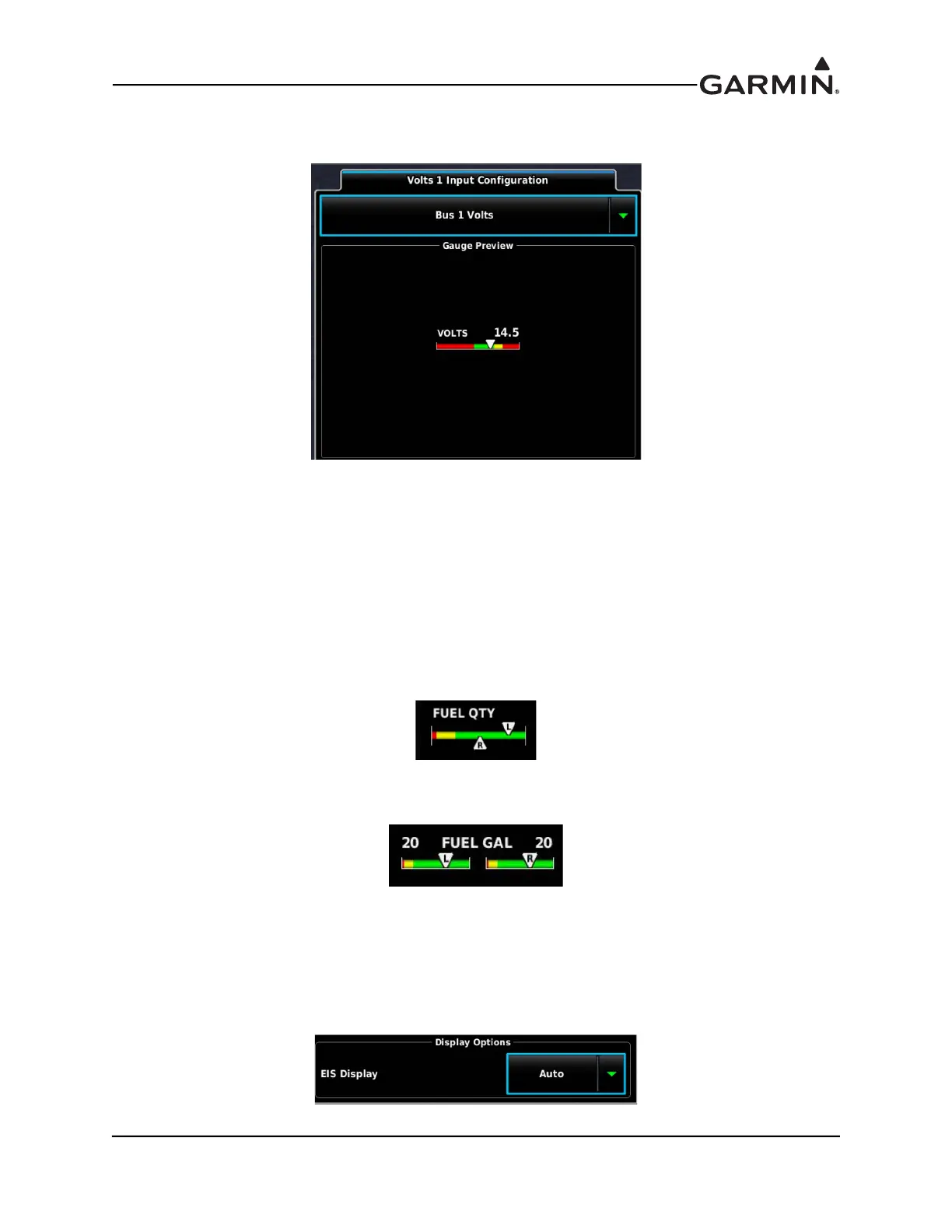
The below Gauge Preview of the Volts 1 Input Configuration page shows an example of the Gauge
Display Range and Gauge Markings settings and the resultant gauge.
Dual Gauge - The EIS display will show a "dual gauge" (two pointers on the same scale, no number) for
related quantities, whenever possible for fuel quantity, volts, amps, TIT, and for CHT and EGT (if set for
two cylinders). To be displayed, the two sides must have the same values for min and max. If the software
can't pair up two related gauges, it will display them as separate gauges with unique names (chosen by the
software), such as "VOLTS 1" and "VOLTS 2”. If there is not enough room to display both related gauges
then neither gauge will be displayed in the EIS display (but will be displayed on the Engine Page).
When two fuel gauges with the same gauge ranges are configured, the gauges can be displayed in either of
two formats:
• Normal: Displays both fuel gauges on a single bar graph with pointers on top and bottom of the
gauge (shown below).
• Separate: Displays each fuel gauge as a separate shorter bar graph with a digital display for each
tank (shown below). This option widens the EIS display.
EIS Display – The Hide setting removes the item from the EIS display, although the item will be displayed
on the Engine page. The Auto setting displays items based upon hierarchy and the availability of EIS
display space. If a particular gauge is not visible on the EIS display, other gauges may be set to "Hide" in
order to allow the desired gauge to appear instead. The "Text Only" setting allows for a text based gauge to
be assigned to the item, increasing available room on the EIS strip. *RPM cannot be displayed in the Text
Only format.


 To Next Page