190-01115-01 G3X™/G3X Touch™ Avionics Installation Manual
Rev. AV Page 30-195
30.4.32.12.1 Fuel Quantity Calibration
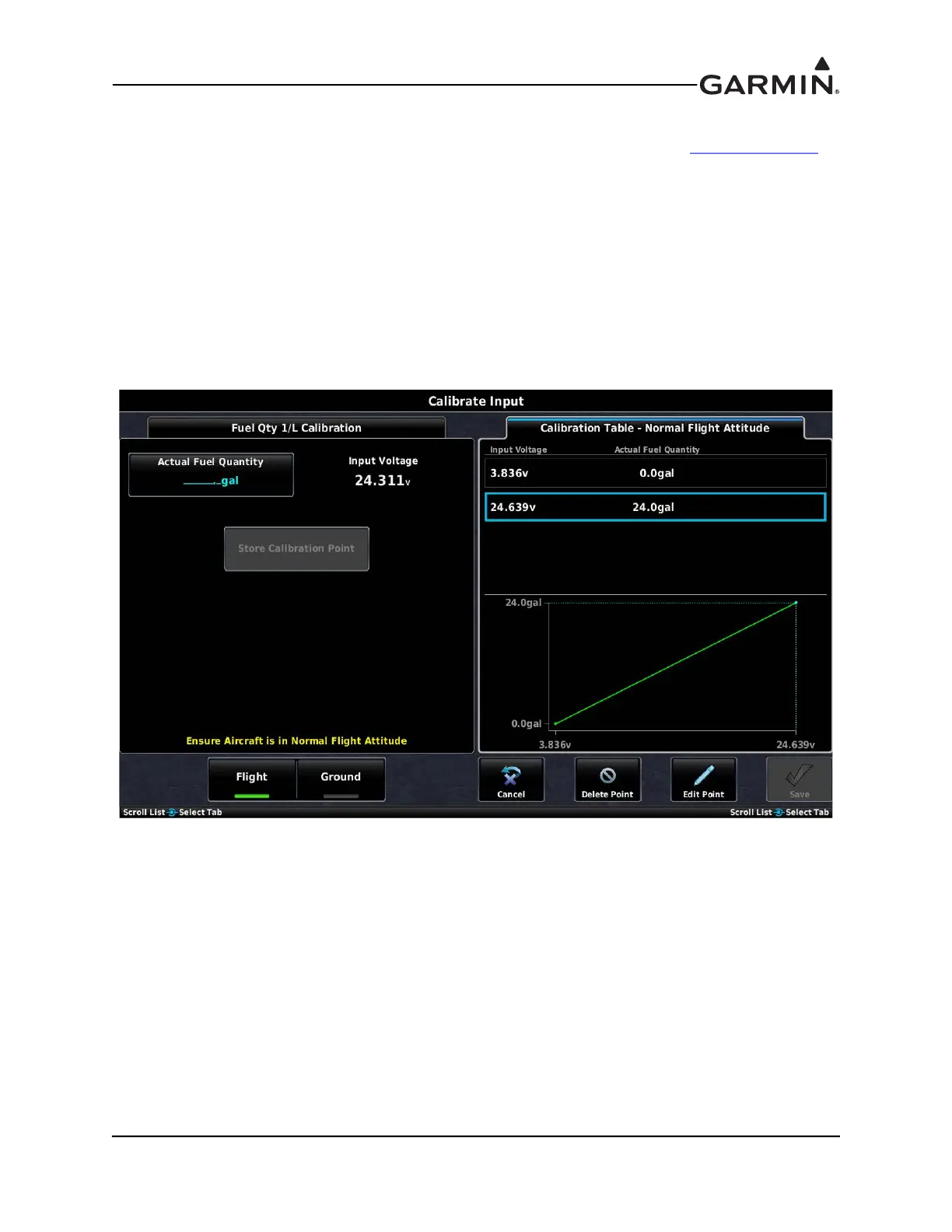
The process for calibrating fuel quantity inputs is similar to the process described in Section 30.4.32.25
,
except the raw sensor values are read directly from the sensors instead of being entered manually by the
installer. This allows precise calibration based on incrementally filling the tank with a known quantity of
fuel during the calibration procedure.
Two fuel calibration curves are supported, the standard ‘in-flight’ or normal flight attitude calibration
curve and an optional ‘on-ground’ or ground/taxi attitude calibration curve. The ground/taxi calibration
curve can be used for aircraft that have a significantly different attitude when on the ground, such as
tailwheel aircraft. If no calibration data is entered for the ground/taxi curve, the normal flight calibration
curve will be used when the aircraft is in flight and on the ground. The calibration curve being used to
display fuel quantity switches automatically and is determined by GPS groundspeed, indicated airspeed,
and height above ground.
Buttons on the calibration page are used to switch between the normal flight and the ground/taxi
calibration curves. Since the ground/taxi attitude calibration is optional and only available when the
normal flight attitude calibration data has been entered, the ‘GROUND’ button is greyed out (unavailable)
until calibration points are entered for the normal flight attitude curve.
To perform the Fuel Quantity calibration:
1. Press the Calibrate button to display the Calibration Page.
2. Orient the aircraft appropriately for the calibration curve (normal flight or ground/taxi) being
performed.
3. Drain all usable fuel from the tank and calibrate at 0.0 gallons.
4. Put a known quantity of fuel (e.g. 5.0 gallons) into the empty fuel tank and enter that same amount
into the Actual Fuel Quantity field.



 To Next Page