190-01115-01 G3X™/G3X Touch™ Avionics Installation Manual
Rev. AV Page 30-197
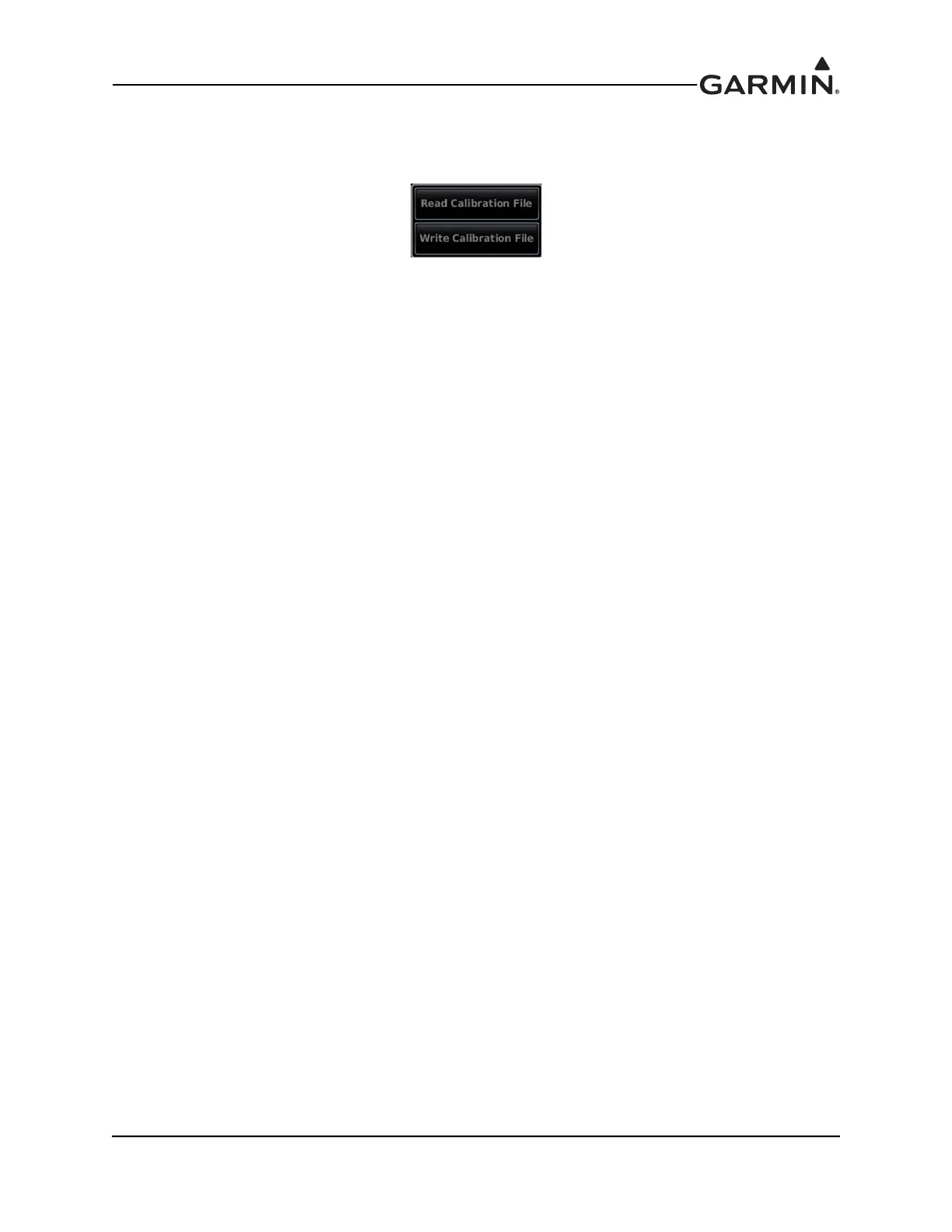
Fuel Quantity Calibration Data Backup – This option allows the user to back up fuel calibration data to
an SD card placed in the SD card slot of the PFD. Access the Read/Write Calibration File menu by
pressing the Menu key when displaying the Fuel Quantity Calibration Page
Write Calibration File – Stores fuel quantity calibration data to a file on the SD card. Calibration data is
saved to the /Garmin/cal/ directory on the card. This data storage must be repeated for each calibrated tank
(if backup is desired).
Read Calibration File – Reads the stored fuel quantity calibration data from the SD card.



 To Next Page