190-01115-01 G3X™/G3X Touch™ Avionics Installation Manual
Rev. AV Page H-145
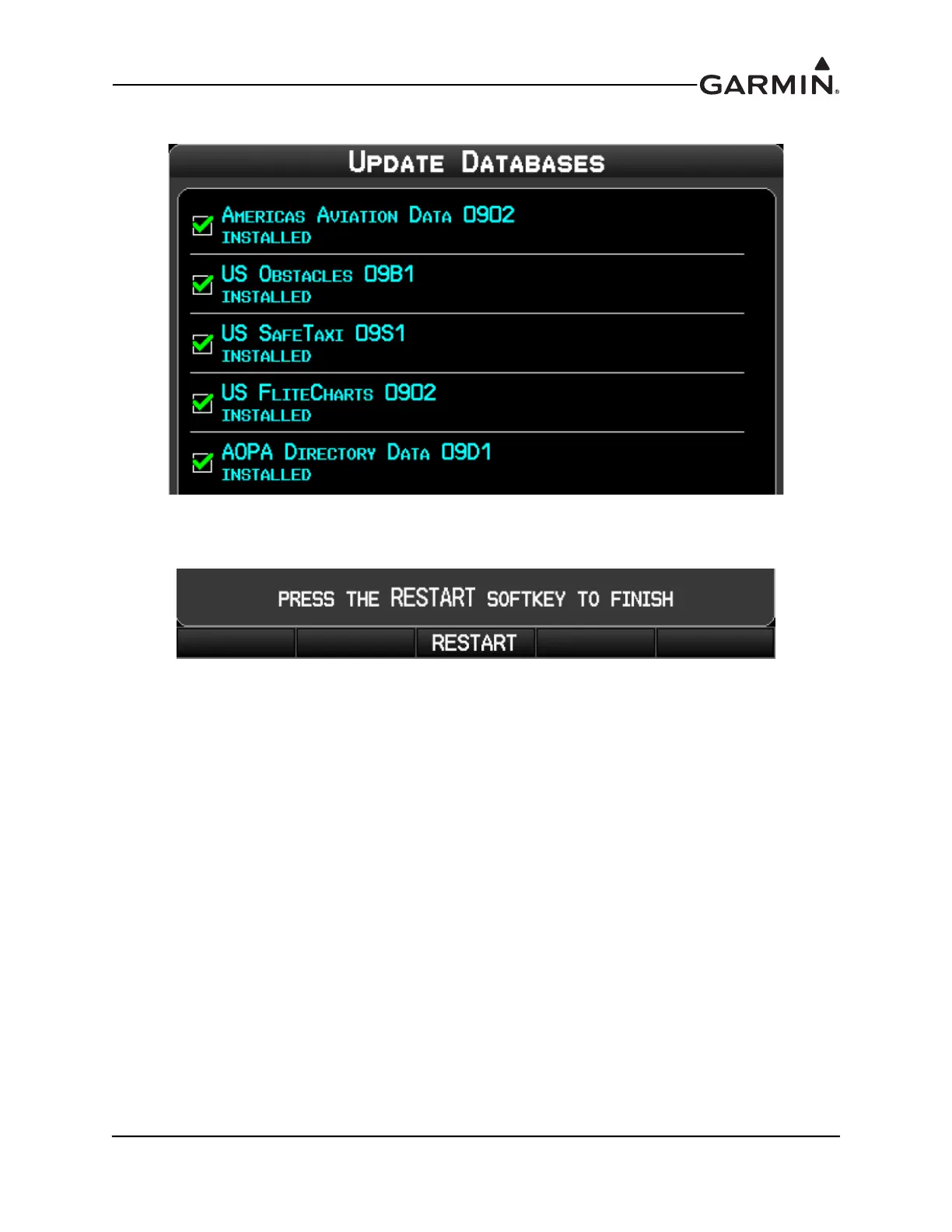
5. When the update process is complete, the screen displays the database status.
6. Once the database(s) have been updated, the SD card can be removed from the unit
7. The unit must be restarted by pressing the Restart softkey.
8. Repeat steps 1-7 for each installed GDU 37X.



 To Next Page