Operation and use
Mounting the control device to the side rail
4
1009.25B0
IFU 1009.25 EN 01
27 / 92
4.4.2 Colour concept of the touchscreen with the touchscreen buttons
Button col-
our
Area on the
touchscreen
Description
Blue Left area The left area of the touchscreen is operated using the blue
touchscreen buttons.
The head-side adjustments of the table top are always dis-
played in this area.
Green Middle area The middle area of the touchscreen is operated using the
green touchscreen buttons.
Table tops with three motorised joint pairs, the adjustments of
the middle joint pair (the lower back rest) are displayed in this
area.
Adjustment of the body elevator is displayed in this area for
tabletops with a body elevator.
Magenta Right area The right area of the touchscreen is operated via the magenta
touchscreen buttons.
The foot-side adjustments of the table top are always dis-
played in this area.
Tab.6: Colour concept of the touchscreen with the touchscreen buttons
4.5 Mounting the control device to the side rail
CAUTI ON!
Property damage!
A control unit attached to the side rail can slip off the side rail when the table
top is adjusted or cause collisions with the OR table or other accessories.
Remove the control device from the side rail before adjusting the table top.
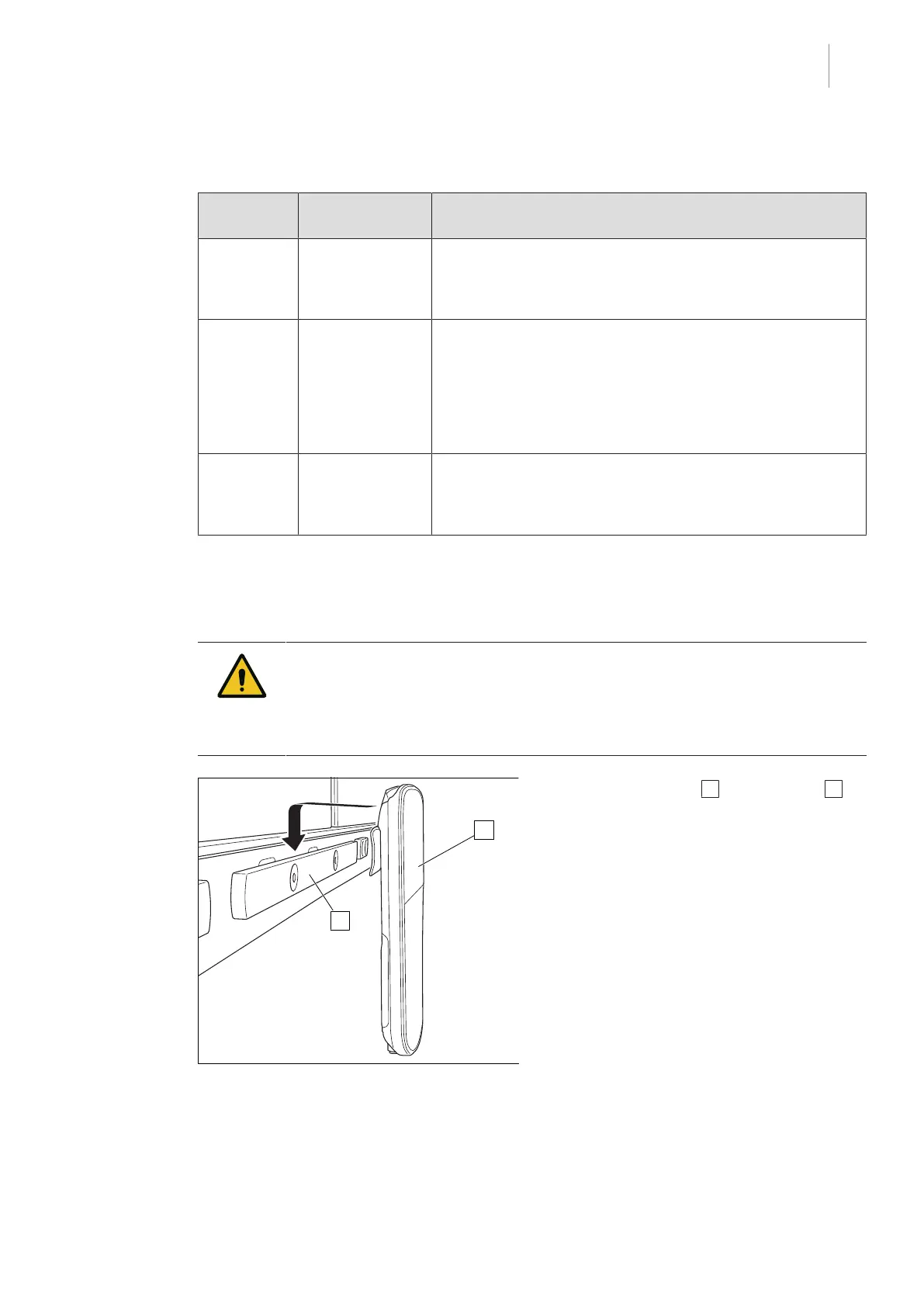
Fig.14: Mounting the control device to the side
rail
1. Attach the bracket 1 to the side rail 2 .



 To Next Page