5
Operating menu
Main menu [Menu]
48 / 92
1009.25B0
IFU 1009.25 EN 01
5.3.10 [Feedback-LED] menu
5.3.10.1 Activating / deactivating the feedback light messages
NOTIC E
Please see the instructions for use for the operating table for information on which
messages are output in the individual settings.
OR01-14
BACK
FEEDBACK LIGHT
Advanced
Standard
Warnings only
Off
Brightness
HIGHLIGHT
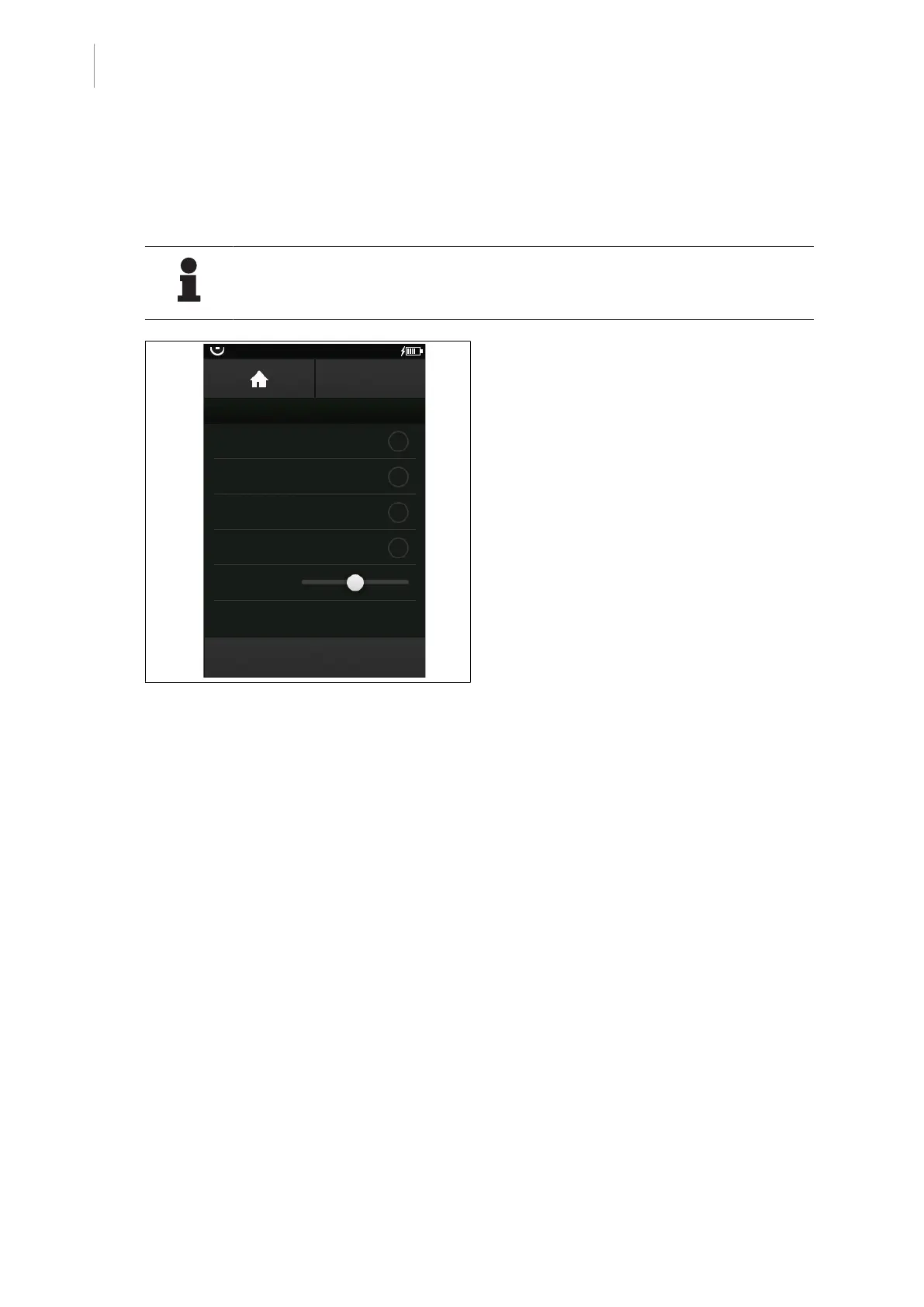
Fig.46: Feedback Light menu
In this menu, the feedback lights can either be
switched off, or the user can select which
messages should be output via the feedback
lights.
Prerequisites:
• The Feedback Light menu is open.
Activate the feedback light messages
1. Touch the corresponding button to activate
the desired messages.
Ø The status display next to the selected
setting will be illuminated orange.
2. Touch the BACK button.
Ø The main menu will be displayed.
Ø Setting was adopted.
Deactivating the feedback light messages
1. Touch the corresponding button to deac-
tivate the desired messages.
Ø The status display next to the selected
setting will be greyed out.
2. Touch the BACK button.
Ø The main menu will be displayed.
Ø Setting was adopted.
5.3.10.2 Setting the brightness of the feedback light
The brightness of the feedback lights can be regulated in the Feedback Light menu.



 To Next Page