Operating menu
Main menu [Menu]
5
1009.25B0
IFU 1009.25 EN 01
35 / 92
5.3.1.5 Show IR code
OR01-14
BACK
View IR code
Remote connected to
OR-01 14
IR code: 14
Connect to new OR table
Fig.25: Show IR code
Prerequisites:
• The OR Table Connection menu is open.
1. Touch the View IR code button.
Ø Window with connected table and asso-
ciated IR code is displayed.
5.3.2 Menu [Settings OR table]
5.3.2.1 Switch sound on/off
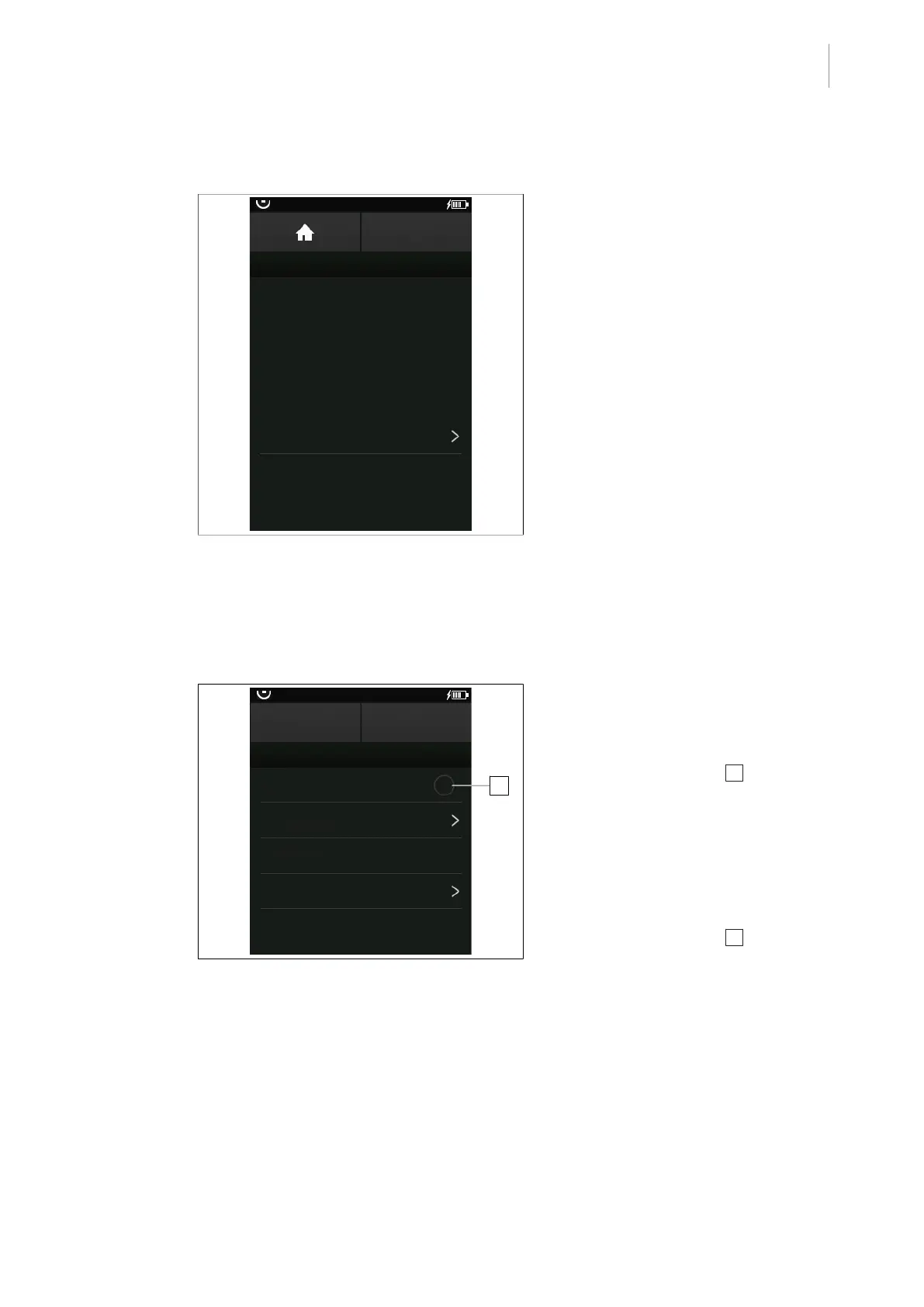
1
OR01-14
CANCEL OK
OR TABLE SETTINGS
Sound ON
Zero-position variants
Next maintenance
00.00.0000
Connected Functions
OR Table Information
Fig.26: Switch sound on/off
Prerequisites:
• The OR Table Settings menu is open.
Switching on the sound
1. Touch the Sound ON 1 button.
Ø The menu item Sound ON is illumin-
ated orange.
2. Touch the OK button.
Ø The sound is switched on.
Switching the sound off
1. Touch the Sound ON 1 button.
Ø The menu item Sound ON is greyed
out.
2. Touch the OK button.
Ø The sound is switched off.



 To Next Page