Initial operation
Remove/insert the locking plugs
3
1009.25B0
IFU 1009.25 EN 01
23 / 92
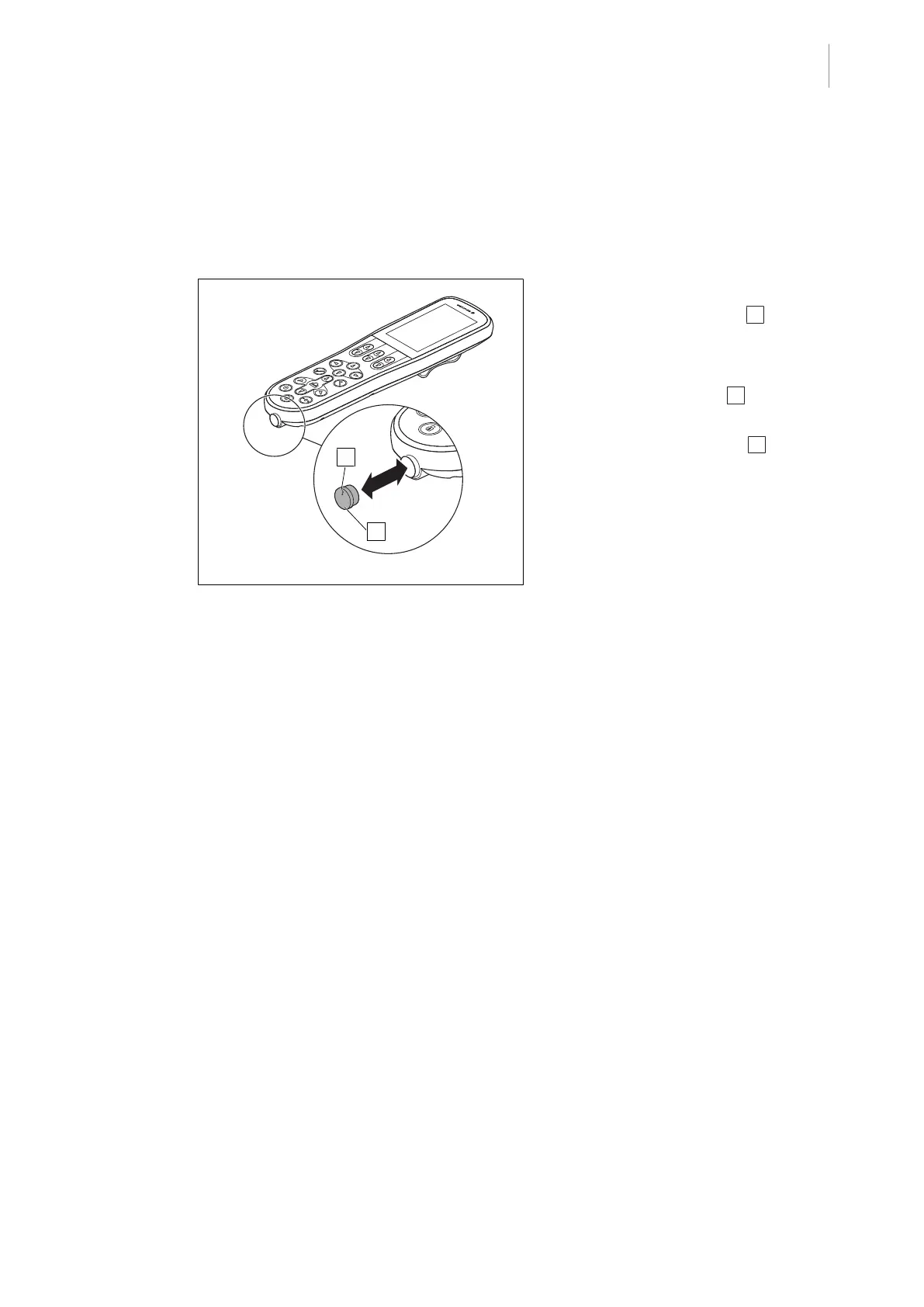
3.3 Remove/insert the locking plugs
The control device is delivered with a locking plug to cover the connector socket. The cable can
be connected to the control device using the connector socket for use as a corded control device
and to charge the battery. Without the cable, the control device can also be used as an IR remote
control.
Fig.11: Remove/insert the locking plugs
Remove connector socket
1. Remove the locking plug 1 from the
socket connection.
Insert connector socket
1. Insert the locking plug 1 in the socket
connection.
2. Make sure that the arrow 2 on the plug is
exactly aligned with the arrow on the con-
nector socket of the control device.



 To Next Page