Operating menu
Main menu [Menu]
5
1009.25B0
IFU 1009.25 EN 01
41 / 92
5.3.3.7 Activating / deactivating sleep mode
CAUTI ON!
Property damage!
The battery life can be shortened if the control device is put directly into
sleep mode when it is charged to less than 75%.
Activate sleep mode on the control device as described in the following steps.
The control device is equipped with a sleep mode. When the sleep mode is activated, the battery
of the control device is protected if, for example, the control device is not used for a long time.
1
OR01-14
CANCEL OK
DEVICE SETTINGS
Brightness
Language
Reset
Log files
Date / Time
System information
Sleep Mode
Deutsch
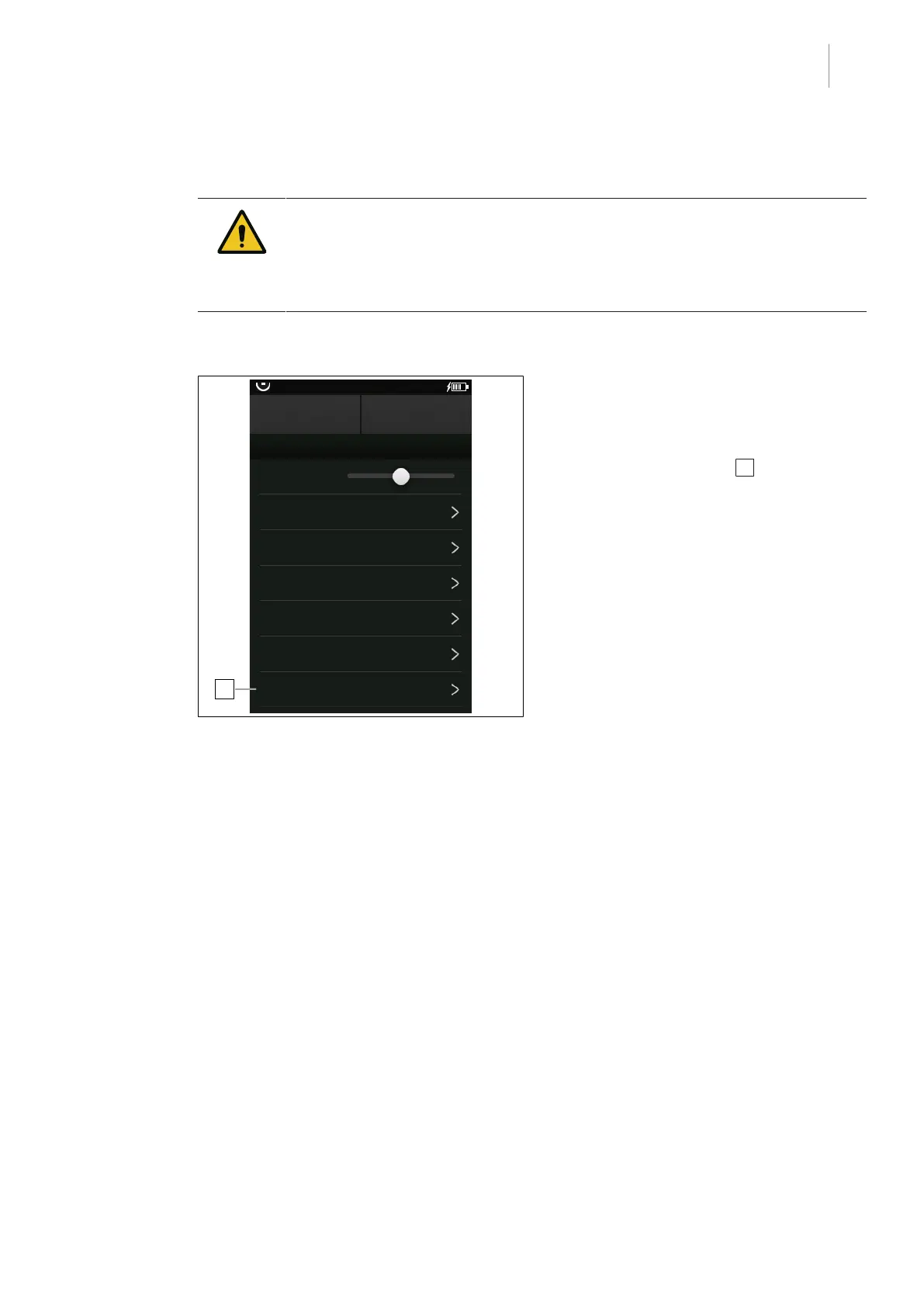
Fig.37: Activate sleep mode
Activate sleep mode
Prerequisites:
• The Device Settings menu is open.
1. Touch the Sleep Mode 1 button.
Ø The window with the query Activate
sleep mode? will be shown with the
current charge level.
If the current charge level is in excess of
75%:
2. Touch the OK button.
Ø Sleep mode is activated.
If the current charge level is below 75%:
3. Place the control device in the charger
cradle and wait until the green LED
flashes.
4. Touch the OK button.
Ø The control device goes into standby
mode and the battery is charged to
75%. During charging, the [Stand-by]
button flashes.
Ø Sleep mode is activated when the bat-
tery is 75% charged. The [Stand-by]
button stops flashing.
5. Remove the control device from the char-
ging cradle.



 To Next Page