Operating menu
Main menu [Menu]
5
1009.25B0
IFU 1009.25 EN 01
33 / 92
• ALPHAMAXX 1133 OR table
• YUNO 1433 OR table
• OP-Tisch MEERA CL 7000, MEERA ST 7100, MEERA 7200
• OR table CORIN 7700.01
IR code
NOTE
An OR table can only be controlled with the control device that is clearly assigned
to the OR table. Always ensure that the control device is located at the location of
the corresponding OR table.
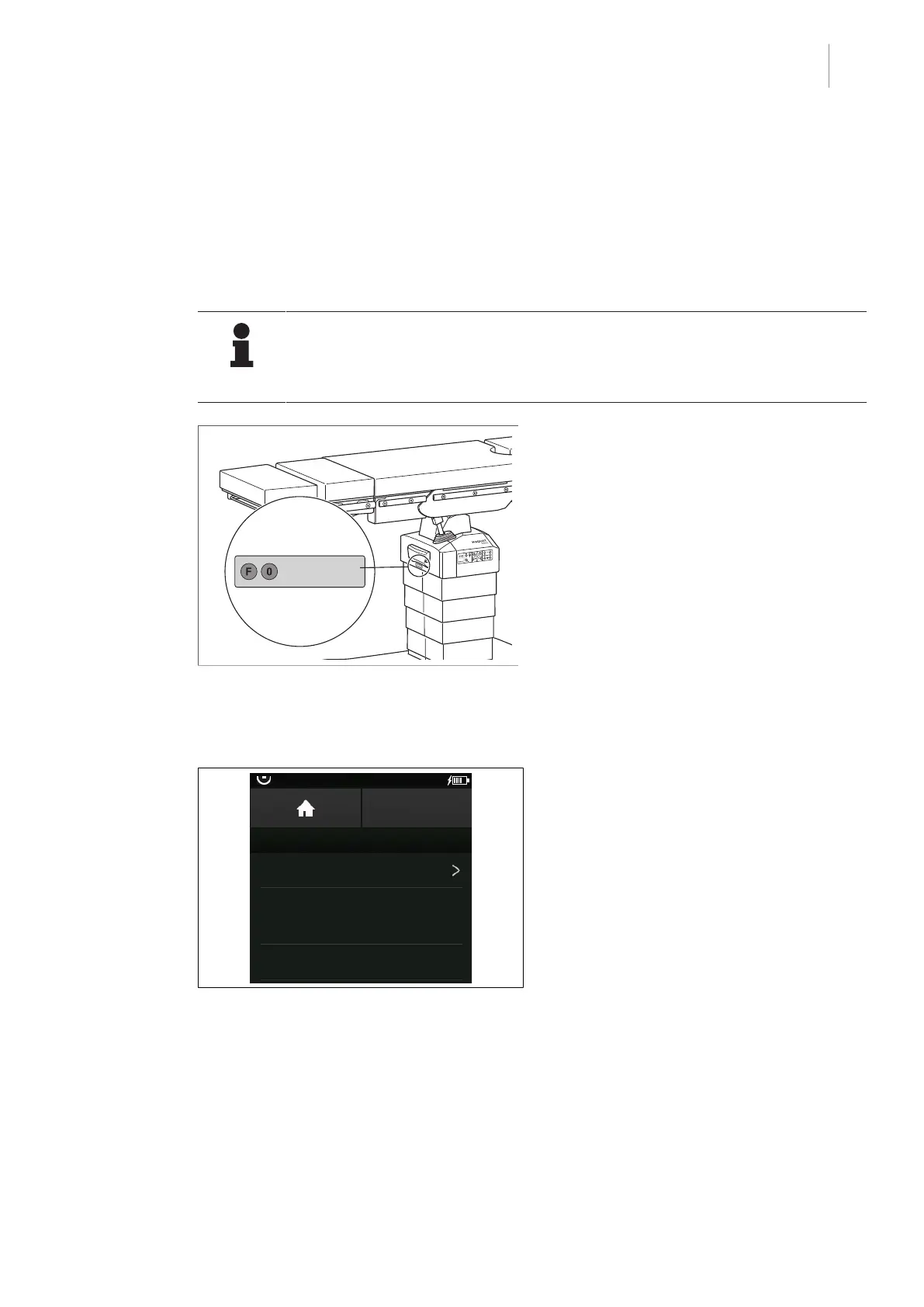
Fig.21: IR code of the operating table
The IR code uniquely assigns a control device
to the OR table. This ensures that only the as-
signed control device is able to adjust the OR
table.
The IR coding of the control device and the
OR table is carried out by authorised person-
nel.
The IR code is made up of the numbers 0–9
and the letters A–F.
The set IR code can be read from the touch-
screen of the control device in the OR Table
Connection [8Page35] menu and from
the column head of the operating table.
5.3.1.2 Reconnecting the known OR table
OR01-14
BACK
OR TABLE CONNECTION
Connect to new OR table
Last connections
14 - OR-01
15 - OR-02
Fig.22: Connect a known OR table
Prerequisites:
• The OR Table Connection menu is open.
1. Touch the Connect to OR table button.
Ø Known operating tables are listed and
the menu item Connect to new OR
table is displayed.
2. Touch already known operating table from
the list.
Ø Operating table is connected.
Ø The OR Table Connection menu is
open.



 To Next Page