Operating menu
Restarting the control device
5
1009.25B0
IFU 1009.25 EN 01
63 / 92
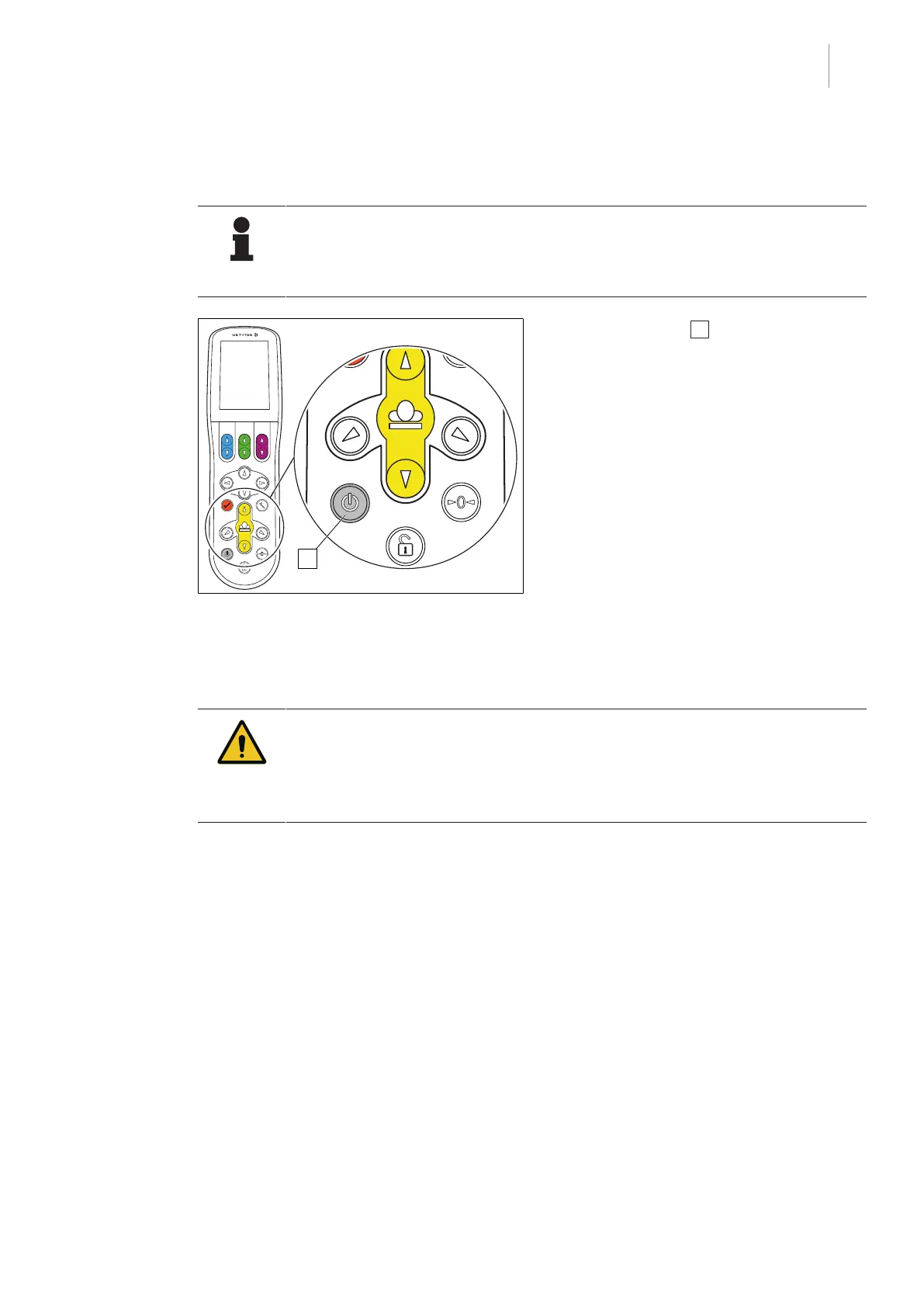
5.7 Restarting the control device
NOTE
After restarting the control device, it will take several seconds for all information for
the connected OR table to be transmitted to the control device. Not all information
will be available on the control device during this process.
Fig.66: Restarting the control device
1. Press [Stand-by] 1 button for approx. 5
seconds.
Ø The control device is switched off and
then activated again.
5.8 Adjustment functions
WARNI NG!
Risk of injury!
Danger due to improper handling.
When carrying out all adjustment functions, observe the OR table instructions for
use.
5.8.1 Aligning the table top in the horizontal position
Depending on the currently connected OR table, one or more options for horizontally adjusting
the OR table (zero position) are available. All available zero-position variants are displayed on
the touchscreen of the control device and can be selected there [8Page36].
For further information on how to horizontally align the table top and the available reset/zero-posi-
tion variants, please refer to the OR table's operating instructions.



 To Next Page