Display notes
Structure of display notes
6
1009.25B0
IFU 1009.25 EN 01
73 / 92
6 Display notes
6.1 Structure of display notes
If a function is activated on the control device, a note will also appear on the display. The display
note will be hidden again 2 seconds after the selected function is released.
The display notes are divided into three categories:
• Notes on use
• Status notices
• Warning notices
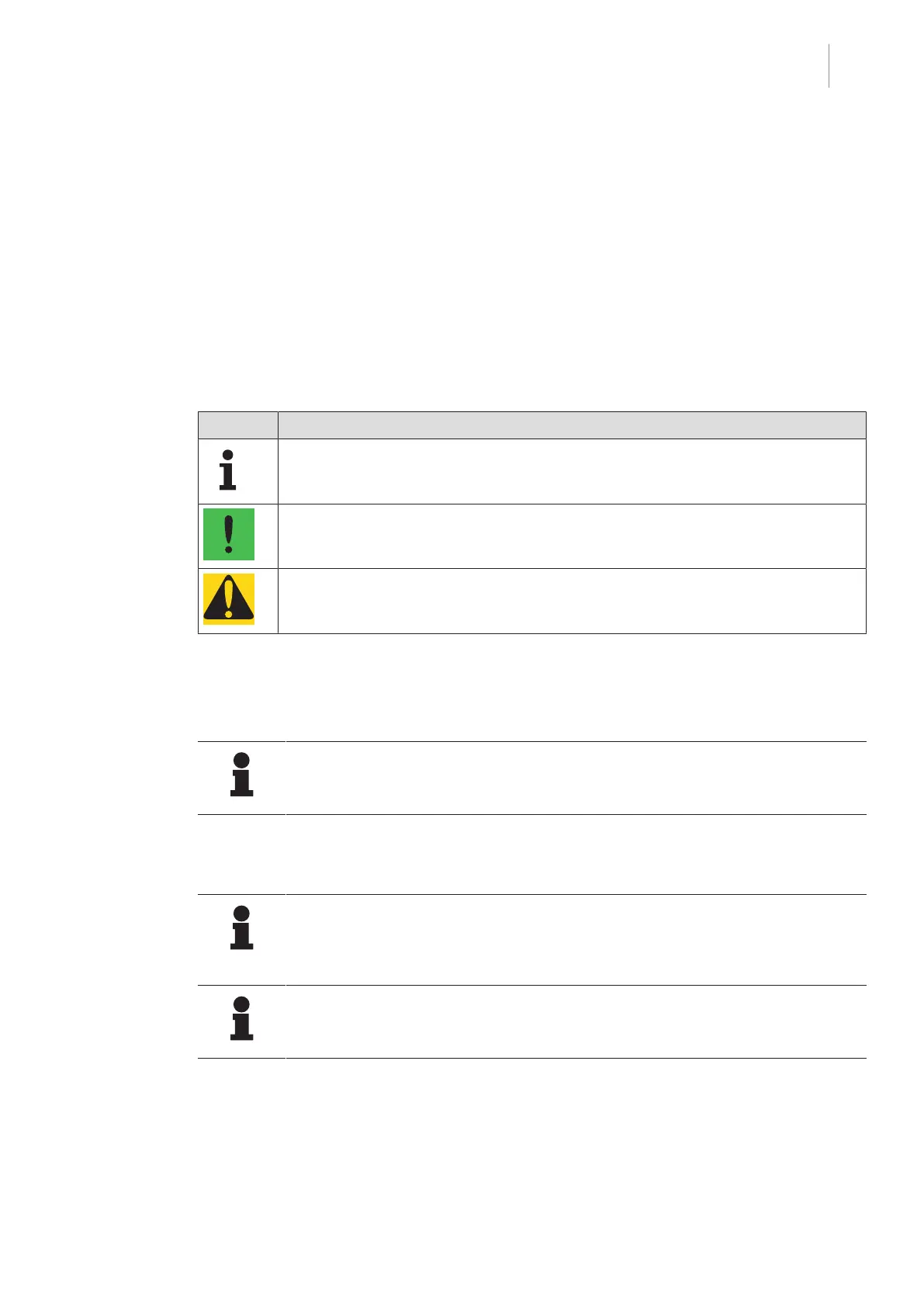
For better differentiation, the three categories are indicated by an icon and a background colour.
Symbol Meaning
The icon identifies operating notes.
The operating notes are shown with no background colour.
The icon identifies the status notices.
The status notes are shown with a green background colour.
The icon identifies warning notices.
The warning notices are shown with an orange background colour.
Tab.9: Structure of display notes
6.2 Notes on use
NOTIC E
For further operating instructions and information, please refer to the operating in-
structions for the operating table.
6.3 Status notices
NOTE
With every status message, the error code is displayed under the attention symbol.
If the error cannot be corrected, note the error code and forward it to the service
technician authorised by Getinge.
NOTIC E
For further status notices and information, please refer to the operating instructions
for the operating table.



 To Next Page