Operating menu
[OR table positions] menu
5
1009.25B0
IFU 1009.25 EN 01
55 / 92
OR01-14
BACK
MOVE TO POSITION
OR table will move to
position
Dr. Kruger_02
Watch OR table!
Move to
position
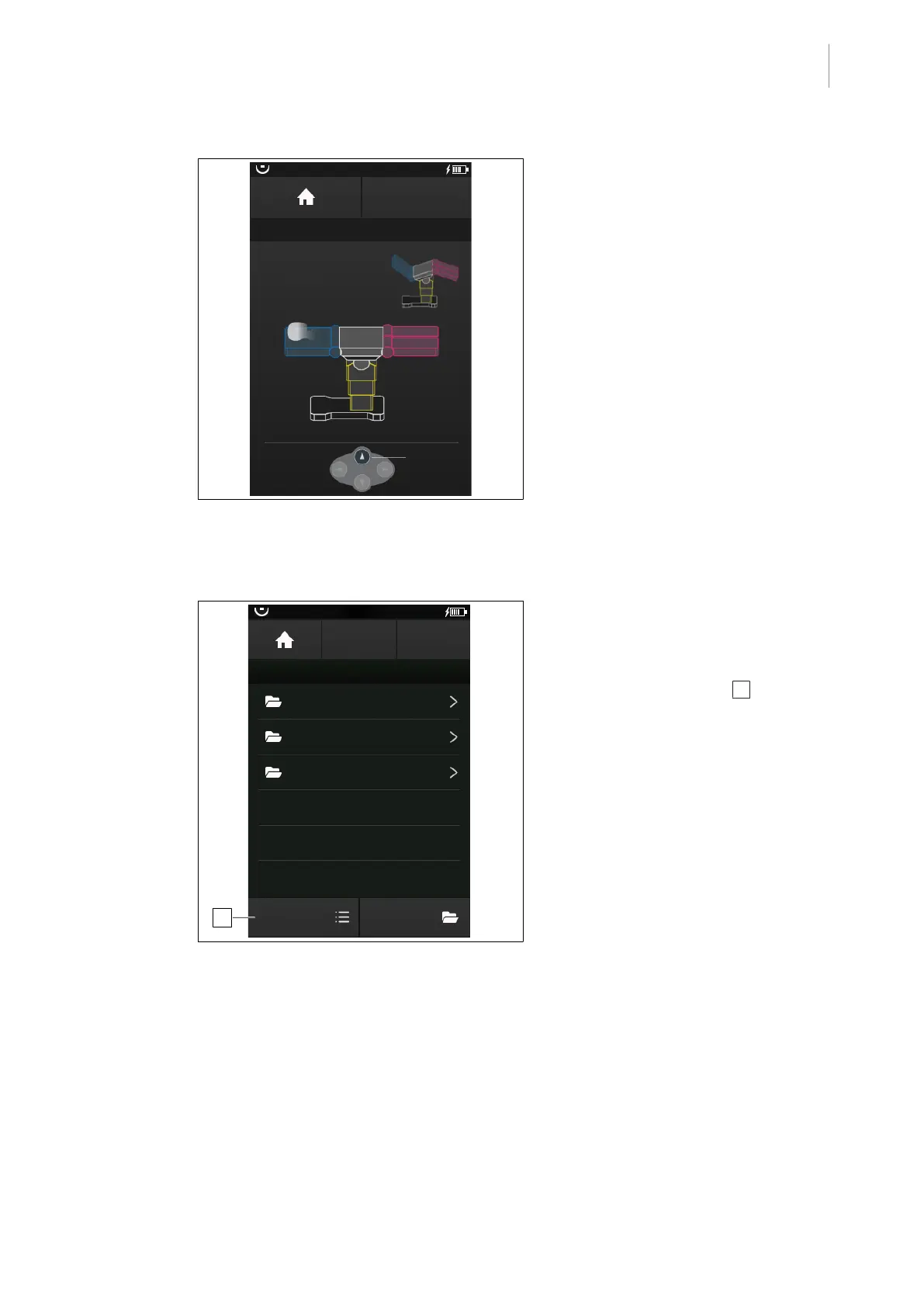
Fig.56: Move to a position
2. To move to the selected OR table position,
press the highlighted multifunction button
[Up] on the control device.
Ø The selected OR table position will be
approached.
5.5.2.4 Editing a user-defined OR table position
OR01-14
STORE
POSITION
BACK
USER-DEFINED POSITIONS
EDIT EDIT
Folder 01
Folder 02
Folder 03
Dr. Kruger
Dr. Kruger_02
1
Fig.57: Editing a user-defined OR table position
Prerequisites:
• The USER-DEF. POSITION menu is
open.
1. Touch the EDIT button 1 .
Ø The EDIT INDIVIDUAL POSITION win-
dow is displayed.



 To Next Page