5
Operating menu
Displacing / locking the OR table
72 / 92
1009.25B0
IFU 1009.25 EN 01
5.9.4 Locking the OR table [LOCK]
NOTIC E
Carry out the adjustment functions of the OR table only with the swivel castors re-
tracted (LOCK).
If an adjustment function is performed without retracting the swivel castors (UN-
LOCK), depending on the connected OR table a message appears on the display
of the control device indicating that the swivel castors must be retracted.
OR01-14
CANCEL
OK
LOCK OR TABLE
OR Table Lock
Table Top Lock
Wheel Lock
disabled
External Control Lock
Unlock
Lock
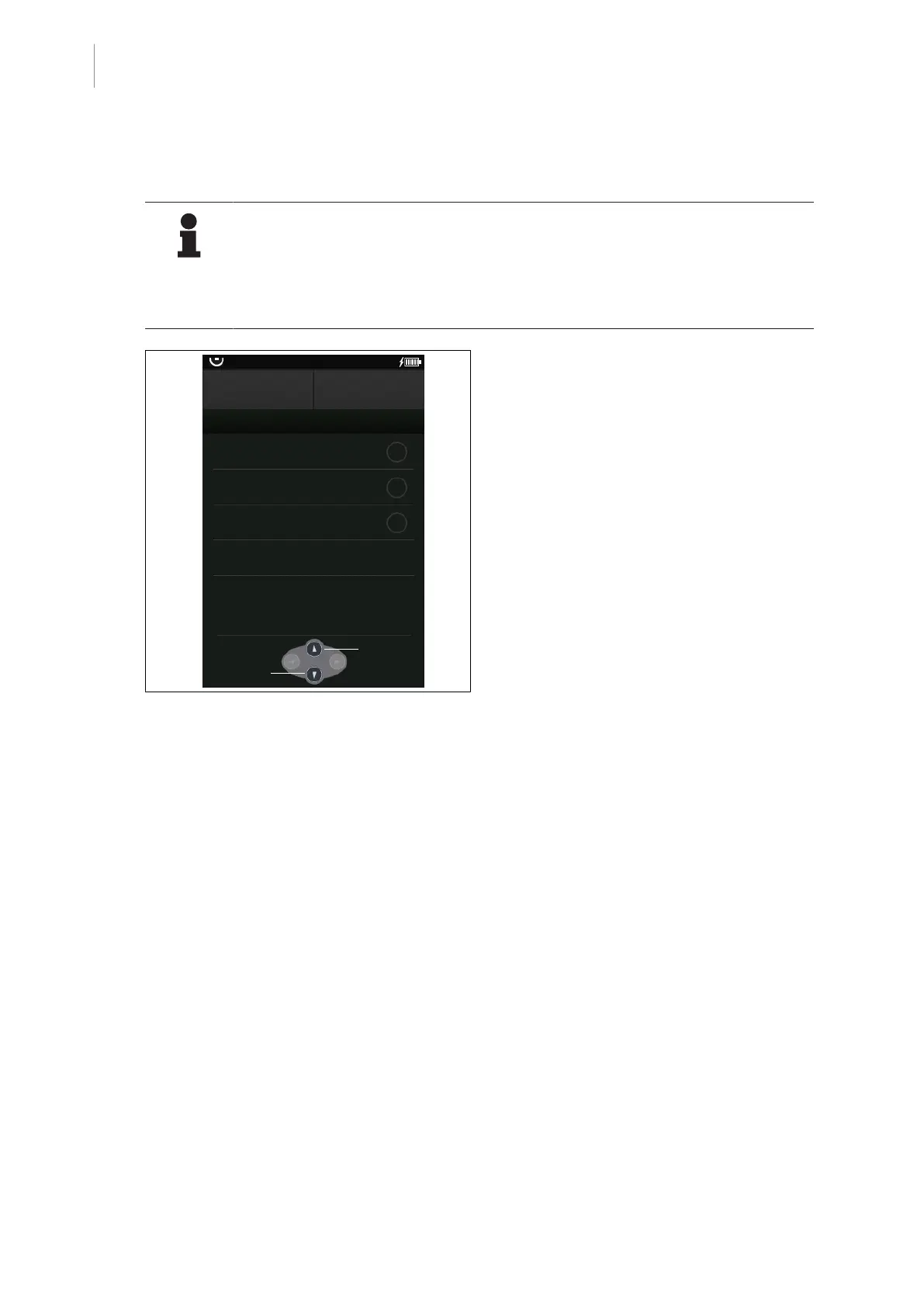
Fig.75: Locking the OR table [LOCK]
Prerequisites:
• The Lock OR table menu is open.
1. Press and hold the [Multifunction button
down].
Ø The swivel castors retract automatic-
ally.
Ø The LED below the [LOCK] button on
the override control panel on the OR
table lights up.
Ø The OR table is locked.
Ø The display in the menu Lock OR table
switches to Wheel Lock enabled
Ø The OR table can be adjusted.



 To Next Page