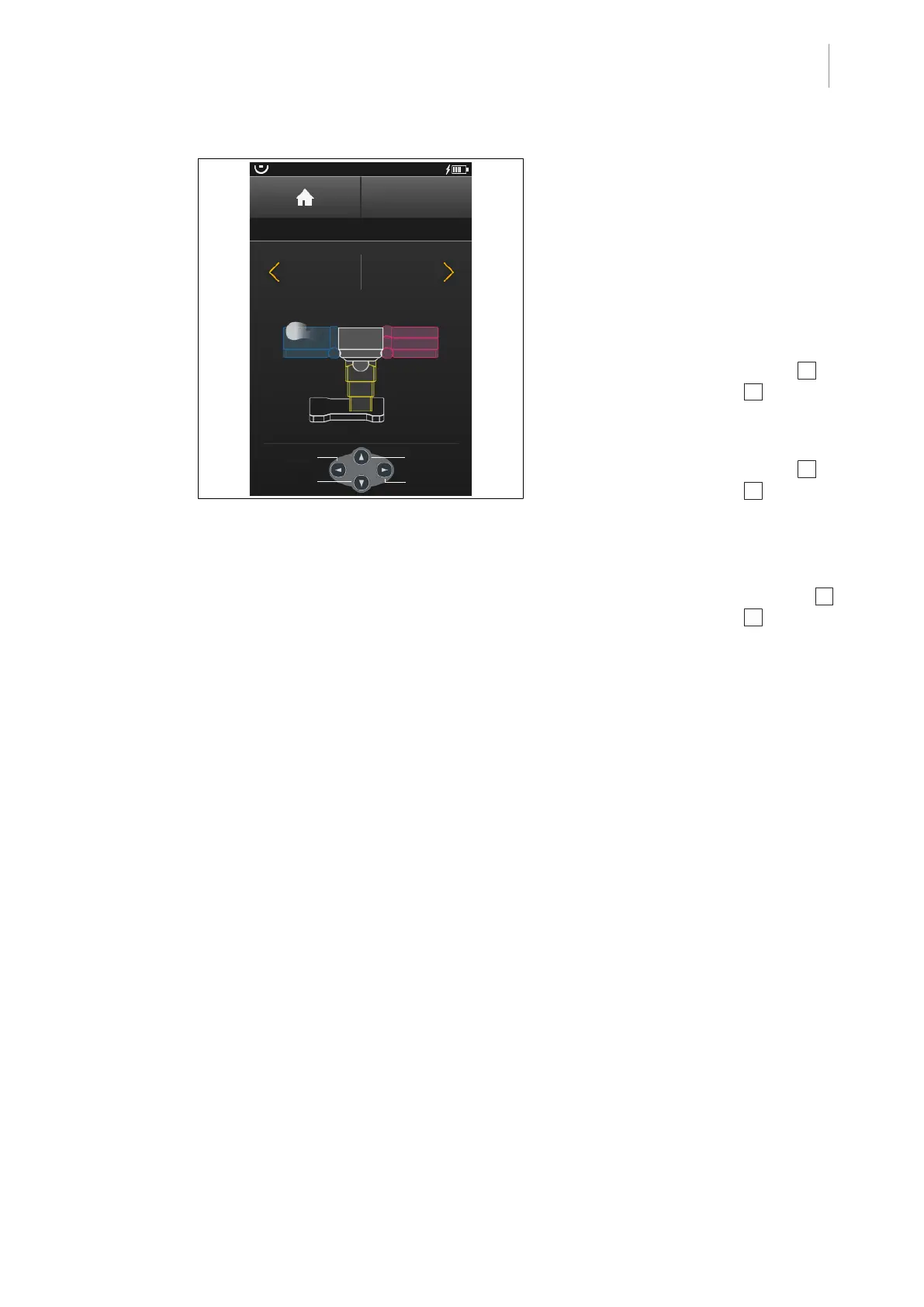
Operating menu
Displacing / locking the OR table
5
1009.25B0
IFU 1009.25 EN 01
71 / 92
OR01-14
BACK
DRIVE
Backward
Unlock
Forward
Forward
Backward
Lock
Fig.74: Drive operating menu
Moving the OR table
Prerequisites:
• The control device is connected to the op-
erating table via the control device cable.
• The mains cable and equipotential bond-
ing cable are unplugged from the OR
table.
• The Drive menu is open.
1. Press [Multifunction button right] 2 or
[Multifunction button left] 3 .
Ø The OR table moves in the appropriate
direction at speed.
2. Press [Multifunction button right] 2 or
[Multifunction button left] 3 2× and hold.
Ø The OR table moves in the appropriate
direction at increased speed.
3. Guide the OR table with at least one hand.
4. Release [Multifunction button right] 2 or
[Multifunction button left] 3 at the desired
position.
Ø The OR table stops moving.



 To Next Page