Operating menu
Adjustment functions
5
1009.25B0
IFU 1009.25 EN 01
67 / 92
Adjusting single-piece accessories
downwards
1. Press and hold the [Blue joint down]
4 [Magenta joint down] 3 button.
Ø The single piece accessory is adjusted
downwards.
Ø The adjustment angle is displayed on
the touchscreen.
5.8.6.2 Adjusting the pair of leg plates or single leg plate
NOTIC E
If a pair of leg plates is attached, separate adjustment of the individual leg plates is
possible only on the REVERSE mounting point.
1
OR TABLE
POSITIONS
MENU
PATIENT
ORIENTATION
OR01-14
SELECT
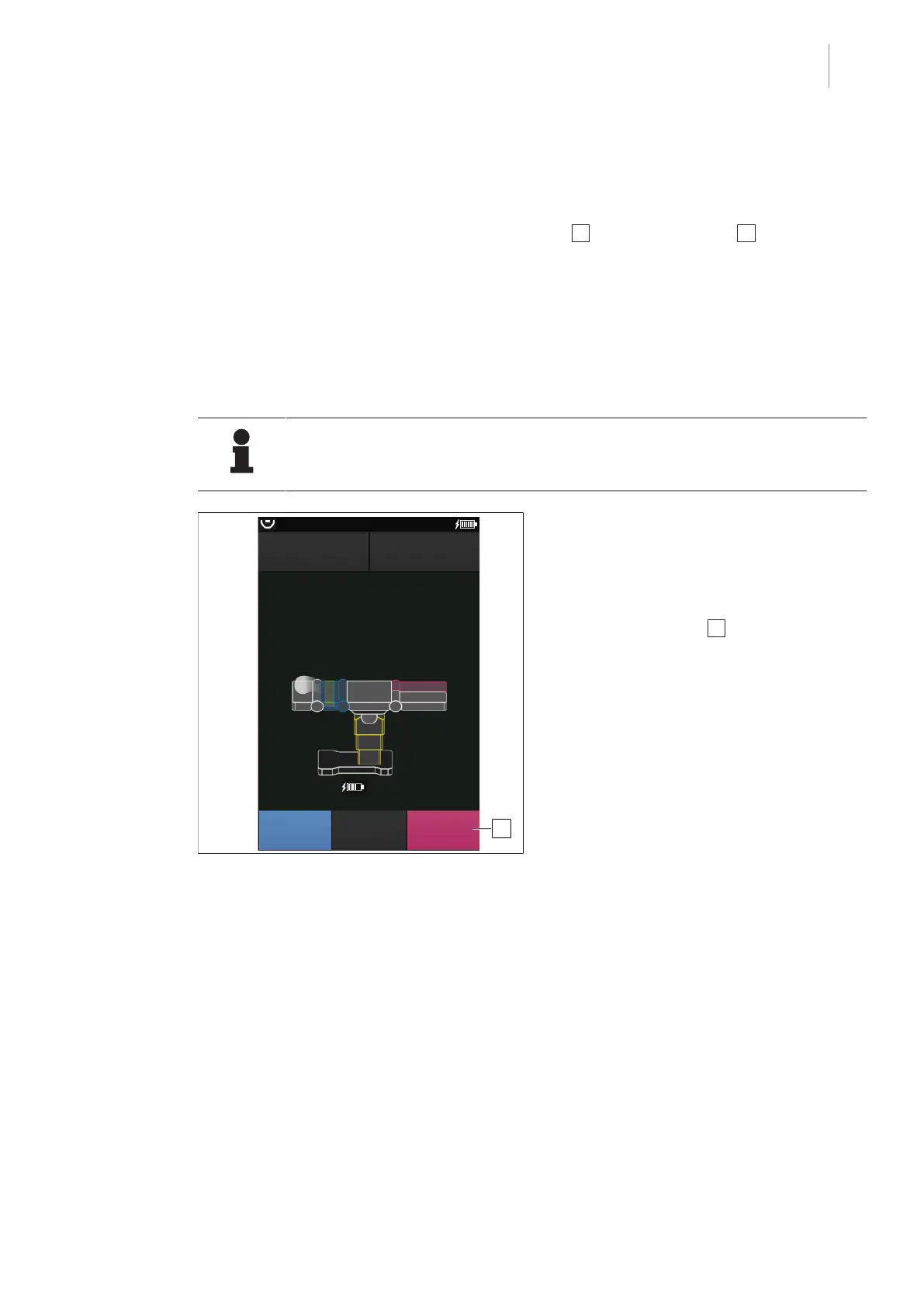
Fig.71: Select the pair of leg plates or single leg
plate
Prerequisites:
• The pair of leg plates is mounted.
Select the pair of leg plates or single leg
plate
1. Press the SELECT 1 button multiple
times until both leg plates or a single leg
plate are marked.
Ø Both leg plates are shown in magenta
on the touch screen.
- or -
Ø The selected leg plate is shown in
magenta on the touch screen.



 To Next Page