5
Operating menu
Adjustment functions
64 / 92
1009.25B0
IFU 1009.25 EN 01
5.8.2 Inclining the table top
WARNI NG!
Risk of injury!
If the patient is not secured, particularly when adjusting/moving, the patient
and/or their extremities may slip in an uncontrolled manner.
Always secure the patient using suitable aids (e.g. straps) and maintain continuous
observation.
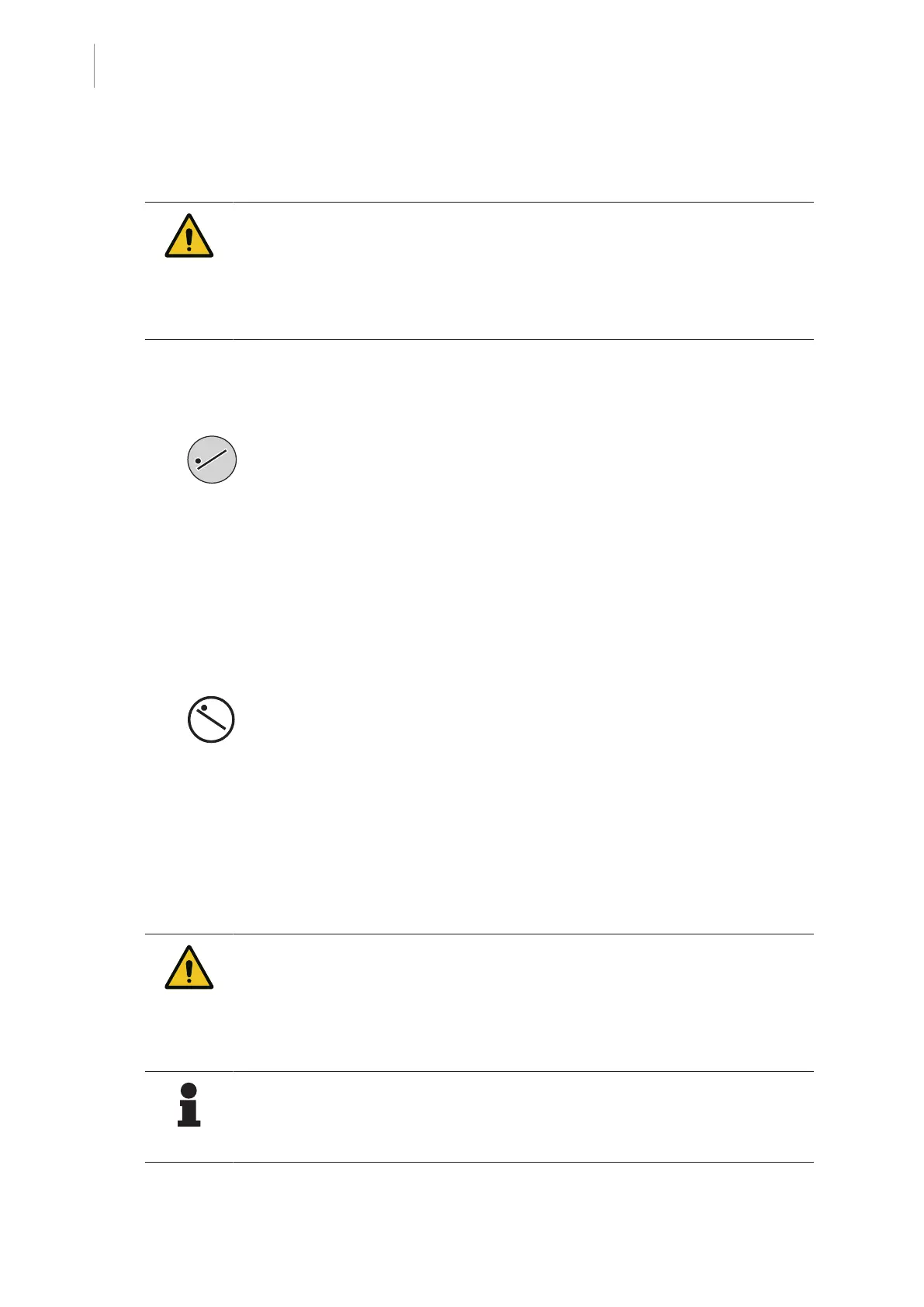
Tilt table top into Trendelenburg position
1. Press and hold the [Trendelenburg] button.
Ø The table top will be set to the Trendelenburg position.
Ø The current adjustment angle is shown on the touchscreen.
Ø When the end position is reached, this is indicated on the touchscreen and a signal is
sounded on the column.
Tilt table top into reverse Trendelenburg position
1. Press and hold the [Reverse Trendelenburg] button.
Ø The table top will be set to the reverse Trendelenburg position.
Ø The current adjustment angle is shown on the touchscreen.
Ø When the end position is reached, this is indicated on the touchscreen and a signal is
sounded on the column.
5.8.3 Tilting the table top laterally
WARNI NG!
Risk of injury!
If the patient is not secured, particularly when adjusting/moving, the patient
and/or their extremities may slip in an uncontrolled manner.
Always secure the patient using suitable aids (e.g. straps) and maintain continuous
observation.
NOTE
Depending on the currently connected OR table, the movable and mobile columns
have limited bending. For further information refer to the OR table operating in-
structions.



 To Next Page