Operating menu
Main menu [Menu]
5
1009.25B0
IFU 1009.25 EN 01
37 / 92
5.3.2.4 Select network
OR01-14
OK
CONNECTED FUNCTIONS
WLAN
CANCEL
Service Access Point
SDC
ENABLE SDC CONTEXT
OP1
OP2
OP3
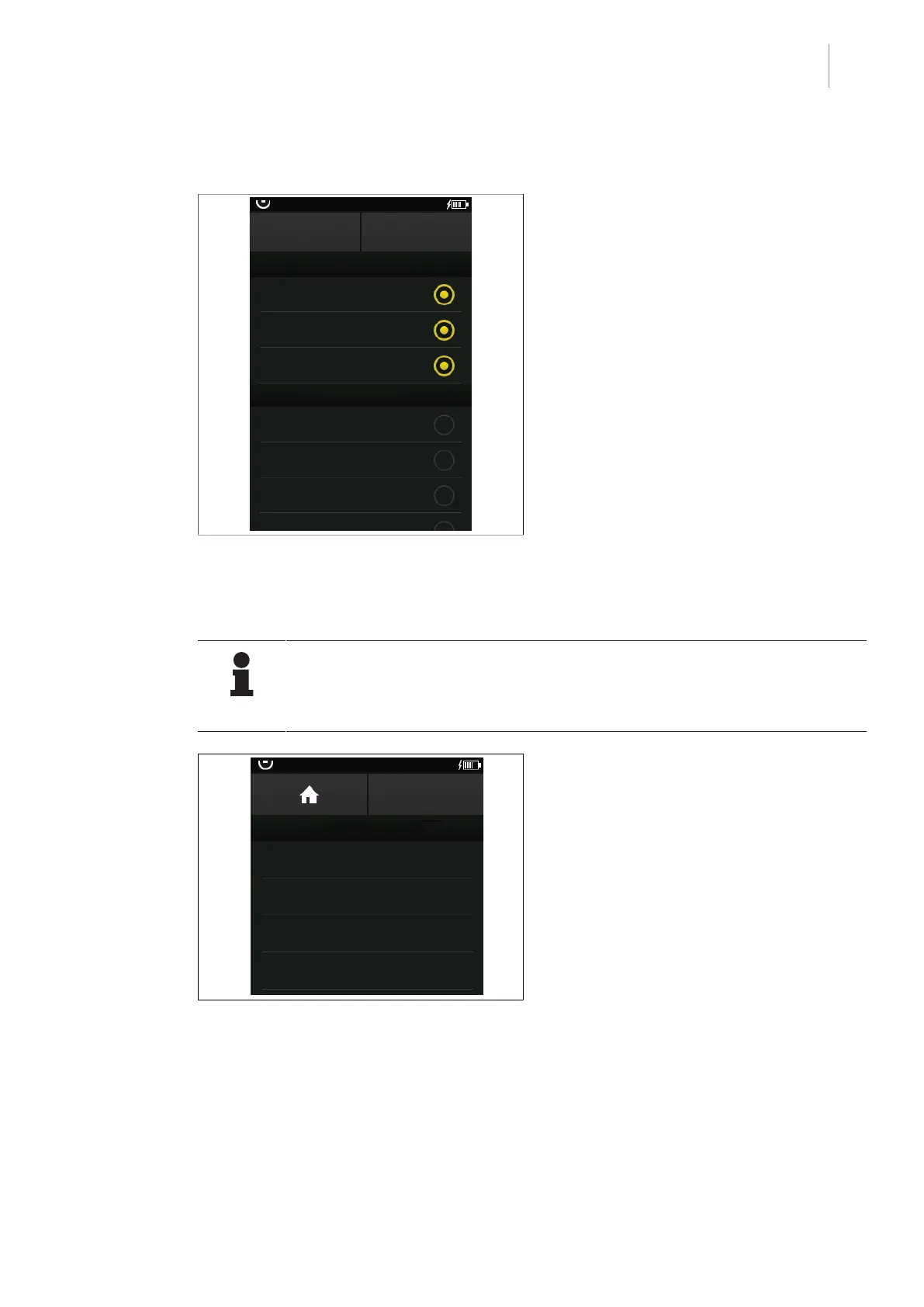
Fig.29: Activate networking
Prerequisites:
• The OR Table Settings menu is open.
1. Touch the Connected Functions button.
Ø Available networks are displayed.
2. Touch the desired network.
Ø The status display will be illuminated or-
ange.
3. Touch the OK button.
Ø The network is set.
5.3.2.5 Display operating table information
NOTIC E
Different additional operating table information is displayed in this menu (such as
the operating table software version) depending on the connected operating table.
No warnings or similar are displayed.
OR01-14
BACK
OR TABLE INFORMATION
Info text 1
Info text 2
Info text 3
Info text 4
Fig.30: Display operating table information
Prerequisites:
• The OR Table Settings menu is open.
1. Touch the OR Table Information button.
Ø Available information is displayed.
2. Touch the desired information.
Ø A window with a more specific descrip-
tion will open.
3. Touch the BACK button.
Ø An overview of available information will
be displayed once again.



 To Next Page