5
Operating menu
Main menu [Menu]
44 / 92
1009.25B0
IFU 1009.25 EN 01
5.3.5 Menu [Operating Table Lock]
5.3.5.1 OR table or table top adjustment function or lock / unlock button
NOTE
The Lock OR table menu can be accessed via the touchscreen or the [UNLOCK]
button.
The OR Table Lock is used to lock the motorised adjustment functions of both the operating
table column and the table top to prevent unintentional adjustment of the operating table and the
table top.
The Table Top Lock is used to lock the motorised adjustment functions of the table top to pre-
vent unintentional adjustment of the table top.
The status display lights up orange next to the activated lock.
NOTIC E
If the OR table has castors, this menu displays whether the OR table is
locked(Wheel Lock enabled) or movable (Wheel Lock disabled).
OR01-14
CANCEL
OK
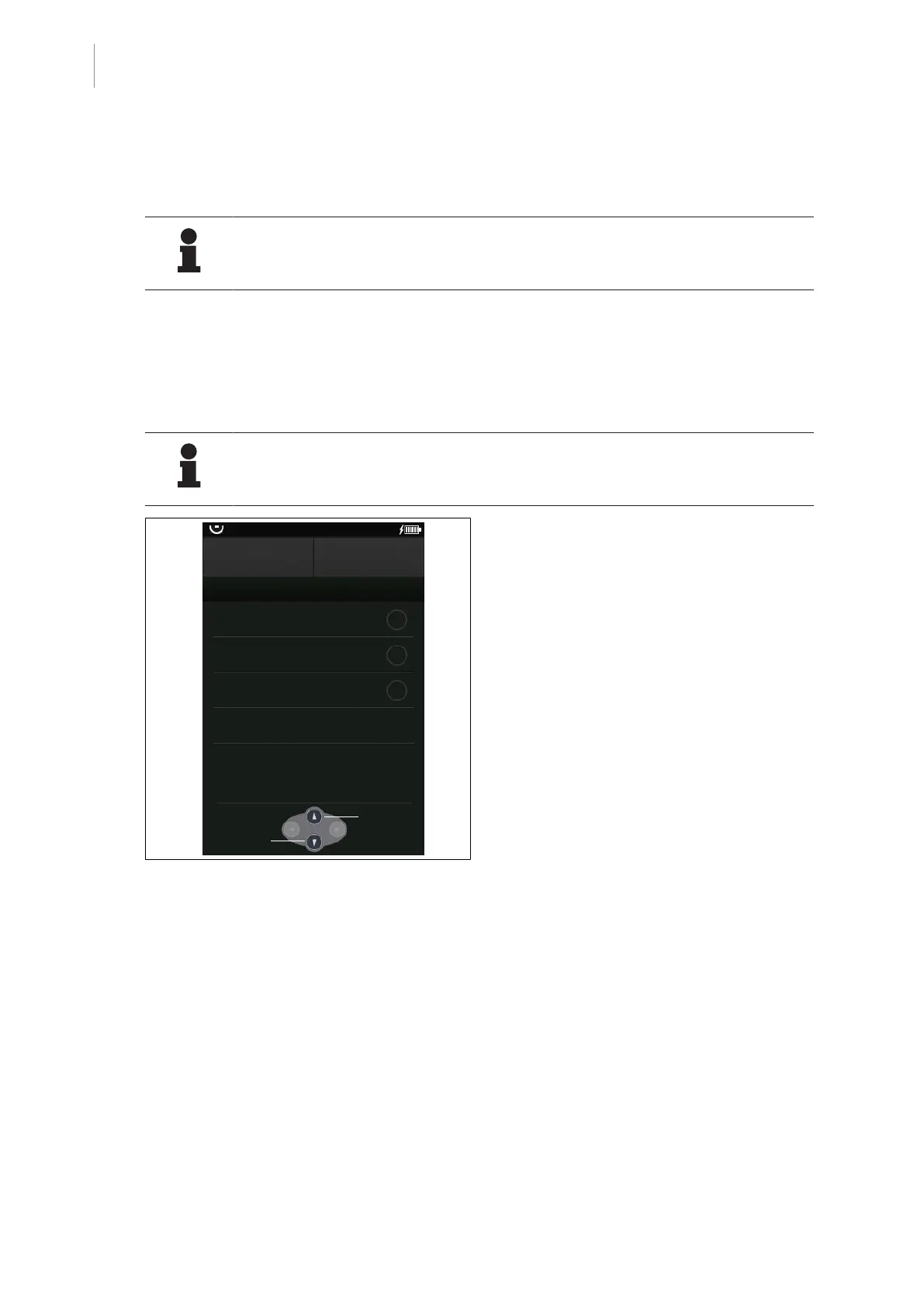
LOCK OR TABLE
OR Table Lock
Table Top Lock
Wheel Lock
disabled
External Control Lock
Unlock
Lock
Fig.41: Lock operating table/table top
Lock operating table/table top
Prerequisites:
• The Lock OR table menu is open.
1. Touch the OR Table Lock
- or -
button Table Top Lock.
Ø The status display is illuminated orange
depending on the lock selected.
2. Touch the OK button.
Ø The selected lock is activated.
Ø Depending on the selected lock, the
message OR table lock active or
Table top lock active is displayed on
the start page of the touchscreen.
Unlock the operating table/table top
Prerequisites:
• The Lock OR table menu is open.
1. Touch the OR Table Lock
- or -
button Table Top Lock.
Ø The status display is greyed out.
2. Touch the OK button.
Ø Operating table lock or operating table
top lock is deactivated.



 To Next Page