Operating menu
Main menu [Menu]
5
1009.25B0
IFU 1009.25 EN 01
47 / 92
The following safety functions can be activated or deactivated in the Safety Settings menu:
• Anti-tip protection
• Overload detection
• Collision recognition
OR01-14
CANCEL OK
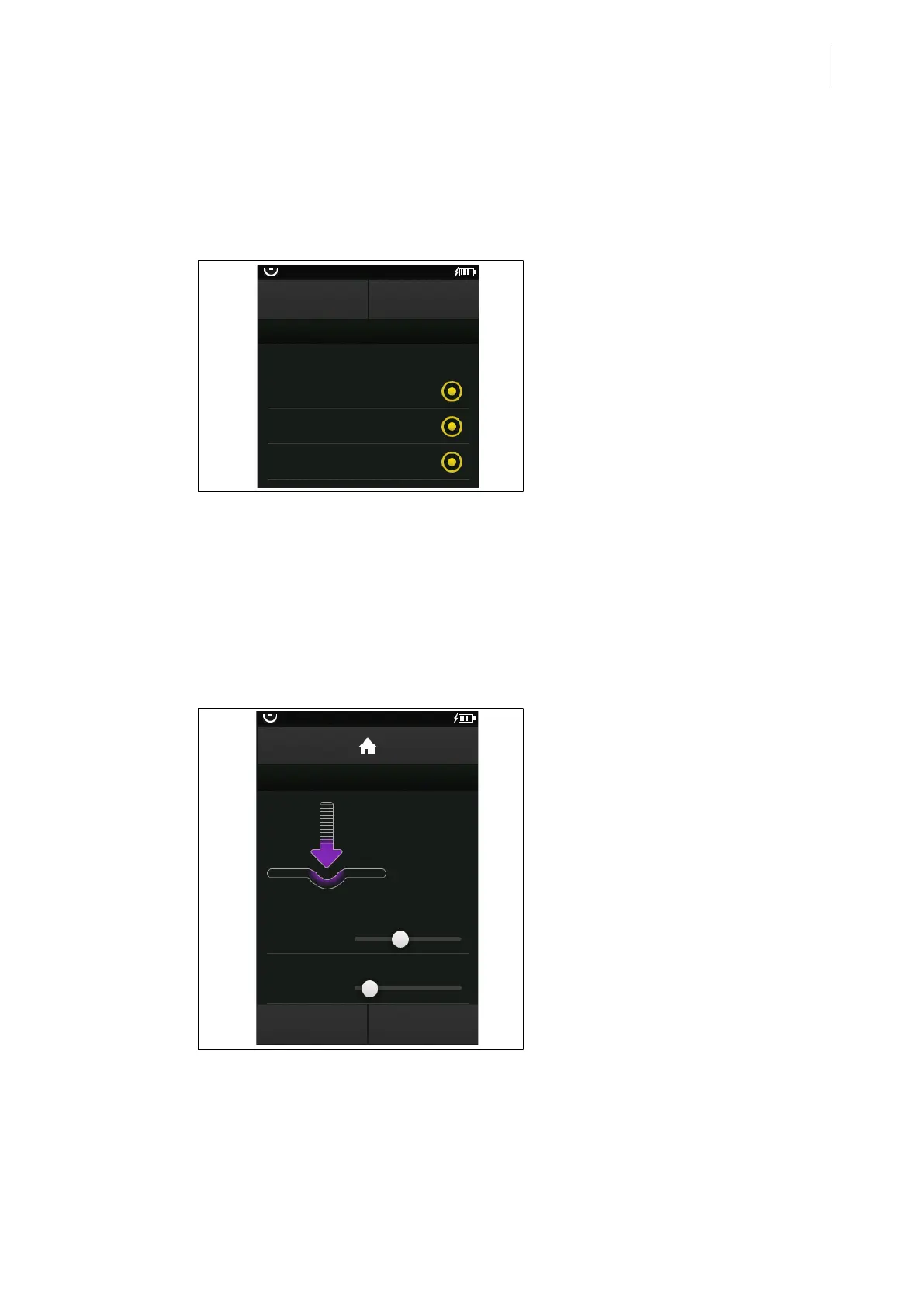
SAFETY SETTINGS
Tipping prevention
Collision detection
Overload detection
Enable / disable safety feature
Fig.44: Safety Settings
Prerequisites:
• The Safety Settings menu is open.
Activate safety function
1. Touch the desired safety function until the
corresponding menu item is illuminated or-
ange.
2. Touch the OK button.
Ø The selected safety function is activ-
ated.
Deactivate safety function
1. Touch the desired safety function until the
corresponding menu item is greyed out.
2. Touch the OK button.
Ø The selected safety function is deactiv-
ated.
5.3.9 [Decubitis timer] menu
OR01-14
DECUBITUS TIMER
Time remaining
Initial interval
Repeating interval
START
TIMER
STOP
TIMER
01:00:00
01:00:00
00:30:00
Fig.45: Decubitus timer
Set the decubitis timer
1. Set the desired time using the slider.
2. If needed, set the desired time for repeti-
tion using the slider.
3. Touch the START TIMER button.
Ø The decubitus timer is set and started.
Ø The remaining time is displayed in the
Decubitus timer menu and on the start
screen.



 To Next Page