5
Operating menu
[OR table positions] menu
50 / 92
1009.25B0
IFU 1009.25 EN 01
3. Touch the Patient orientation NORMAL
button 1 .
- or -
touch the Patient orientation REVERSE
button 2 .
Ø Window with the query Patient
orientation correct? is shown.
4. Touch the OK button.
Ø The selected patient orientation is set.
5.5 [OR table positions] menu
5.5.1 Select a preset OR table position
WARNI NG!
Risk of injury!
Use of the preset OR table positions may cause undesired movements.
Always observe the patient's position when aligning the OR table using preset OR
table positions. If undesired movements occur, release the button and stop the ad-
justment.
NOTE
The preset positions vary depending on the connected OR table. For the available
preset positions, refer to the OR table's instructions for use.
OR01-14
QUICK
MEMORY
OR TABLE
POSITIONS
Standard positions
BEACH CHAIR FLEX REFLEX
BACK
HORIZONTAL
EXAMINATION
USER-DEF.
POSITION
USER-DEF.
SEQUENCE
Individual positions
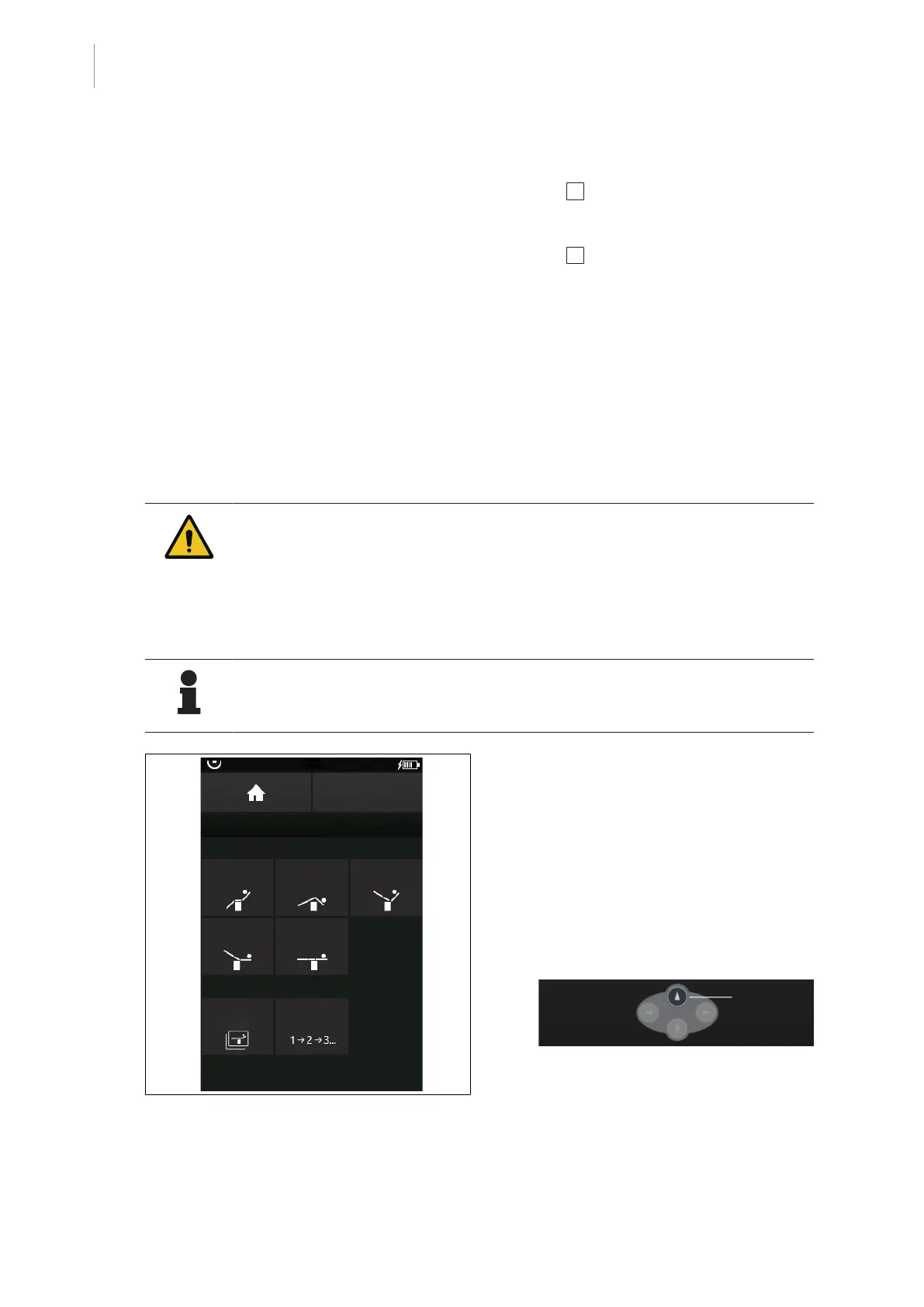
Fig.49: Available OR table positions
Prerequisites:
• Start screen is open.
1. Touch the OR TABLE POSITIONS button.
Ø The window with default operating table
positions is shown.
2. Select the desired operating table position.
Ø The Move to position window and the
following operating notification are dis-
played.
3. To move to the selected OR table position,
press the highlighted multifunction button
[Up] on the control device.
Ø The selected OR table position will be
approached.



 To Next Page