5
Operating menu
Main menu [Menu]
36 / 92
1009.25B0
IFU 1009.25 EN 01
5.3.2.2 Selecting the zero-position variant
NOTE
Please observe further information on how to carry out the zero-position/zero-posi-
tion variants [8Page63] .
OR01-14
CANCEL OK
ZERO-POSITION VARIANTS
Standard
Fast
Standard inverted
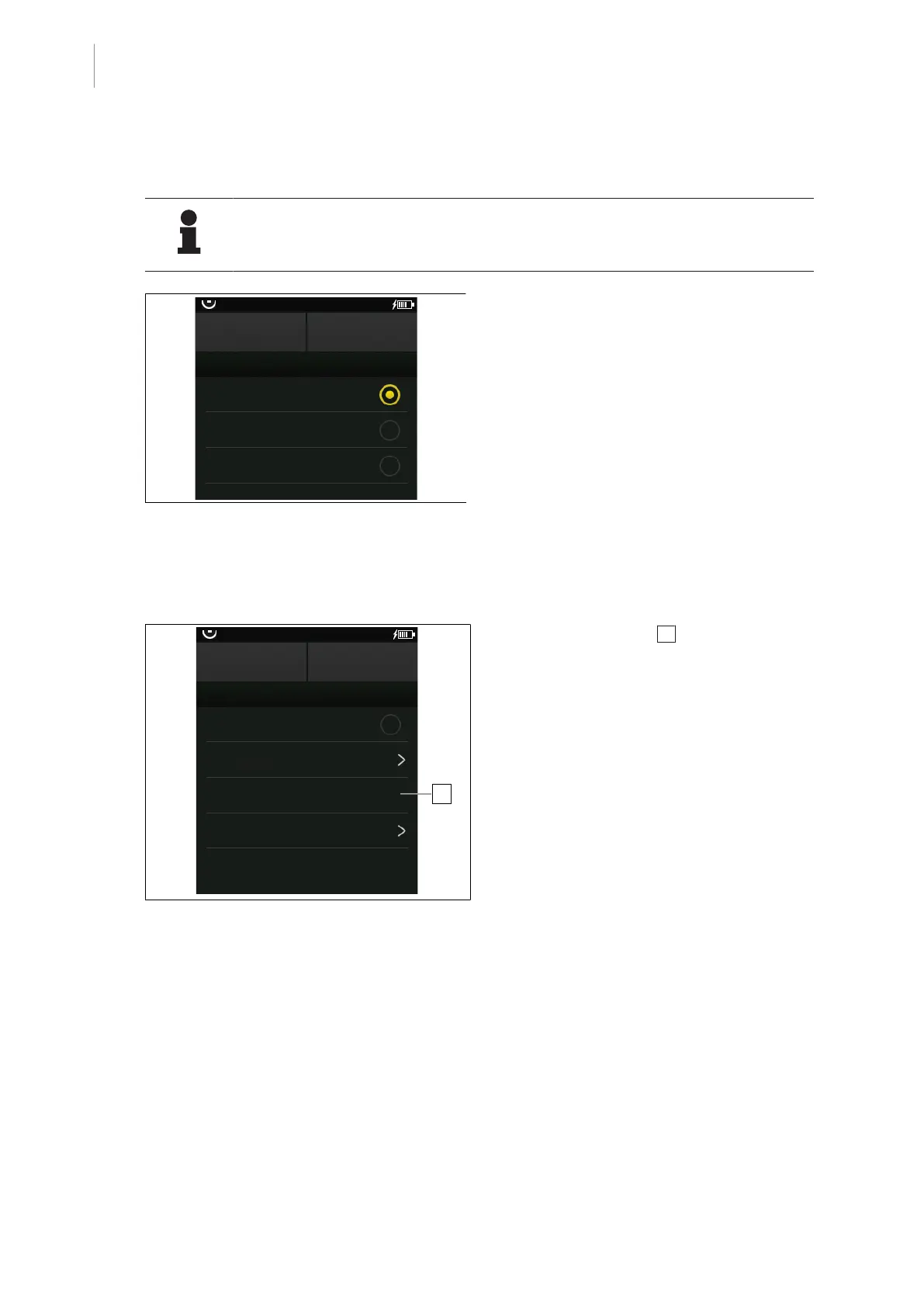
Fig.27: Selecting the zero-position variant
Prerequisites:
• The OR Table Settings menu is open.
1. Touch the Zero-position variants button.
Ø Possible zero-position variants are dis-
played.
2. Touch the desired zero-position variant.
Ø The status display will be illuminated or-
ange.
3. Touch the OK button.
Ø Zero-position variant is set.
5.3.2.3 Display next maintenance
OR01-14
CANCEL OK
OR TABLE SETTINGS
Sound ON
Zero-position variants
Next maintenance
00.00.0000
Connected Functions
OR Table Information
1
Fig.28: Next maintenance
The OR Table Settings 1 menu displays the
date for the next maintenance of the OR table.



 To Next Page