5
Operating menu
Main menu [Menu]
34 / 92
1009.25B0
IFU 1009.25 EN 01
5.3.1.3 Disconnect the OR table
1
OR01-14
CANCEL
Disconnect from OR table
Remote connected to
OR-01 14
IR code: 14
DISCONNECT
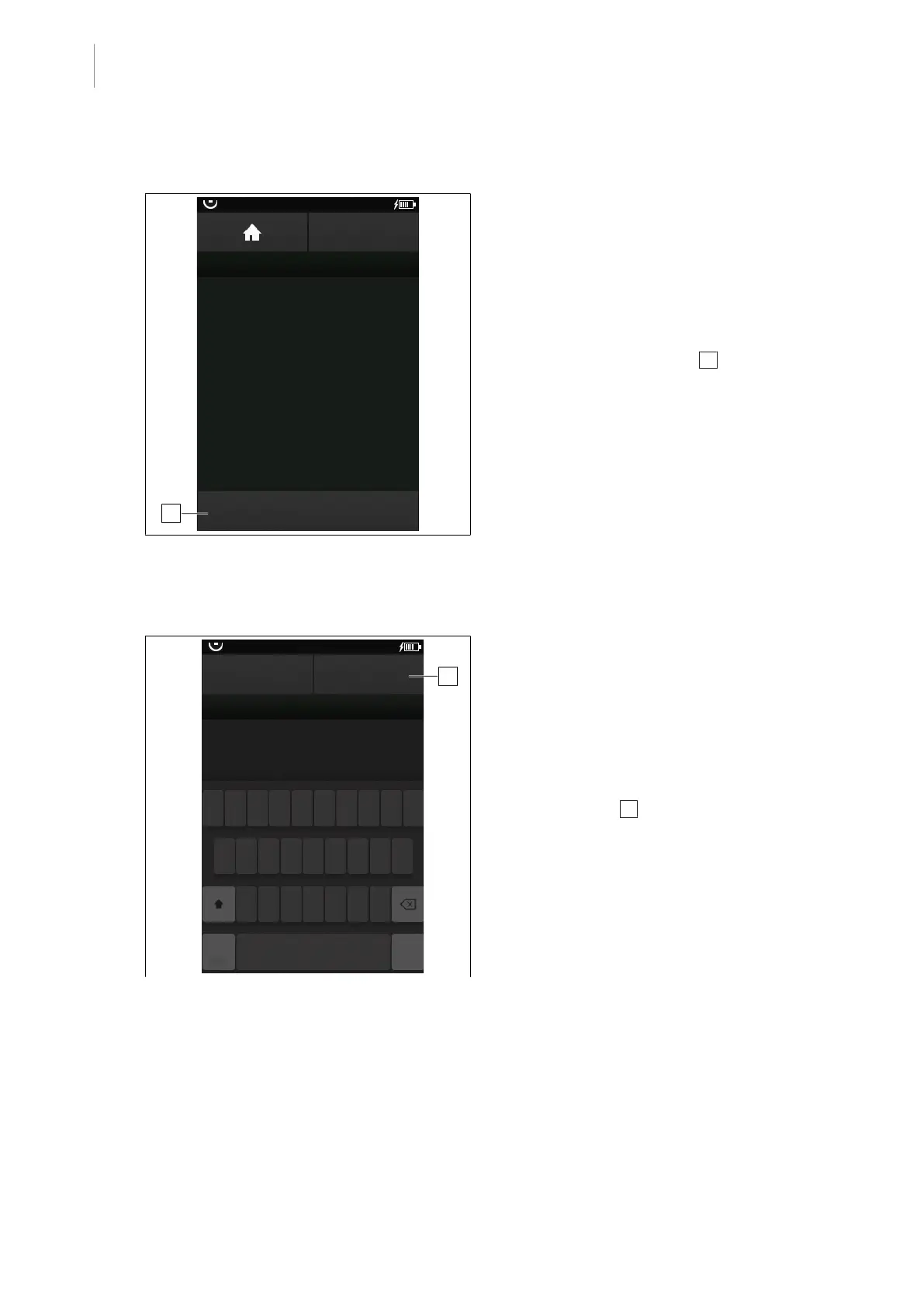
Fig.23: Disconnect the OR table
Prerequisites:
• The OR Table Connection menu is open.
1. Touch the Disconnect from OR table
button.
Ø Window with connected table and asso-
ciated IR code is displayed.
2. Touch the DISCONNECT 1 button.
Ø Operating table is disconnected.
5.3.1.4 OR table is renamed
1
CANCEL
OR01-14
OK
OR TABLE NAME
Enter OR table name
123 ...
q w e r t z u i o p
a s d f g h j k l
y x c v b n m
OR-01:
Fig.24: Rename OR table
Prerequisites:
• The OR Table Connection menu is open.
1. Touch the Rename OR table button.
Ø Window with operating table name and
virtual keyboard is displayed.
2. Enter the name of the operating table.
3. Touch the OK 1 button.
Ø Operating table has been renamed.



 To Next Page