5
Operating menu
Main menu [Menu]
40 / 92
1009.25B0
IFU 1009.25 EN 01
5.3.3.5 Set the date / time
OR01-14
CANCEL OK
DEVICE SETTINGS
Brightness
Language
Reset
Log files
Date / Time
System information
Sleep Mode
Deutsch
1
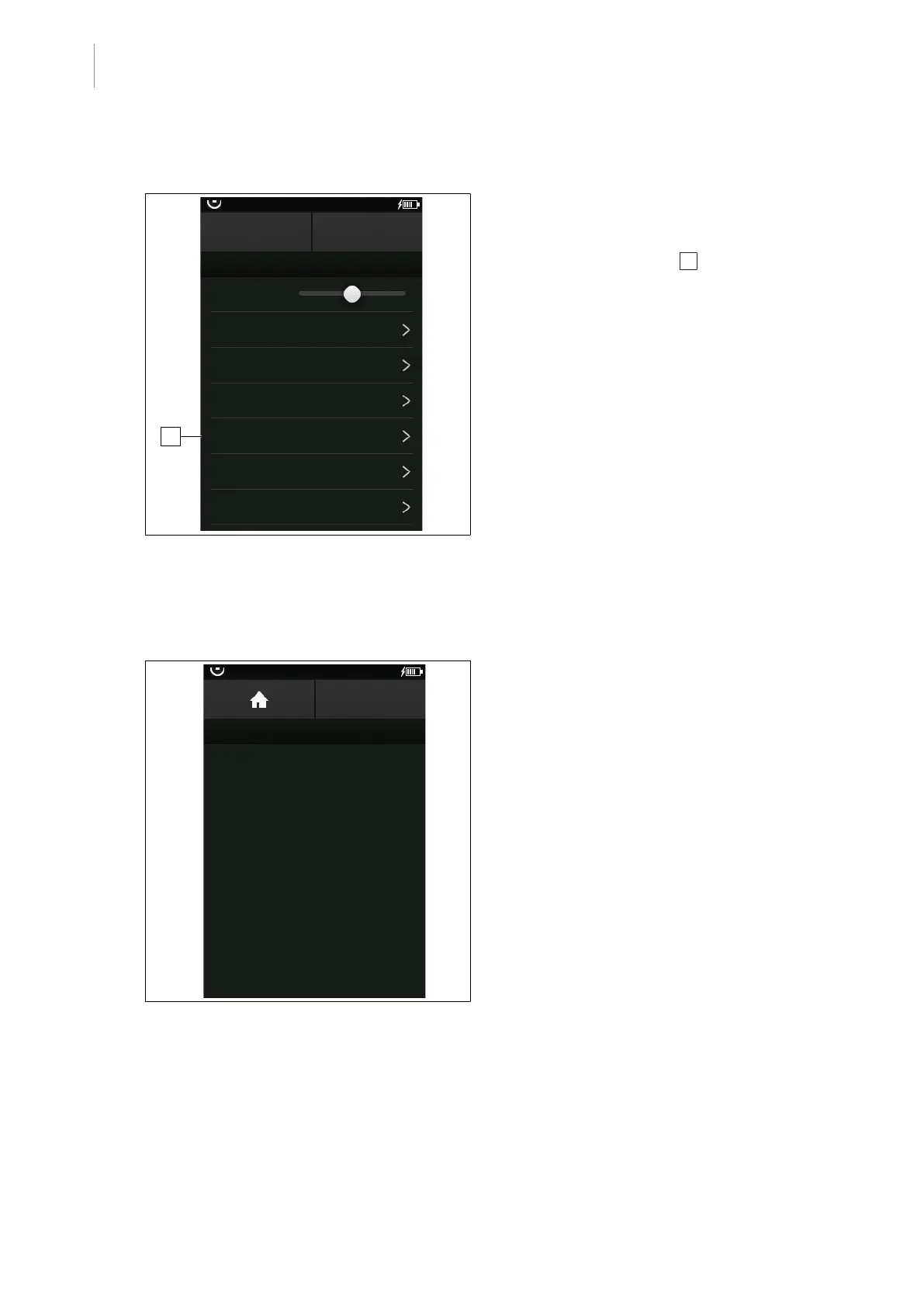
Fig.35: Set the date / time
Prerequisites:
• The Device Settings menu is open.
1. Touch the Date / Time 1 button.
Ø The window for entering the date and
time is displayed.
2. Enter the following information in the re-
spective window and confirm each time
with the OK button.
• Year
• Month
• Date
• Hour
• Minutes
Ø Date and time are set.
5.3.3.6 Calling up system information
System information can be accessed via the menu item System information.
SYSTEM INFORMATION
BACK
OR01-14
GUI version: 0.0.0
COM version: 0.0.0
StatTxOk: 0 Err: 0
StatRxOk: 0 Err: 0
StatCrcErr: 0
Bat. pcharge: 0 mAh, cycle count: 0
Bat. t2empty: 0 min, SoH: 0 %
Date / Time: 2010-01-01-00-00
HW-ID Main: 0 IR: 0 KEY: 0 LCD: 0
StatTxOk: 0 Err: 0
StatRxOk: 0 Err: 0
StatCrcErr: 0
Fig.36: Access system information
Prerequisites:
• The Device Settings menu is open.
1. Touch the System information button.
Ø System information (e.g. software ver-
sion) are shown.



 To Next Page