Operating menu
Main menu [Menu]
5
1009.25B0
IFU 1009.25 EN 01
39 / 92
5.3.3.3 Resetting the control device
When resetting to factory settings, all data entered by the user is deleted, and the device is reset
to factory settings. The connection to the operating table is deleted and must be re-established
for the operating table to be able to be activated once again using the control device.
OR01-14
CANCEL OK
DEVICE SETTINGS
Brightness
Language
Reset
Log files
Date / Time
System information
Sleep Mode
Deutsch
1
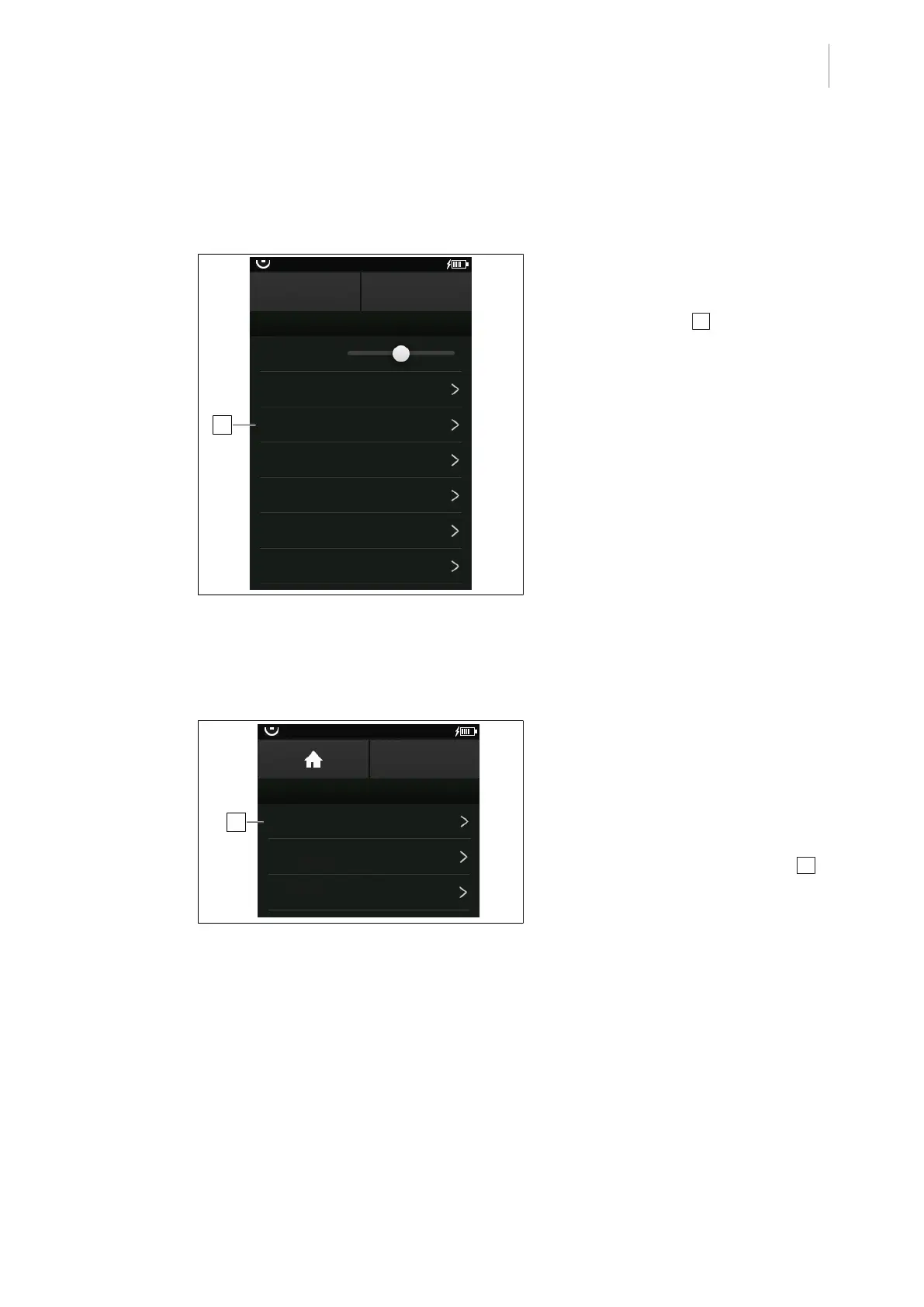
Fig.33: Reset the control device
Prerequisites:
• The Device Settings menu is open.
1. Touch the Reset 1 button.
Ø Window with query is shown.
2. Touch the OK button.
Ø The control device is reset to factory
settings.
5.3.3.4 Open log files
Saved system messages can be accessed via the Log files menu.
1
OR01-14
BACK
LOG FILES
Individual adjustment not possible
Key combination not allowed
Stored position requires
NORMAL patient orientation
Fig.34: Open log files
Prerequisites:
• The Device Settings menu is open.
1. Touch the Log files button.
Ø Recently saved log files of the connec-
ted operating table are displayed.
2. Touch the corresponding log file 1 .
Ø The complete log file and the corres-
ponding error code are displayed.



 To Next Page