Operating menu
[OR table positions] menu
5
1009.25B0
IFU 1009.25 EN 01
53 / 92
5.5.2.2 Save a user-defined operating table position
Depending on the operating table used, several user-defined operating table positions can be
stored in the control device. For further information, refer to the operating table operating instruc-
tions.
OR01-14
STORE
POSITION
BACK
USER-DEFINED POSITIONS
EDIT EDIT
Folder 01
Folder 02
Dr. Kruger
1
Dr. Kruger_02
Folder 03
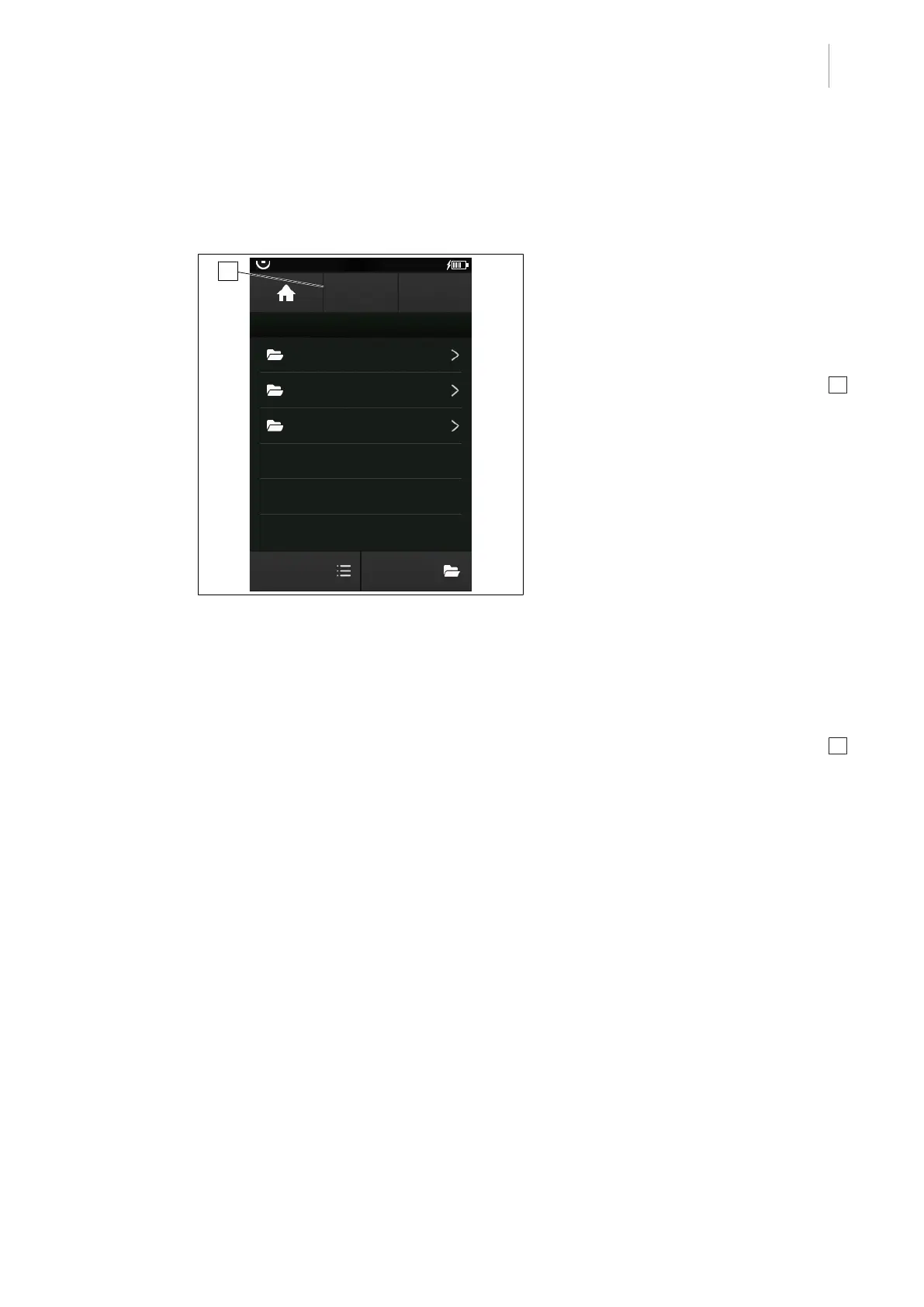
Fig.53: Save new position
Save user-defined OR table positions in a
list
Prerequisites:
• The OR TABLE POSITIONS menu is
open.
1. Touch the STORE POSITION button 1 .
Ø The window for naming the new OR
table position is opened.
2. Enter the name of the new OR table posi-
tion.
3. Touch the OK button.
Ø The new user-defined OR table position
is saved in the list Individual positions
in the menu OR TABLE POSITIONS.
Save a user-defined OR table position in a
list
Prerequisites:
• The USER-DEF. POSITION menu is
open.
1. Touch the STORE POSITION button 1 .
Ø The window for naming the new OR
table position is opened.
2. Enter the name of the new OR table posi-
tion.
3. Touch the OK button.
Ø The new user-defined OR table position
will be saved in the list in the menu
USER-DEF. POSITION.



 To Next Page