5
Operating menu
[OR table positions] menu
52 / 92
1009.25B0
IFU 1009.25 EN 01
1
OR01-14
NEW
FOLDER
EDIT FOLDER
Folder 01
DELETE
FOLDER
Folder 02
BACK
2
3
Folder 03
RENAME
FOLDER
Select folder
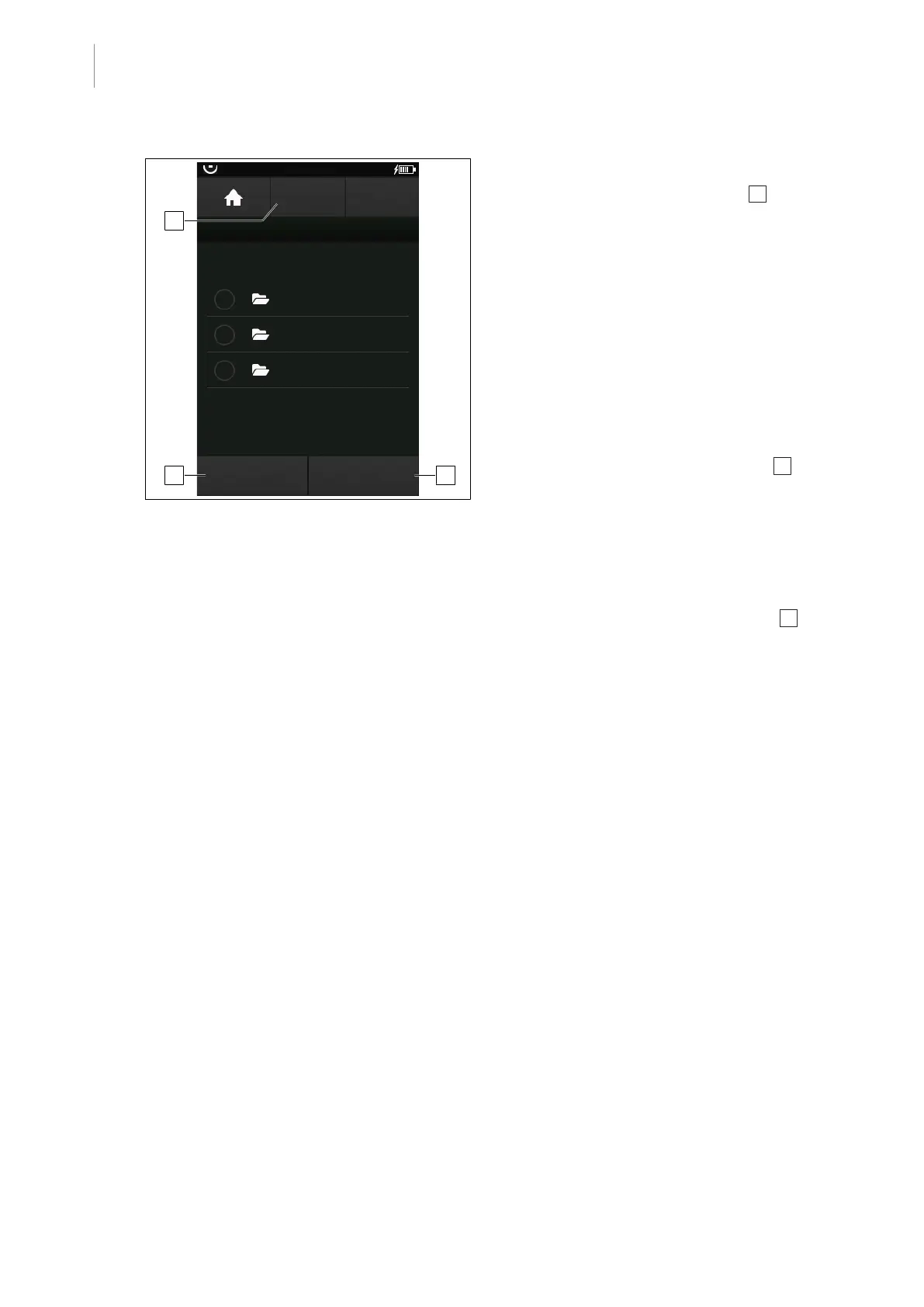
Fig.52: Create, edit, and delete folders for user-
defined OR table position
Creating a folder
1. Touch the NEW FOLDER button 1 .
Ø The window for naming the new folder
is opened.
2. Enter the name for the new folder and
confirm with the OK button.
Ø The new folder with the list with the pre-
viously saved folders is shown.
Deleting a folder
1. Touch the desired folder in the list.
Ø The folder is marked.
2. Touch the DELETE FOLDER button 2 .
Ø Folder is deleted.
Renaming a folder
1. Touch the desired folder in the list.
Ø The folder is marked.
2. Touch the RENAME FOLDER button 3 .
Ø The window for renaming the position is
opened.
3. Enter the new name of the folder and con-
firm with the OK button.
Ø The folder is saved with the new name.



 To Next Page