5
Operating menu
Main menu [Menu]
38 / 92
1009.25B0
IFU 1009.25 EN 01
5.3.3 Menu [Device Settings]
5.3.3.1 Set the brightness on the touchscreen
NOTE
The control device is equipped with a sensor for automatic brightness control on
the right above the touchscreen. Depending on the ambient brightness, the illumin-
ation of the touchscreen and the keyboard is adjusted.
OR01-14
CANCEL OK
DEVICE SETTINGS
Brightness
Language
Reset
Log files
Date / Time
System information
Sleep Mode
Deutsch
1
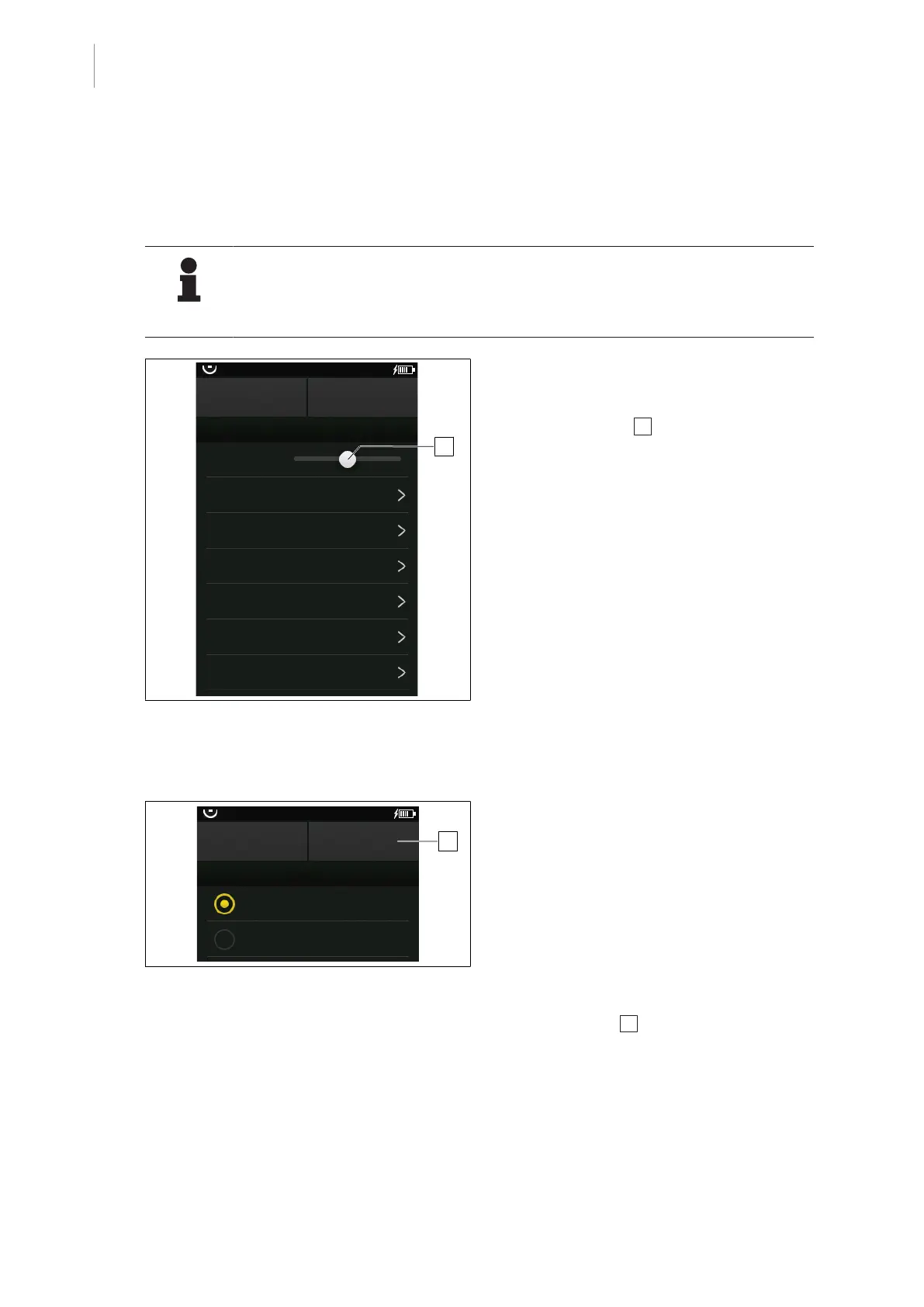
Fig.31: Adjust the brightness
Prerequisites:
• The Device Settings menu is open.
1. Touch the slider 1 and move it to the
right to increase the brightness, or move it
to the left to reduce the brightness.
2. Touch the OK button.
Ø Brightness is set.
5.3.3.2 Set the language
CANCEL
OR01-14
OK
LANGUAGE
Deutsch
English
1
Fig.32: Set the language
Prerequisites:
• The Device Settings menu is open.
1. Touch the Language button.
Ø A window with all available languages
is displayed.
2. Touch the desired language.
Ø The status display next to the selected
language lights orange.
3. Touch the OK 1 button.
Ø The menu Device Settings is shown.
4. Touch the OK button.
Ø The selected language is set.



 To Next Page