Operating menu
Set the patient orientation
5
1009.25B0
IFU 1009.25 EN 01
49 / 92
OR01-14
BACK
FEEDBACK LIGHT
Advanced
Standard
Warnings only
Off
Brightness
HIGHLIGHT
1
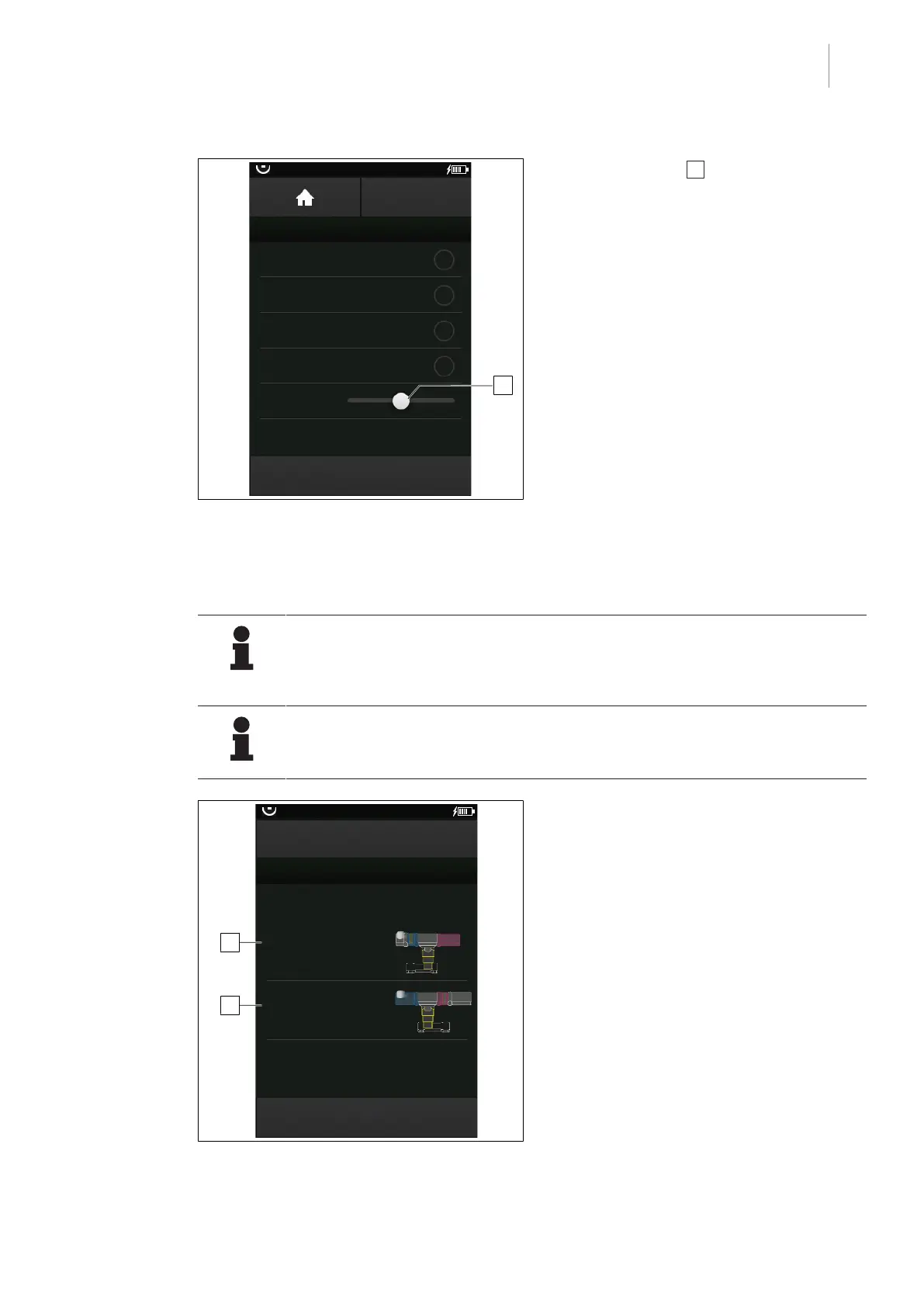
Fig.47: Set the brightness of the feedback lights
1. Touch the slider 1 and move it to the
right to increase the brightness, or move it
to the left to reduce the brightness.
2. Touch the OK button.
Ø The brightness of the feedback lights is
set.
5.4 Set the patient orientation
NOTE
Regardless of the set patient orientation, the displayed patient head on the control
device is always on the left side of the OR table in the blue area on the touch-
screen.
NOTE
The currently set configuration is highlighted in orange on the touchscreen and
marked with (active).
OR01-14
BACK
Patient orientation
NORMAL (active)
Patient orientation
REVERSE
1
2
HIGHLIGHT
PATIENT ORIENTATION
Observe blue dot or table base!
Fig.48: Set the patient orientation
Prerequisites:
• The start screen is opened.
1. Check patient orientation from the cur-
rently connected operating table. Please
refer to the definition of the patient orienta-
tion in the respective operating table in-
structions.
2. Touch the PATIENT ORIENTATION but-
ton.
Ø The window for setting the patient ori-
entation is displayed.



 To Next Page