Operating menu
[OR table positions] menu
5
1009.25B0
IFU 1009.25 EN 01
57 / 92
QUICK MEMORY
BACK
OR01-14
Store current OR table position?
30°
TREND: -20°
TILT: 0°
R: -30°
L: 30°
STORE POSITION
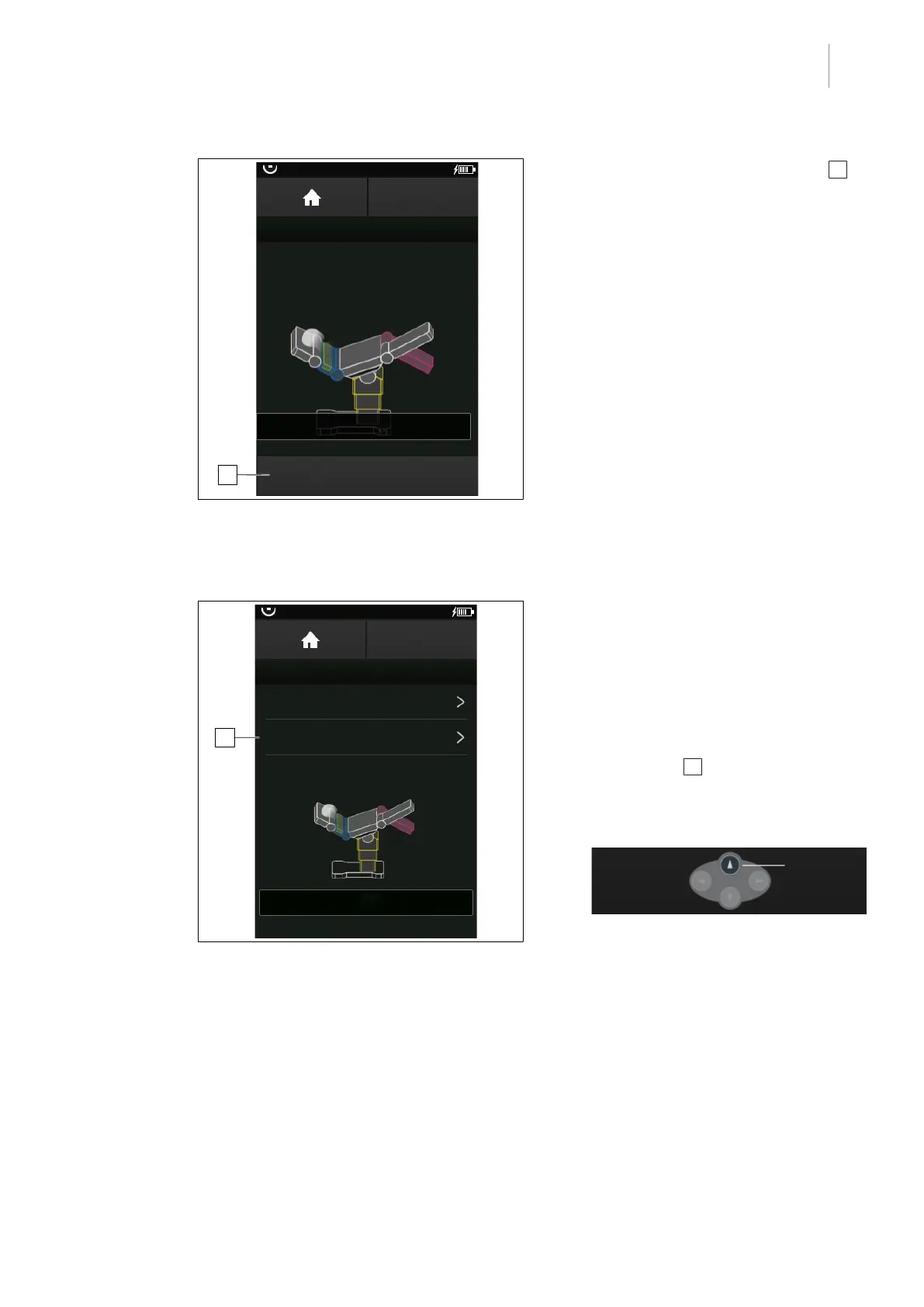
2
Fig.60: Quick-saving a position
3. Touch the STORE POSITION button 2 .
Ø The current OR table position is stored
in the quick-save memory.
5.5.2.6 Move to quick-save memory position
OR01-14
BACK
QUICK MEMORY
Store current OR table position
Move to quick memory position
30°
TREND: -20°
TILT: 0°
L: 30°
R: -30°
1
Fig.61: Move to quick-save memory position
Prerequisites:
• The OR TABLE POSITIONS menu is
open.
1. Touch the QUICK MEMORY button.
Ø The menu QUICK MEMORY is shown.
2. Touch the Move to quick memory
position button 1 .
Ø The MOVE TO POSITION window and
the following operating notification are
displayed.
3. Press the displayed multifunction button
[Up] on the control device.
Ø Moves to selected quick-save position.



 To Next Page