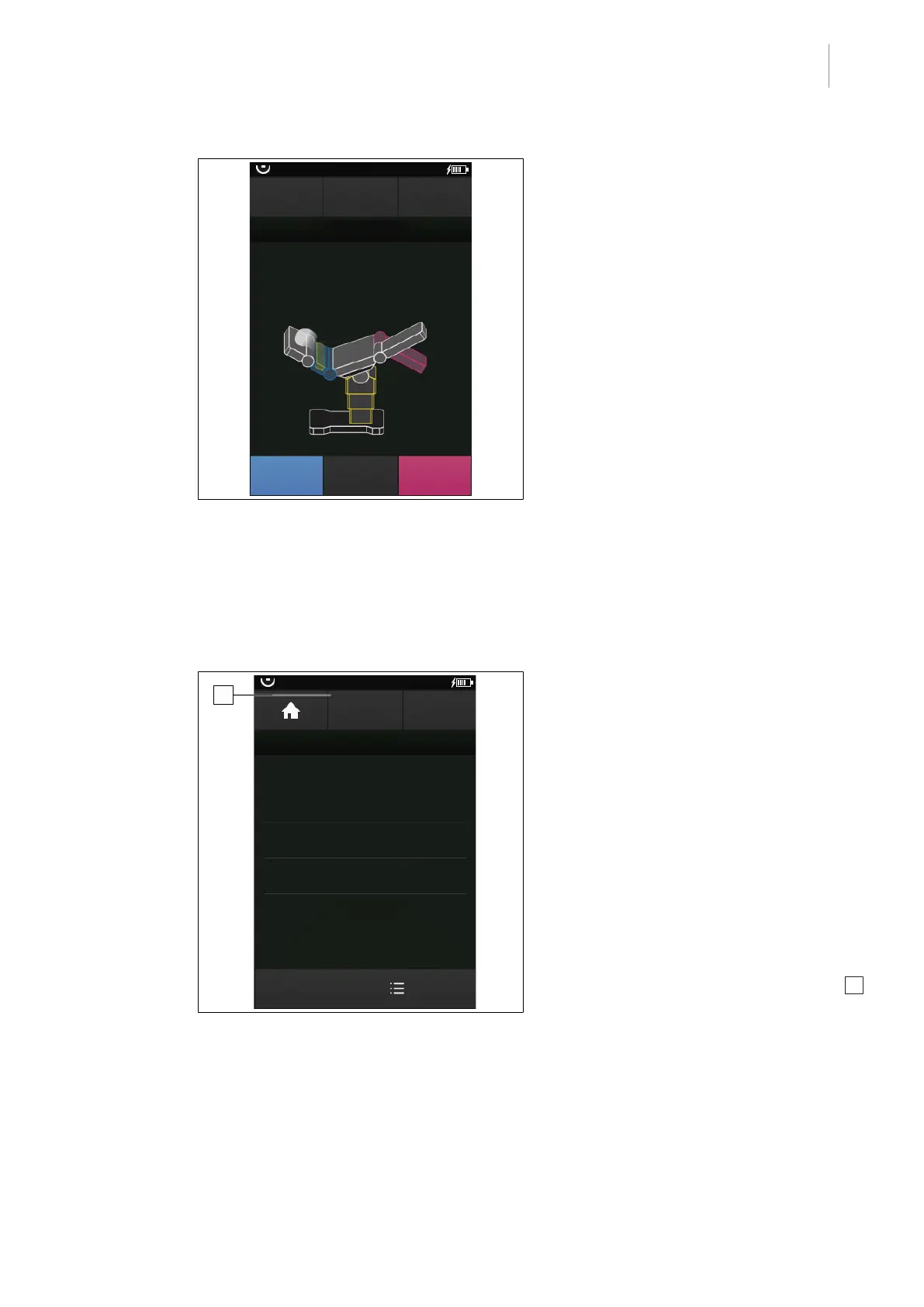
Operating menu
[OR table positions] menu
5
1009.25B0
IFU 1009.25 EN 01
59 / 92
OR01-14
SAVE
WAYPOINT
SAVE
SEQUENCE
RECORD SEQUENCE
SELECT
Waypoint
CANCEL
1.
Fig.63: Save sequence
2. Adjust the operating table using the but-
tons on the operating device.
Once the desired intermediate position is
reached:
3. Touch the SAVE WAYPOINT button.
Ø The intermediate step has been saved.
Ø The next intermediate position can be
approached.
4. Adjust the operating table further and save
corresponding intermediate positions.
Once the desired end position has been
reached:
5. Touch the SAVE SEQUENCE button.
Ø The window for naming the new se-
quence is opened.
6. Enter the name of the new sequence.
7. Touch the OK button.
Ø The new sequence is saved in the list in
the USER-DEF. ADJUSTMENT
SEQUENCES menu.
SAVE
SEQUENCE
OR01-14
USER-DEF. ADJUSTMENT SEQUENCES
EDIT
Folder "01"
Dr. Kruger_03
Dr. Kruger
Dr. Kruger_02
BACK
1
Fig.64: Create the new sequence in a folder
Create a new sequence and save it in a
folder
Prerequisites:
• The USER-DEF. ADJUSTMENT
SEQUENCES menu is open.
• The folder is created [8Page51].
• The table top is aligned horizontally
[8Page63].
1. Touch the corresponding folder.
Ø The folder is opened.
Ø Previously saved sequences are dis-
played.
2. Touch the CREATE NEW SEQUENCE 1
button.
Ø The window for creating a new se-
quence is opened.
3. Adjust the operating table using the but-
tons on the operating device.
Once the desired intermediate position is
reached:



 To Next Page